
Six tactile materials
Choose Felt, Bouclé, Pebbled, Fine grit, Soft grid, or Line grid to shape the tactile pattern applied to supported interactions.

FeelMyMac is a macOS utility that adds configurable haptic patterns and optional sound to compatible trackpad movement, scrolling, taps, clicks, and—under the full license—typing. It is designed for Mac users who want additional sensory feedback while keeping familiar gestures and local processing.
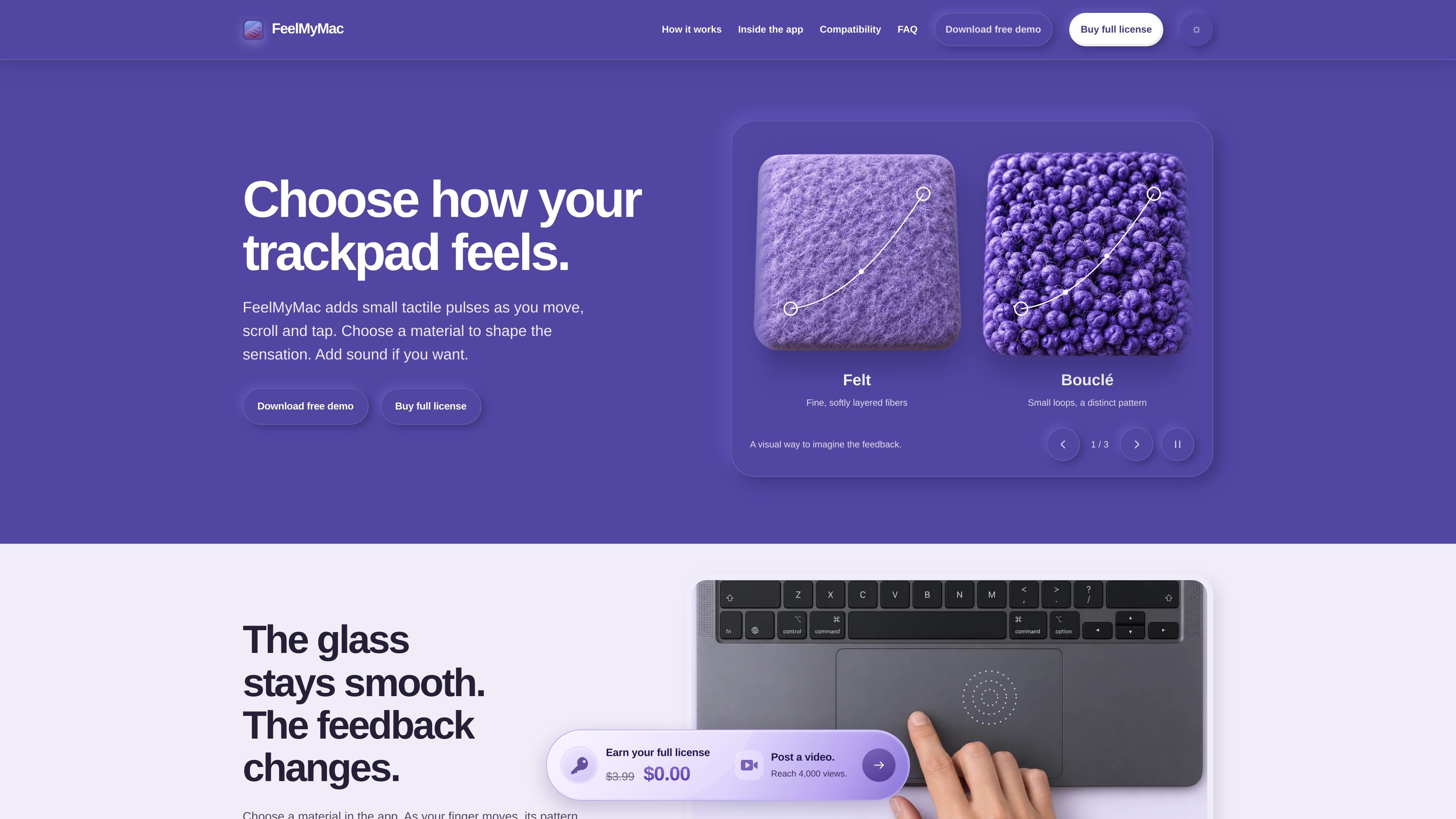
FeelMyMac is a macOS utility that adds configurable haptic feedback and optional sound to compatible trackpad interactions. It maps selected gestures to tactile patterns based on materials such as Felt, Bouclé, Pebbled, Fine grit, Soft grid, and Line grid, while the trackpad surface itself remains physically smooth.
The app is intended for Mac users who want more sensory feedback from cursor movement, two-finger scrolling, tapping, or typing without changing their normal gestures. Feedback paths can be enabled separately, and interactions are processed locally on the Mac. Haptic and Material feedback require a locally verified compatible trackpad; click and keyboard sound have broader support on supported Intel Macs.
Choose Felt, Bouclé, Pebbled, Fine grit, Soft grid, or Line grid to shape the tactile pattern applied to supported interactions.
Enable or disable cursor movement, two-finger scrolling, and tap-to-click feedback independently, so only selected inputs are monitored.
Adjust response strength and comfort settings, and tune pattern spacing with the full license while viewing how the surface is sampled.
Use separate controls for material, click, and keyboard audio. Sound profiles, tone adjustment, and keyboard sound are available with the full license; keyboard feedback is audio only.
The app works with familiar Mac gestures rather than adding new gestures, and it can provide a tactile cue for tap-to-click plus audio for primary and secondary clicks.
Enable movement feedback and choose a material to make ordinary pointer travel produce a subtle tactile pattern, while keeping scrolling and tap feedback disabled if preferred.
Turn on two-finger scrolling feedback and adjust its strength for a more noticeable physical rhythm while moving through long pages or documents.
Use the independent tap-to-click control to add a cue to taps without changing the response assigned to cursor movement or scrolling.
Keep haptics off or combine them with material, click, or keyboard audio according to the desired setup. Keyboard feedback is audio only and requires the full license.
The demo runs offline with no time limit and needs no account, email address, payment card, online activation, or automatic renewal. It includes Felt and Bouclé, movement, scrolling and tap feedback, comfort controls, and the Melodic sound profile.
Download the DMG, move Feel My Mac to Applications, and open it. If an enabled interaction requests permission, enable Feel My Mac in System Settings → Privacy & Security → Accessibility, then return to the app and choose the interactions you want monitored.
FeelMyMac requires macOS 15.1 or later. Haptic and Material feedback are currently validated on Apple-silicon Macs with a locally verified compatible trackpad. The current USB-C Magic Trackpad is listed for verification; other trackpads are checked locally. Independent click and keyboard sound can also run on supported Intel Macs.
The full license costs $3.99 USD as a one-time payment and is perpetual, with future updates included. After checkout, copy the key from the delivery email into the app and activate it while connected to the internet. The license is verified periodically and supports up to 30 days offline after a successful check.
Enabled interaction events and settings are processed locally on the Mac. The developer says the app does not receive app-usage analytics, interaction history, or diagnostics. Downloading or checking for updates requires a connection, while using the installed demo does not.

MacSpoof cambia o randomizza l’indirizzo MAC Wi‑Fi su macOS: riconnettiti alle reti e limita la registrazione dell’identità su Wi‑Fi pubbliche.

DemoTV is an audience-ranked station for discovering and comparing independent product demos. Founders can submit videos, embed approved demos on their websites, collect viewer inquiries and optionally commission demo production or labelled promotion without buying ranking.

Ship It: Idle Dev Tycoon is an iPhone incremental simulation game about building apps, managing a software studio, and selling it for lasting progression benefits. It supports offline play, automated builds, adviser collection, and optional in-app purchases.

NomNak è un’app gratuita per iPhone per scoprire ristoranti grazie ai consigli degli amici, con spot salvati, food passport e ricerca città.

CAPTA is a mobile GPS waypoint app for quickly saving, organizing, and revisiting locations. It supports offline use, camera-based coordinate capture, optional cross-device synchronization, and GPX export for fishermen, explorers, and field professionals.

Ctrl+Shift+3 is a calm, text-first community platform with a chronological feed, profiles, RSS, and private groups called Clicks. It is built for reading, posting, and joining smaller communities without algorithmic ranking or vanity counts.