
Project and session management
Organizes sessions by working directory, distinguishes git worktrees, preserves full history, and lets users resume sessions with one click, including sessions started in the muse terminal TUI.

Helicon is a free, MIT-licensed desktop, web, and editor interface for the Muse Code CLI. It helps developers manage projects and sessions, review diffs and approvals, and inspect usage while using their existing muse login and Muse Code access.
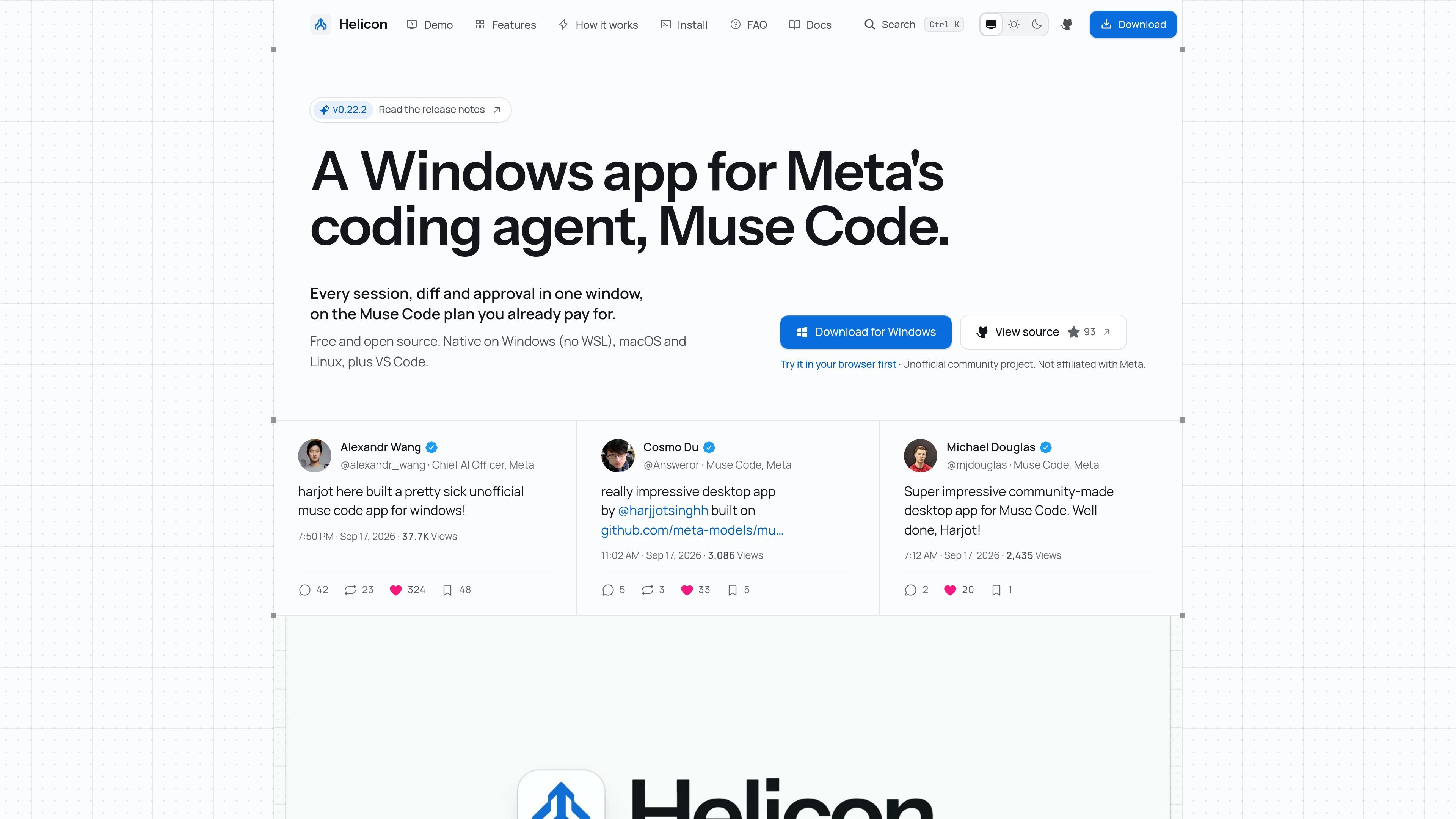
Helicon is a free, MIT-licensed desktop and web interface for the Muse Code command-line tool. It gives sessions a graphical workspace organized around projects, with history, diffs, approvals, and usage information available without replacing the Muse Code models, tools, or subscription.
The application runs locally through a daemon that starts a Muse Code serve host for each workspace and stores state in local SQLite. A Tauri desktop build is available for Windows, macOS, and Linux, while the web build connects to a daemon you run. Helicon also provides an editor side panel for VS Code, Cursor, Windsurf, and Antigravity. It is an unofficial community project and requires a working muse login and Muse Code access.
Organizes sessions by working directory, distinguishes git worktrees, preserves full history, and lets users resume sessions with one click, including sessions started in the muse terminal TUI.
Displays each edit inline in the conversation at the turn where it occurred, with changed-file information available in the editor extension.
Presents command and edit requests as individual approval prompts. Requests remain visible and are not bypassed or batched.
Shows estimated thread costs at published API rates, broken down by thread, day, and model, alongside the plan meter reported by Muse Code. These figures are usage readings, not Helicon invoices.
Runs one Muse Code serve host per workspace through the Muse Code Session Protocol and streams events such as approvals and diffs through a local daemon.
Offers a Tauri desktop app for Windows, macOS, and Linux, a browser interface connected to a daemon, and an editor side panel for VS Code, Cursor, Windsurf, and Antigravity.
Use the desktop application to keep multiple repositories or worktrees organized by directory, inspect earlier conversations, and resume the right session without searching terminal scrollback.
Work in a browser against a daemon running on your own machine or server when a separate desktop window is not the preferred interface. The browser uses the same React interface and Muse Code sessions.
Use the approval queue and inline diffs to review proposed shell commands and file edits as they arrive, allowing or rejecting each request before it runs.
Open the Helicon panel in an editor to keep threads beside the active project, search prior conversations, review changed files, and start a thread without switching to a standalone app.
Use the event stream and session history to follow parallel agent activity and return to completed or active work with the surrounding project context preserved.
Helicon is free and MIT licensed, with no paid tier, trial, seats, or account. You still need a Muse Code subscription or eligible pay-as-you-go billing because Helicon drives the muse CLI.
Install and sign in to the muse CLI with muse login, then install Helicon. The Windows app, macOS DMG, and Linux AppImage are available; the web app connects to a daemon you run. The desktop app bundles Node.js, while running from source requires Node 22 or newer.
Yes. Helicon has a Windows installer and runs Muse Code natively on Windows. Muse Code inside WSL2 is also supported with two-way path translation; the Windows installer is not code-signed yet, so SmartScreen may display a warning.
Yes. Helicon provides an extension for VS Code, Cursor, Windsurf, and Antigravity. It opens a side panel for the active folder and uses the editor's local Node runtime to run Helicon's local server and muse serve.
Helicon is an unofficial community project. It is MIT licensed and not made, sponsored, or endorsed by Meta. It is a client for the Muse Code CLI and is unrelated to the Muse assistant app for Mac.

ByteAsk is a terminal-first AI coding agent for C and C++ that edits repositories and verifies changes with the real compiler, debugger, sanitizers, and tests before showing a diff. It offers a free tier plus paid plans, with editor connectors and zero-retention handling described in the source.

GitBot is a local browser-based workspace for creating reusable coding bots powered by Claude Code, Codex, or OpenCode. It helps developers run those agents across repository folders with persistent threads and configurable permissions.

Ghost è un assistente AI da terminale per chattare, generare codice ed eseguire task da riga di comando. Include modelli gratuiti, supporta Linux, macOS e Windows, ed è open source.

Vi3ecode is a maintained development environment for working with AI coding agents. It keeps project context, terminal, Git, memory, flows, review, and communication connected around the agent you already use.

CreateOS Sandbox is an isolated compute environment for running code and agent workloads inside Firecracker micro-VMs. It is designed for workflows that need machine-level isolation, private networking between sandboxes, and programmatic control through SDK, CLI, or MCP.

hob is an independent workspace for coding agents that keeps agent sessions, terminals, history, and follow-up work organized around the tools and providers you already use. It is aimed at developers who want local control over routing, history, and workspace structure rather than a bundled model stack.