
MCAP-based multimodal pipeline
Process multimodal episodes that can combine video, state, actions, timestamps, and metadata from many recording systems, with MCAP as the v1 input and output boundary.

HFlow is an open source SDK for building multimodal data-quality, processing, enrichment, and curation pipelines for robotics and physical AI. It helps robotics teams turn recorded episodes into quality-checked, queryable datasets with provenance and catalog-backed curation.
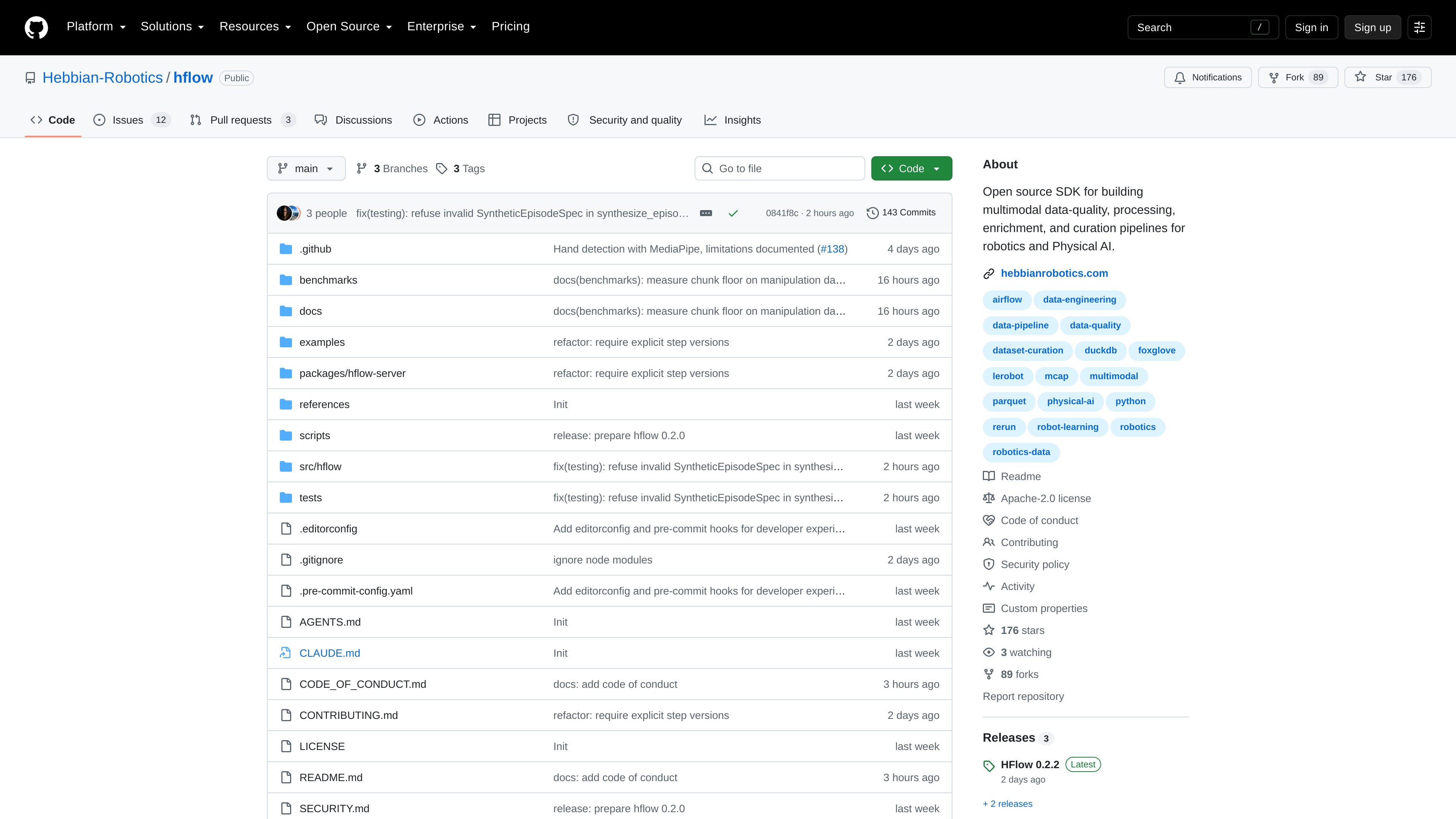
HFlow is an open source SDK for building multimodal data-quality, processing, enrichment, and curation pipelines for robotics and physical AI. The documentation describes it as production-grade data tooling for turning landed recordings into canonical, quality-checked, queryable datasets.
The project focuses on a common robotics data problem: recordings can include video, state, actions, timestamps, and metadata from multiple systems, but teams need a reliable way to validate quality, run transforms, trace provenance, and curate manifests. HFlow provides that lifecycle around standard MCAP episodes, with Python-based processing steps, catalog-backed evidence, and curation through DuckDB SQL.
Process multimodal episodes that can combine video, state, actions, timestamps, and metadata from many recording systems, with MCAP as the v1 input and output boundary.
Run built-in checks or add your own Python transformations, checks, labels, and enrichments, while keeping existing processing code in your own environment.
Keep track of how each output was produced with provenance data, schema and tool versions, source URIs when available, and catalog records tied to step versions.
Render the workflow as a graph through Airflow DAGs so teams can inspect task status, logs, retries, and reruns during scheduled execution.
Store metadata, quality evidence, tags, version stamps, and artifact locations in a Parquet catalog so corpus-wide questions can be answered with DuckDB without opening each recording.
Support both a local single-tenant workspace with Docker Compose and deployment into an existing Airflow 3 environment, keeping the data plane separate from control-plane concerns.
Validate landed robot recordings by checking for issues such as frozen cameras, drifted streams, missing topics, or duplicate episodes before the data moves downstream.
Convert existing scripts into a more auditable pipeline by adding transforms, checks, labels, and enrichments while keeping the underlying Python code and step logic familiar.
Create curated dataset manifests for training or analysis by querying the catalog, inspecting quality evidence, and writing version-pinned outputs without loading each MCAP file.
Operate the same pipeline locally during development and then schedule it in an Airflow 3 environment for recurring runs and monitoring.
Investigate how a result was produced by tracing provenance, step versions, and artifact locations back through the pipeline graph and catalog records.
HFlow is an open source SDK for building multimodal data-quality, processing, enrichment, and curation pipelines for robotics and physical AI. It is aimed at teams that work with recorded robot or sensor data and need a structured way to turn it into curated datasets.
The repository describes HFlow as pre-v1, with the core lifecycle working end to end. It is ready to try locally, and the project points readers to the implementation status and open issues for current details.
HFlow starts from one multimodal episode per supported standard MCAP file. It can run transforms, quality checks, labels, and enrichments, then write canonical MCAP output, provenance, artifacts, and a Parquet catalog for curation.
The open-source deployment can run as a single-tenant workspace with the included Docker Compose runtime, or as generated Airflow 3 DAGs in an Airflow environment you already operate. The repository also notes a local quickstart and a bundled quickstart.
The source text does not list a fixed integration catalog in the extracted page text. It does mention Python transforms, Airflow 3 DAG generation, DuckDB SQL for curation, the MCAP format, and compatibility with tools such as Foxglove and Rerun for opening MCAP data.

ByteAsk is a terminal-first AI coding agent for C and C++ that edits repositories and verifies changes with the real compiler, debugger, sanitizers, and tests before showing a diff. It offers a free tier plus paid plans, with editor connectors and zero-retention handling described in the source.

Manta AI is an autonomous web app testing tool for teams that want to map application behavior, catch regressions, and generate tests without writing scripts or maintaining selectors. It works from a URL and supports plain-English test flows, run results with screenshots, and scheduled or deployment-triggered checks.

Mindcase is a web data API and console for extracting structured data from websites and major online platforms. It helps users retrieve clean rows of data through prompt or API access, with prepaid per-record billing.

CreateOS Sandbox is an isolated compute environment for running code and agent workloads inside Firecracker micro-VMs. It is designed for workflows that need machine-level isolation, private networking between sandboxes, and programmatic control through SDK, CLI, or MCP.

GitBot is a local browser-based workspace for creating reusable coding bots powered by Claude Code, Codex, or OpenCode. It helps developers run those agents across repository folders with persistent threads and configurable permissions.

hob is an independent workspace for coding agents that keeps agent sessions, terminals, history, and follow-up work organized around the tools and providers you already use. It is aimed at developers who want local control over routing, history, and workspace structure rather than a bundled model stack.