
AI Code Generation
Describe an app in plain English and LaraCopilot generates production-ready Laravel code, including controllers, models, migrations, and tests.

LaraCopilot is a Laravel AI code generator and assistant that helps developers build, refine, and deploy Laravel apps from plain-English prompts. It supports existing repositories, Laravel-specific conventions, and one-click deployment to common hosting targets.
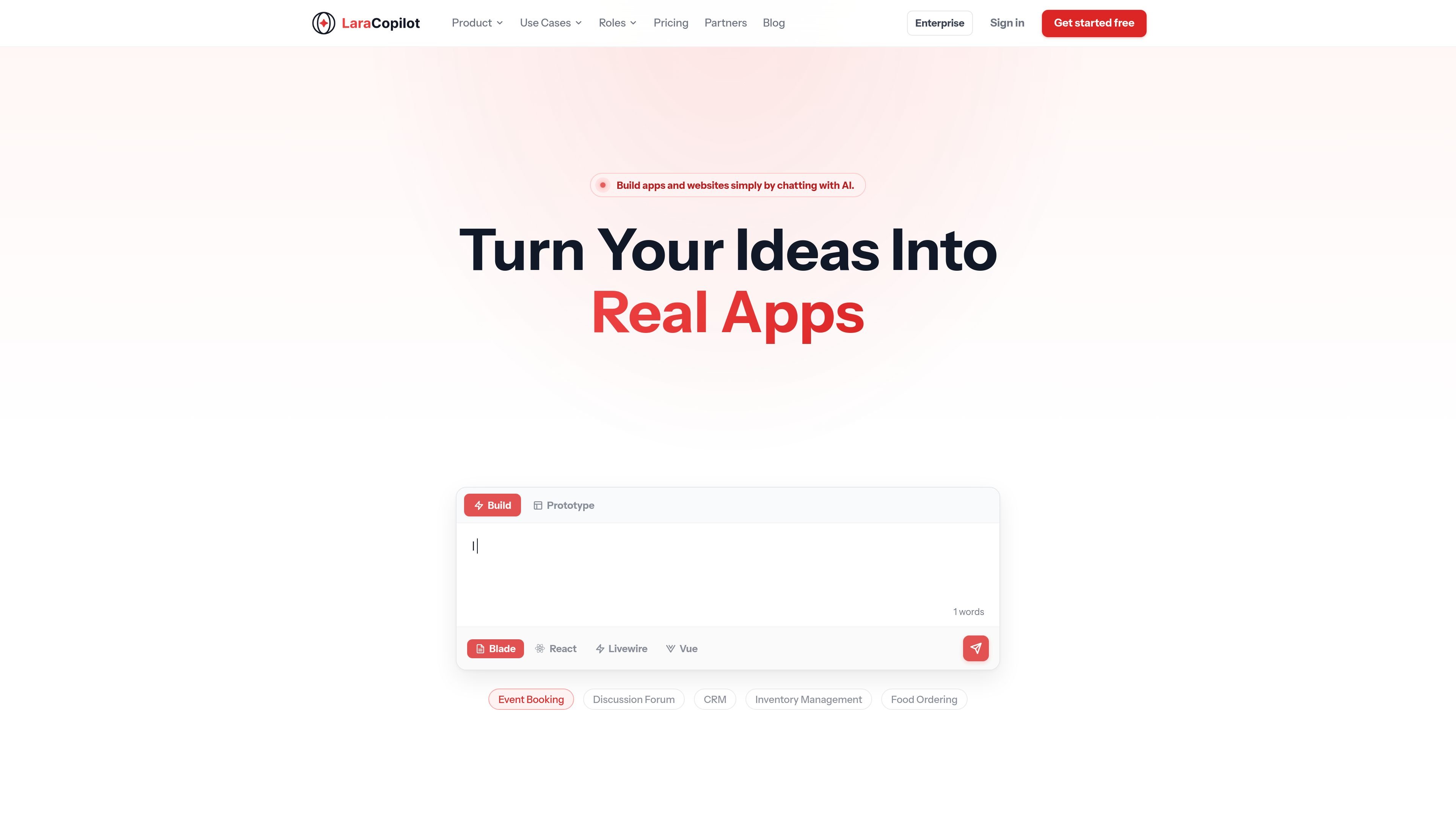
LaraCopilot is a Laravel AI code generator and assistant for developers who want to turn product ideas into working applications faster. It uses natural-language prompts to generate Laravel code and also supports review, refinement, and deployment from the same workflow.
The product is built around Laravel-specific knowledge rather than generic PHP output. It states support for Laravel 9 through 12 and references the broader ecosystem, including Eloquent, Blade, Livewire, Inertia, Sanctum, Nova, and common hosting targets such as Laravel Cloud, Forge, Ploi, and custom SSH servers.
Describe an app in plain English and LaraCopilot generates production-ready Laravel code, including controllers, models, migrations, and tests.
The system is built around Laravel concepts and understands Eloquent, Blade, Livewire, Inertia, Sanctum, Nova, and first-party packages.
Paste existing code and LaraCopilot can add types, apply SOLID principles, and align code with current Laravel conventions.
Connect to Laravel Cloud, Forge, Ploi, or an SSH server and deploy directly from the product, with migrations and queue restarts handled automatically.
Invite teammates, share projects, and work with role-based access control plus an audit log for collaboration.
Link GitHub, GitLab, Bitbucket, or Telegram for repository context and deployment notifications.
Use plain-language prompts to generate a Laravel application scaffold with controllers, models, views, migrations, tests, and related files in one workflow.
Connect an existing GitHub, GitLab, or Bitbucket repository to get context-aware suggestions that fit the project’s current models, routes, and logic.
Refactor pasted code into a more idiomatic Laravel style, with types, SOLID-oriented structure, and up-to-date conventions.
Deploy a finished feature or application directly to Laravel Cloud, Forge, Ploi, or an SSH server, with migrations and queue restarts handled automatically.
Share projects with teammates, assign roles, and review activity through the audit log when multiple people need to work in the same environment.
LaraCopilot supports Laravel 9, 10, 11, and 12. The AI is updated with new releases, and you can set the target version in project settings so the output matches your stack.
Yes. LaraCopilot connects to GitHub, GitLab, or Bitbucket repositories and indexes existing codebases to generate suggestions based on your current models, routes, and business logic.
LaraCopilot generates code with prompts sent to third-party AI providers such as OpenAI and Anthropic. The site says it does not store or train on your code, and transmissions are encrypted in transit and at rest.
It integrates with Laravel Cloud, Forge, Ploi, and custom SSH servers. After code is generated, you can deploy from the chat in one click; the system runs migrations, clears caches, restarts queues, and shows a live build log.
Yes. The site states that all paid plans include a 14-day free trial with no credit card required.

ByteAsk is a terminal-first AI coding agent for C and C++ that edits repositories and verifies changes with the real compiler, debugger, sanitizers, and tests before showing a diff. It offers a free tier plus paid plans, with editor connectors and zero-retention handling described in the source.

Ghost è un assistente AI da terminale per chattare, generare codice ed eseguire task da riga di comando. Include modelli gratuiti, supporta Linux, macOS e Windows, ed è open source.

Vi3ecode is a maintained development environment for working with AI coding agents. It keeps project context, terminal, Git, memory, flows, review, and communication connected around the agent you already use.

CreateOS Sandbox is an isolated compute environment for running code and agent workloads inside Firecracker micro-VMs. It is designed for workflows that need machine-level isolation, private networking between sandboxes, and programmatic control through SDK, CLI, or MCP.

hob is an independent workspace for coding agents that keeps agent sessions, terminals, history, and follow-up work organized around the tools and providers you already use. It is aimed at developers who want local control over routing, history, and workspace structure rather than a bundled model stack.

Manta AI is an autonomous web app testing tool for teams that want to map application behavior, catch regressions, and generate tests without writing scripts or maintaining selectors. It works from a URL and supports plain-English test flows, run results with screenshots, and scheduled or deployment-triggered checks.