
Natural-language Q&A
Ask questions in plain language and get answers without building each NetSuite query manually. The product is positioned around natural-language interaction with ERP data.

MokuBot for NetSuite is a browser-based AI agent that helps users ask natural-language questions, run SuiteQL queries, generate SuiteScript, and manage records inside NetSuite. It is available as a Chrome extension with a free 30-day trial and paid plans.
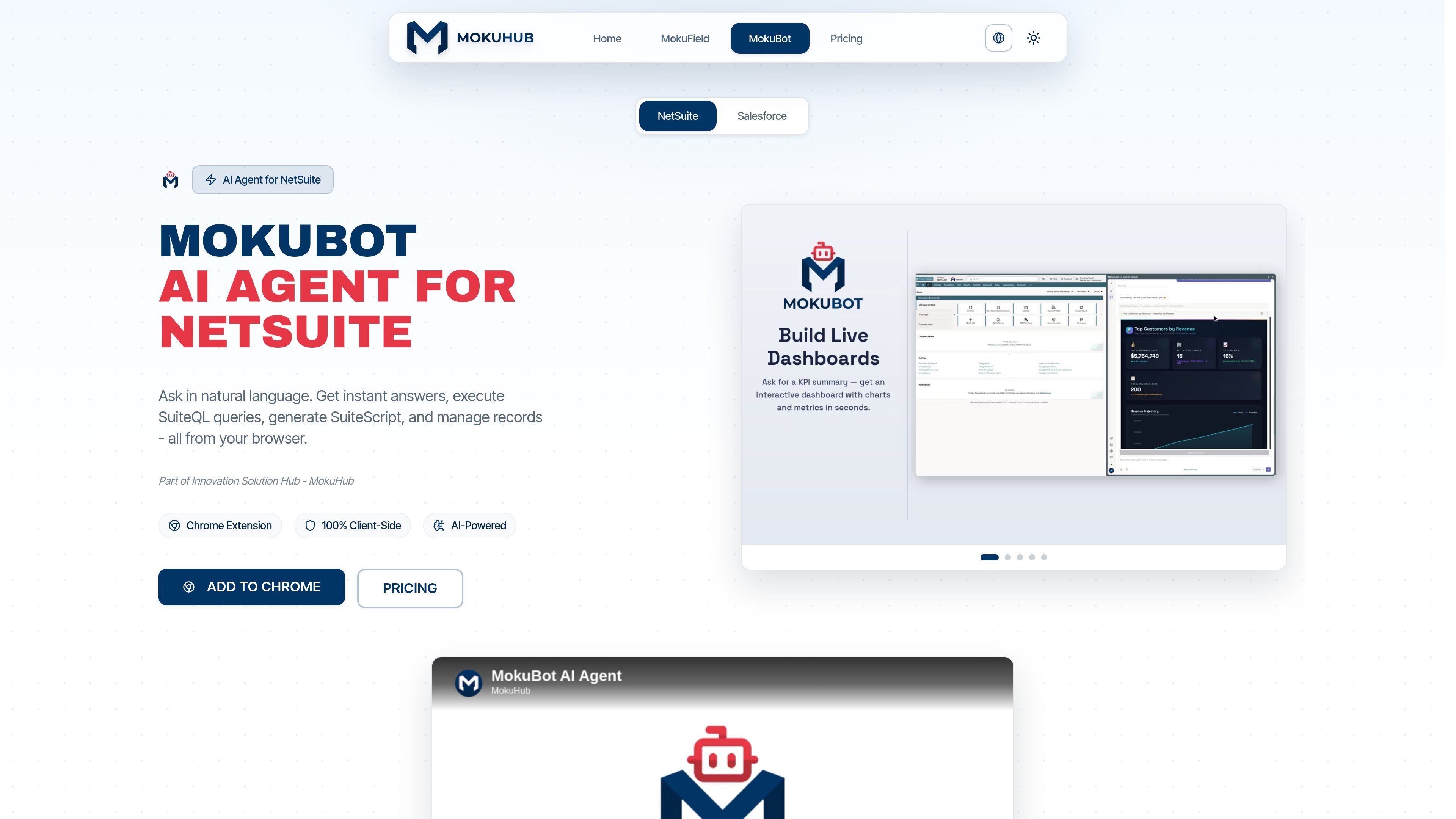
MokuBot for NetSuite is a browser-based AI agent designed for people working inside NetSuite. It lets users ask questions in natural language, run SuiteQL queries, generate SuiteScript, and manage records from the browser rather than switching to separate tools.
The product is presented as part of MokuHub’s MokuBot family and is available as a Chrome extension. The security architecture page describes it as browser-first and stateless on MokuHub’s side: the extension works alongside the signed-in NetSuite tab, uses the user’s existing session, and does not store conversations, prompts, or NetSuite records on MokuHub servers.
The site positions MokuBot for a range of NetSuite users, including administrators, developers, analysts, finance teams, consultants, IT teams, power users, and non-technical users. The practical value is to reduce manual work across query writing, script generation, record handling, and other routine NetSuite tasks while keeping activity inside the browser session.
Ask questions in plain language and get answers without building each NetSuite query manually. The product is positioned around natural-language interaction with ERP data.
Execute SuiteQL from the browser to retrieve NetSuite data directly in your workflow. The site highlights instant SuiteQL queries as a core capability.
Generate SuiteScript and support script builder and deployment workflows for NetSuite development tasks. This is presented as part of the NetSuite-specific AI agent experience.
Work with NetSuite records from the browser session, including managing records and custom records. The product page groups record management with other in-app tasks.
Access additional NetSuite-oriented workflows such as saved searches, visualizations, metadata, navigation, and tracking. These are surfaced in the product’s feature list, though the page text provides limited detail beyond the labels.
Run as a Chrome extension with a client-side model of operation. The security page describes the extension as MV3 and browser-first, with the agent running locally in the user’s browser.
An admin or analyst can ask a question in plain language and use the browser-based agent to retrieve an answer without manually assembling a query each time.
Developers can generate SuiteScript and use the product’s script-oriented workflow to reduce the time spent drafting or iterating on code for NetSuite tasks.
Finance or operations users can work with records directly in the browser session, including record management and custom records, instead of switching between separate tools.
Users who rely on saved searches or other recurring data views can use the NetSuite-specific feature set that includes saved searches, metadata, navigation, tracking, and visualizations, though the public pages give limited implementation detail.
Teams evaluating browser-based AI for NetSuite can use the free 30-day trial to assess whether the extension fits their role and workflow before moving to a paid plan.
MokuBot is an AI agent for NetSuite that works in the browser. It is designed to answer questions in natural language, run SuiteQL queries, generate SuiteScript, and help manage records inside your NetSuite session.
The site describes MokuBot as a browser-based agent that runs alongside your NetSuite tab. It uses your existing signed-in session and operates client-side rather than requiring a NetSuite bundle install.
The product pages position MokuBot for administrators, developers, analysts, finance users, power users, consultants, IT teams, and non-technical users who work in NetSuite.
Yes. The product page explicitly lists SuiteQL queries and SuiteScript among its capabilities, and the navigation and feature references also point to saved searches, visualizations, metadata, navigation, tracking, and custom records.
The pricing page shows a free 30-day trial and paid plans, and the security page says conversations, prompts, and NetSuite records are not stored on MokuHub servers.

ByteAsk is a terminal-first AI coding agent for C and C++ that edits repositories and verifies changes with the real compiler, debugger, sanitizers, and tests before showing a diff. It offers a free tier plus paid plans, with editor connectors and zero-retention handling described in the source.

CreateOS Sandbox is an isolated compute environment for running code and agent workloads inside Firecracker micro-VMs. It is designed for workflows that need machine-level isolation, private networking between sandboxes, and programmatic control through SDK, CLI, or MCP.

GitBot is a local browser-based workspace for creating reusable coding bots powered by Claude Code, Codex, or OpenCode. It helps developers run those agents across repository folders with persistent threads and configurable permissions.

hob is an independent workspace for coding agents that keeps agent sessions, terminals, history, and follow-up work organized around the tools and providers you already use. It is aimed at developers who want local control over routing, history, and workspace structure rather than a bundled model stack.

Manta AI is an autonomous web app testing tool for teams that want to map application behavior, catch regressions, and generate tests without writing scripts or maintaining selectors. It works from a URL and supports plain-English test flows, run results with screenshots, and scheduled or deployment-triggered checks.

SonOf connects to your repo and PM tool, audits the codebase and surrounding product context, and turns approved work into shipped tickets with senior engineering review. It is aimed at founders and engineering leaders who need backlog help without hiring a full team immediately.