
Animated emoji and GIF sticker creation
Turn a photo into an animated Slack emoji or GIF sticker, with the workflow centered on a single image upload.

Mugmoji is a free web tool that turns a photo into an animated Slack emoji or GIF sticker. It supports background removal, motion effects, and instant export without requiring sign-up.
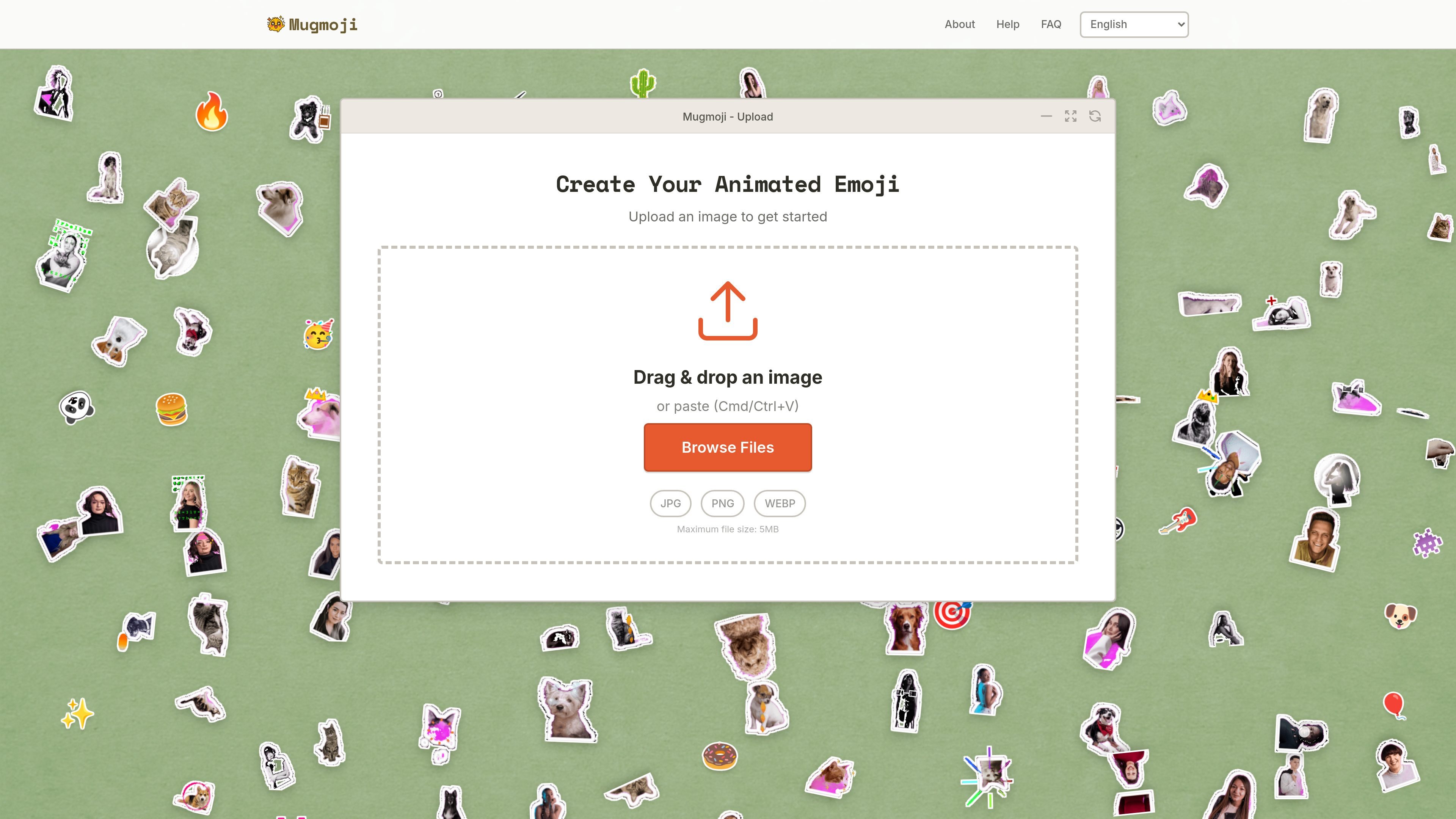
Mugmoji is a free online tool for turning a photo into an animated Slack emoji or GIF sticker. The homepage presents it as a fast, browser-based creator with automatic background removal, motion effects, and instant export.
The upload flow is simple: drop an image, paste one from the clipboard, or browse files to start. The page lists JPG, PNG, and WEBP as supported formats and shows a 5 MB maximum file size, which makes the tool suited to quick image-to-sticker conversions rather than large media edits.
Turn a photo into an animated Slack emoji or GIF sticker, with the workflow centered on a single image upload.
Automatically remove the background from uploaded images before export, reducing manual cleanup.
Apply from 73+ motion effects to animate the image and change its final look.
Export the result immediately after creation, without a sign-up step shown on the page.
Upload by dragging and dropping an image, pasting from the clipboard, or browsing local files.
Create a custom animated emoji from a portrait, pet photo, or illustration for Slack-style messaging and reactions.
Turn a single image into a GIF sticker for sharing in chats or social posts where a short animated graphic is more useful than a still image.
Prepare a quick animated version of an image without opening a desktop editor, using upload and export from the browser.
Remove the background from a subject photo before animating it, which is useful when the original image includes cluttered surroundings.
Mugmoji lets you upload a photo and turn it into an animated Slack emoji or GIF sticker. The page highlights instant export and does not require sign-up.
The source page shows drag-and-drop upload, paste from clipboard with Cmd/Ctrl+V, and a Browse Files option. Supported upload formats listed on the page are JPG, PNG, and WEBP, with a maximum file size of 5 MB.
The home page says Mugmoji is free and requires no sign-up.
The page describes auto background removal, 73+ motion effects, and instant export for the generated emoji or sticker.

Pixelcut is an AI photo editor for creating and editing product images, social content, and video assets. It offers free and paid plans, plus mobile app and browser access for individual users and teams.

Video Effects SDK adds real-time webcam effects such as background blur, background replacement or removal, denoising, framing, beautification, and color grading. It is built for teams shipping live video experiences on web, desktop, and mobile platforms.

Airbrush is an AI-powered photo and portrait editor for web, desktop, and mobile. It helps creators, everyday users, and professionals retouch portraits, remove backgrounds, and enhance images with credit-based AI tools.

BgSub is a browser-based AI tool for removing or replacing image backgrounds. It supports automatic cutouts, background replacement, and color adjustment for people editing product images, photos, or web visuals.

Slazzer is an AI photo editor focused on automatic background removal, with access through the web app, API, desktop software, and plugins. It also includes related tools for upscaling, enhancement, relighting, shadows, sky replacement, and photo restoration.

ToSVG is a free online PNG to SVG converter with background removal and resizing in the same workflow. It also offers REST API plans for developers who want to integrate conversion into applications or automation.