
Eighteen framework-specific editors
The site includes 18 strategy frameworks, from the Business Model Canvas and SWOT to Lean Canvas, OKRs, AARRR, RICE, and Porter’s Five Forces. Each framework has its own guided editor and block-by-block guidance.

OnePageCanvas is a free browser-based strategy canvas maker for business modeling, market analysis, and planning frameworks. It offers guided editors, worked examples, browser storage, and export options without requiring signup.
OnePageCanvas is a free online strategy canvas maker for filling in common business and planning frameworks in the browser. It covers 18 frameworks, including the Business Model Canvas, Lean Canvas, SWOT, PESTLE, Value Proposition Canvas, Balanced Scorecard, and OKRs.
The tool is built around guided, block-by-block editors rather than empty templates. Each framework comes with prompts, worked examples, and export options so users can draft, print, save, or share a canvas without creating an account.
The site includes 18 strategy frameworks, from the Business Model Canvas and SWOT to Lean Canvas, OKRs, AARRR, RICE, and Porter’s Five Forces. Each framework has its own guided editor and block-by-block guidance.
Every block includes prompts, with starter notes and worked examples to help users move from a blank page to a first draft. The interface is positioned as a thinking tool rather than a plain template grid.
The editors support drag-and-drop notes, pressing Enter to add notes, and pasting a list to create multiple notes at once. The Business Model Canvas page also says everything saves automatically in the browser.
Exports are available in PDF, PNG, Markdown, JSON, Excalidraw, and blank worksheet formats. The Business Model Canvas page describes PDF output as print-ready A4 in the standard grid, with extra pages used when a block needs more space.
Canvases are stored in the browser’s localStorage and can be shared through a compressed URL link. The FAQ says an exported JSON file can also be used as a backup or to move a canvas elsewhere.
Use the Business Model Canvas or Lean Canvas when you need to map how a new idea works, identify assumptions, and compare the riskiest blocks before investing more time.
Use SWOT, PESTLE, Five Forces, or the 4Ps when you want a quick structured view of the market, the external environment, or the competitive position of an existing business.
Use OKRs, Balanced Scorecard, or Eisenhower Matrix when the task is to turn strategy into measurable priorities for the quarter, year, or week.
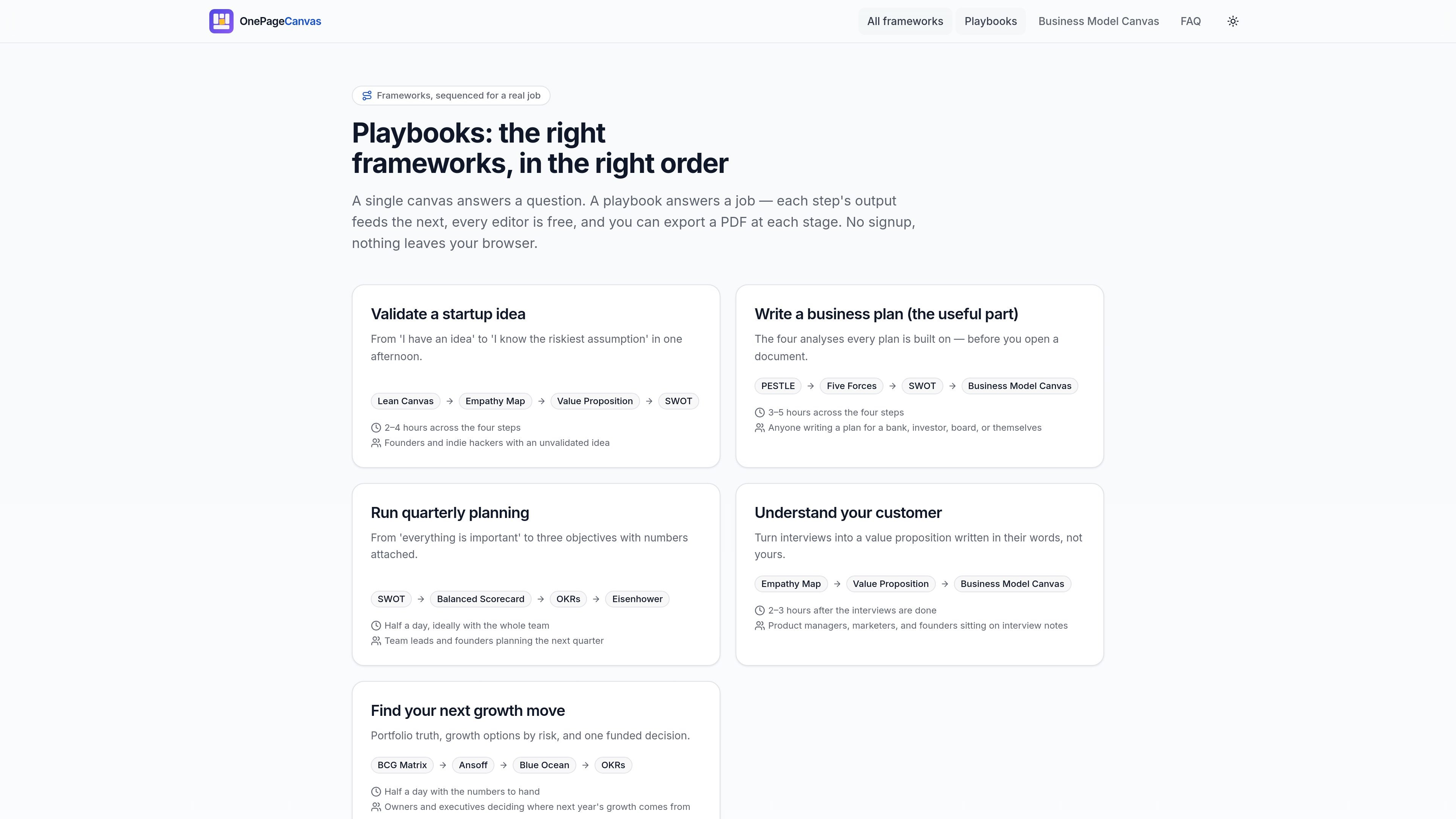
Use the playbooks when a job requires several frameworks in sequence, such as validating a startup idea or preparing a useful business plan section. The output of one step feeds the next.
Use the share and export options when you need to hand a canvas to a colleague, print a workshop worksheet, or keep a JSON backup in a repository or drive.
Yes. The site says every feature is free with no signup, no trial, no watermark, and no export limit. Canvases are supported by advertising rather than subscriptions.
Your canvas is stored in your browser’s localStorage. Nothing is uploaded to a server, and there is no account required.
Yes. You can export a canvas as PDF, PNG, Markdown, JSON, Excalidraw, or blank printable worksheets. The Business Model Canvas page also notes browser printing support.
For the Business Model Canvas, the recommended order starts with customer segments and value propositions, then moves through channels, customer relationships, revenue streams, key resources, key activities, key partners, and cost structure.
A share link compresses the whole canvas into the URL so another person can open an editable copy. The FAQ notes that this is a snapshot, not live collaboration, because there is no server.

Goldfish is an AI memory app for macOS that helps you reply, write, summarize, and continue using the context already on your Mac. It stores memory locally and writes in your tone.

ArtDeck is a visual reference board app for iPhone, iPad, and Mac that lets artists collect mixed reference material on one canvas and study it with ToolBox lenses. It works offline, supports optional iCloud sync, and is sold as a one-time purchase with no account required.

Biji è una piattaforma versatile progettata per migliorare la produttività attraverso strumenti e funzionalità innovative.

Malyatko is a baby tracker for logging feeding, sleep, growth, teething, and milestones in one app. It works on iPhone, Apple Watch, and widgets, with no sign-up, offline use, and family sharing through iCloud.

Redline is a budgeting tool for Claude Code that paces sessions to stay within time, token, cost, or plan-percentage limits. It uses Claude Code’s native hooks and statusline to help sessions finish with a usable result instead of stopping abruptly.

Claude Overlay is a Windows desktop overlay for Claude Code that reads your screen so you can ask questions, inspect content, and request edits without leaving the current app. It runs on your existing Claude subscription through the Claude CLI, so no separate API key is required.