
Open-source stack
SensWear is described as fully open-source, with hardware, firmware (Zephyr), and software released under the MIT license. That makes the platform suitable for users who want to inspect, modify, and extend the stack.

SensWear is an open-source wearable development platform for building custom devices with modular hardware, raw sensor access, BLE connectivity, and SDK support. It is aimed at researchers, developers, engineers, and innovators working on wearable prototypes and experiments.
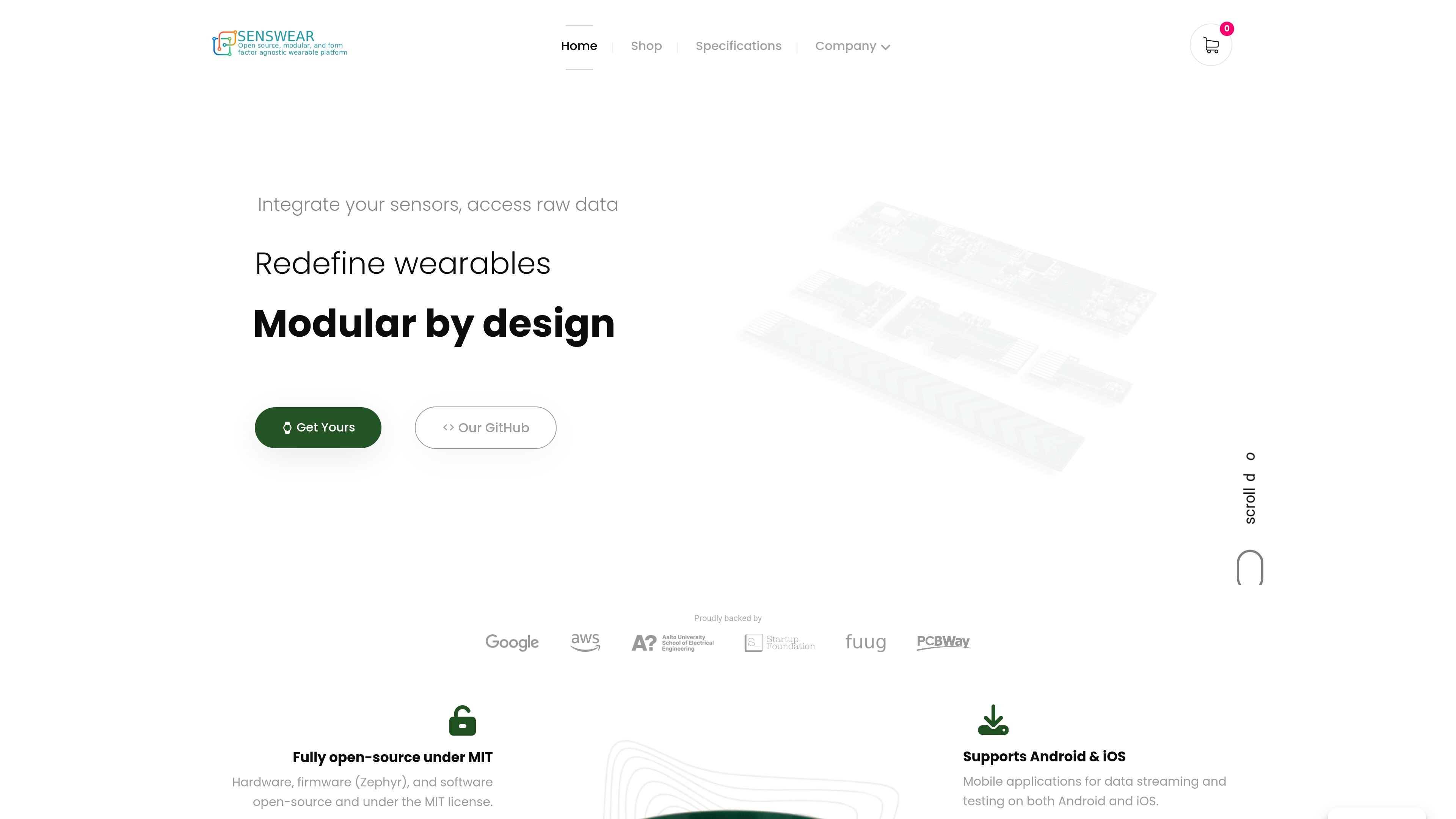
SensWear is an open-source wearable development platform for researchers, developers, engineers, and innovators who want to build custom wearable devices rather than use a closed consumer product. The site describes the platform as modular, form-factor agnostic, and AI-ready, with support for smart rings, patches, and other wearable prototypes.
At the center of the system is a main board that provides wireless connectivity, embedded processing, battery management, motion sensing, and a standardized I²C expansion interface for daughter boards. The product pages and specification page show support for raw data access, BLE data streaming, local recording, and programmable sensing or feedback modules such as PPG, touch, temperature, LED, and vibration.
SensWear also provides SDK examples in Python and TypeScript, plus Android and iOS mobile app support for streaming and testing. The combination of open hardware, firmware, and software is intended for reproducible research, rapid prototyping, and custom wearable experimentation.
SensWear is described as fully open-source, with hardware, firmware (Zephyr), and software released under the MIT license. That makes the platform suitable for users who want to inspect, modify, and extend the stack.
The platform exposes raw sensor data rather than only processed metrics, which is useful for research, signal analysis, and custom model development. The specification page says raw PPG, inertial, touch, and temperature data can be streamed over BLE and recorded locally.
The platform uses a modular architecture centered on a main board for compute and wireless, with daughter boards connected through an I²C expansion bus. The home page says users can use custom-built or pre-built daughter boards for peripherals.
SensWear supports Android and iOS mobile applications for data streaming and testing. The site also shows Python and TypeScript SDK examples for streaming acceleration and orientation data.
The main board page identifies onboard power and sensing components including the nRF54L15, BHI360 IMU, BQ25180 charger/power-path IC, BQ27427 fuel gauge, TPSM83102 regulator, and LP5562 LED driver. This concentrates compute, sensing, battery management, and feedback in the core board.
The specification page lists both sensing and actuation modules, including PPG, touch, temperature, LED, and vibration, so the platform can be used for input, measurement, feedback, and notification workflows.
Use the platform to build a wearable prototype that needs a compute-and-connect core plus sensor add-ons, such as a smart ring or patch. The modular main board and daughter-board approach is designed for rapid iteration on form factor and sensing mix.
Use raw PPG, IMU, touch, or temperature streams for signal processing, model development, and offline analysis. The specification page notes that raw data can be streamed over BLE and recorded locally for offline processing.
Use the platform to test interaction concepts such as on-skin UI, gesture input, notification feedback, or haptic cues. The specification page lists touch, LED, and vibration modules for input and feedback workflows.
Use the main board as the core controller for a wearable system that needs battery charging, fuel gauging, regulated power, and wireless communication in one module. This is relevant when building continuous-sensing devices that need stable power handling.
Use the SDK examples and mobile apps to stream data, inspect signals, and validate firmware behavior during development. The site shows Python and TypeScript examples as well as Android and iOS support for testing.
SensWear is positioned as an open-source wearable development platform, and the site shows its own mobile apps and SDKs for data streaming and testing. The mainboard page also describes BLE connectivity for data streaming, configuration, and firmware updates.
The site says SensWear provides access to raw data for AI/ML, signal processing, and sensing, with support for streaming and local recording of sensor data for offline processing.
The home page states that SensWear supports Android and iOS mobile applications for data streaming and testing.
The home page and product pages show the platform is modular, with a main board and daughter boards such as PPG, touch, and temperature modules. The specification page also lists vibration as an actuator.
The pricing page is not available and the home page does not show pricing details. The main board page shows the product as out of stock, so availability may vary by module.

ByteAsk is a terminal-first AI coding agent for C and C++ that edits repositories and verifies changes with the real compiler, debugger, sanitizers, and tests before showing a diff. It offers a free tier plus paid plans, with editor connectors and zero-retention handling described in the source.

CreateOS Sandbox is an isolated compute environment for running code and agent workloads inside Firecracker micro-VMs. It is designed for workflows that need machine-level isolation, private networking between sandboxes, and programmatic control through SDK, CLI, or MCP.

GitBot is a local browser-based workspace for creating reusable coding bots powered by Claude Code, Codex, or OpenCode. It helps developers run those agents across repository folders with persistent threads and configurable permissions.

hob is an independent workspace for coding agents that keeps agent sessions, terminals, history, and follow-up work organized around the tools and providers you already use. It is aimed at developers who want local control over routing, history, and workspace structure rather than a bundled model stack.

Manta AI is an autonomous web app testing tool for teams that want to map application behavior, catch regressions, and generate tests without writing scripts or maintaining selectors. It works from a URL and supports plain-English test flows, run results with screenshots, and scheduled or deployment-triggered checks.

SonOf connects to your repo and PM tool, audits the codebase and surrounding product context, and turns approved work into shipped tickets with senior engineering review. It is aimed at founders and engineering leaders who need backlog help without hiring a full team immediately.