
Browse launches and trends
Search the corpus by technology, product type, country, launch type or date range to inspect what is in a slice of the data. Looking is free on the site.

StackScope is a technographics product for newly launched websites. It helps users track what fresh sites are built with, monitor technology adoption, and export matching companies or launch records.
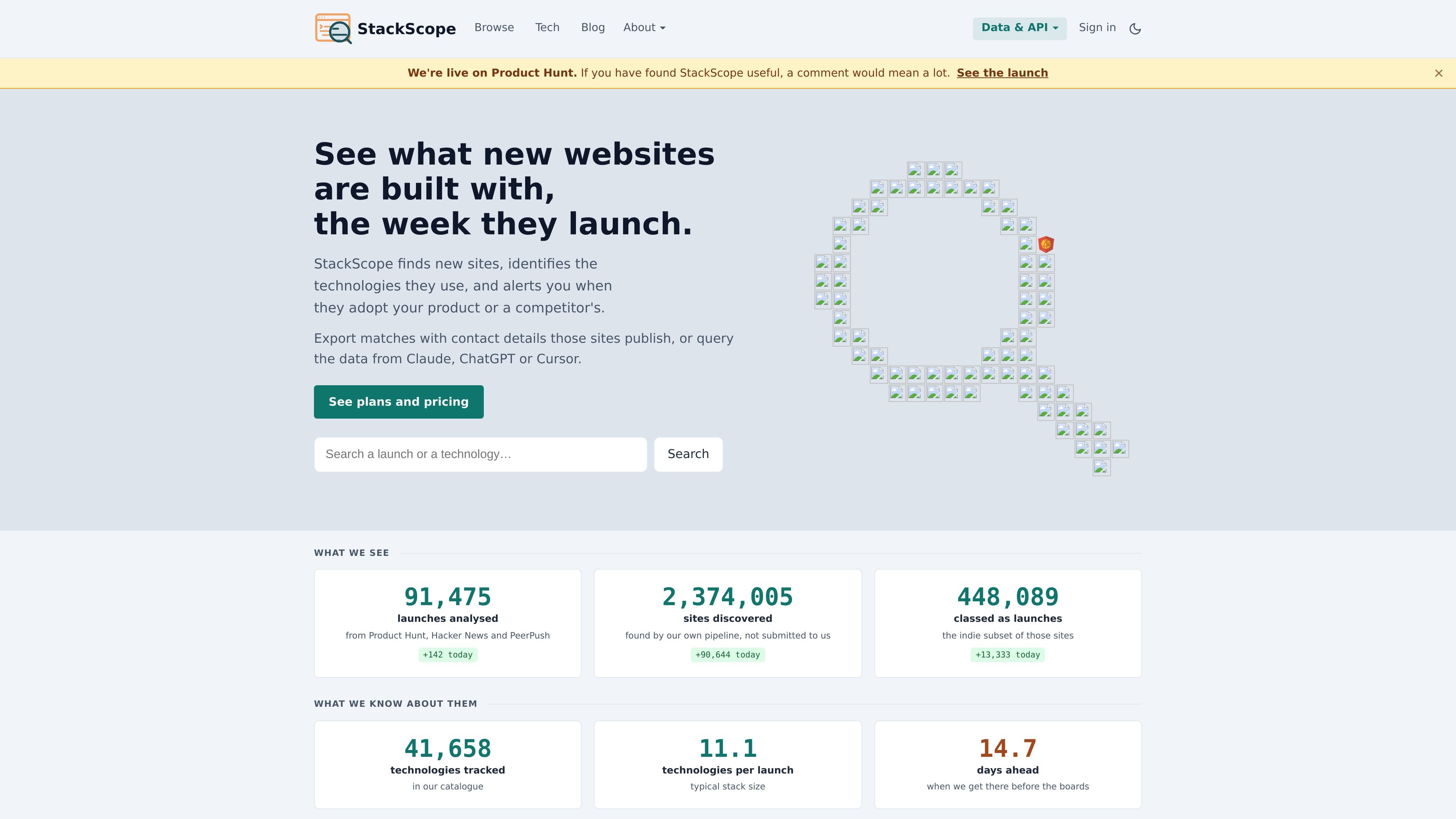
StackScope is a technographics data product focused on newly launched websites. It identifies what fresh launches are built with, then lets users search that corpus, follow technologies, and export matching companies or launch records.
The product is aimed at people who want to see technology choices at the moment a site goes live, rather than after the stack has settled. The homepage and data page describe workflows for alerts, exports, API access, and querying the data from Claude, ChatGPT, or Cursor.
Search the corpus by technology, product type, country, launch type or date range to inspect what is in a slice of the data. Looking is free on the site.
Set standing watches for technologies you care about and get notified when a new launch ships with them. The data page says alerts can go out by email digest, Slack or webhook.
Export matching launches or lists as downloads, with the data page describing spreadsheet exports and full-week JSON or CSV output.
Ask questions through the API or an AI assistant. The site says you can paste the MCP endpoint into Claude, ChatGPT or Cursor and query the corpus in plain language.
Pull back launch-level details such as technologies, hosting, launch date, and published contact information when available. The product also says lookups can return stack and launch date in one call.
Track adoption over time with trend views and counts for technologies, launch platforms, and the launches StackScope has analysed.
Watch for new launches that ship with your product or a competitor's technology so you can see adoption at launch time, not only at renewal or after a later scan.
Look at a country, product type, launch channel, or date range to understand which tools are common on the newest sites in a given slice of the web.
Use the API or MCP endpoint to look up a domain during signup or account review and route the lead based on the stack, hosting, and launch date you get back.
Export matching companies or launch records for outbound lists, research spreadsheets, or analysis in another tool.
Set a watch on a technology you support so you get notified when a fresh launch adopts it, along with the published contact details the site provides when available.
StackScope looks up newly launched websites and returns the technologies it detected, along with launch context and exported company matches where available. The site also says you can query the data through Claude, ChatGPT or Cursor using its MCP endpoint.
The homepage says you can explore the corpus, set standing watches that alert by email digest, Slack or webhook, and export matches or whole launches as downloads or via the API. The data page also mentions JSON or CSV access and an MCP server for AI assistants.
The site says it watches new launches from Product Hunt, Hacker News and PeerPush, and also finds most sites through its own discovery pipeline. It crawls launches for frameworks, hosting, CDN, DNS, email configuration, and SaaS tools loaded on the page.
The pricing page shows tiered paid plans and says you can try it before subscribing by emailing [email protected] for a trial key. It also says there are no automatic overage charges and credits do not roll over.
The source says StackScope does not collect named people's contact details. Where a site publishes a general business email address or contact form, it may include that information.

Growth Brain is an AI growth-operations platform that connects a team’s existing data, marketing, and customer tools to identify audiences, activate approved workflows, and measure results. It is designed for growth and go-to-market teams that want an always-on decision loop without replacing their current stack.

PromptScout tracks how ChatGPT, Gemini, Google AI Overviews, and Perplexity mention your brand or competitors, then pairs those results with source analysis and website audits. It helps teams decide what to fix in content, positioning, or site readiness next.

SaveMRR is a Stripe retention tool for SaaS teams that scans billing data for churn and MRR leaks, then automates recovery through dunning, cancel-save offers, win-back emails, and onboarding nudges. It is built for founders and bootstrapped teams using Stripe.

Hype is a web tool for finding trending YouTube topics by category, time range, and scoring mode. It helps creators spot emerging ideas, inspect source videos, and decide what to cover next.

Sleek Analytics is a privacy-friendly web analytics tool with real-time visitor tracking, Core Web Vitals, and revenue attribution. It helps site owners understand traffic and conversions without cookie banners or a heavy setup.

Topple.lol is a public pay-to-rank leaderboard where listings start at $1 and their bid balance decays over time and with clicks. It helps makers and marketers buy short-term visibility for product sites or X profiles while tracking live board stats.