
Live micro-app generation
Users can describe a need and Vendo assembles a working micro-app live, including UI, actions, automations, and state.

Vendo is an embedded agent layer for software products that helps customers automate work, build custom views, and create micro-apps inside the host product. It is designed to stay within the product’s existing brand, permissions, and guardrails.
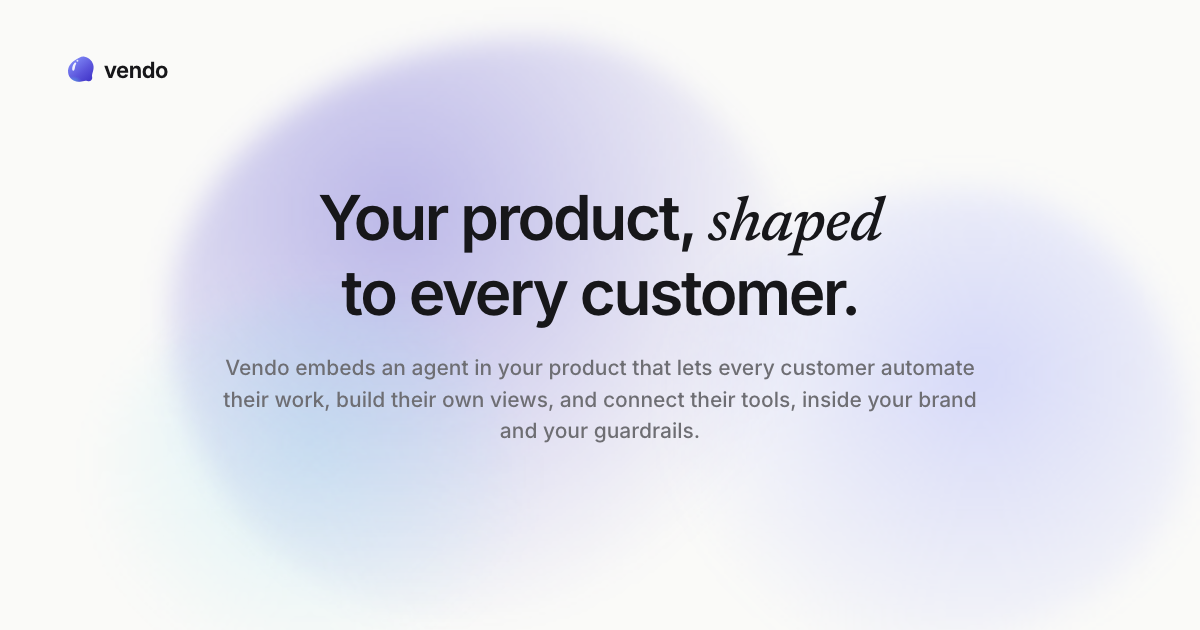
Vendo is an embedded customization layer for software products. It places an agent inside an app so each customer can automate work, create their own views, and build small functional apps on top of the product.
The site describes it as open source for the single-player agent, with cloud plans for multiplayer use. Vendo reads the host app’s code, theme, components, and permissions, then generates interfaces and automations that stay inside the product’s existing brand and rules.
Users can describe a need and Vendo assembles a working micro-app live, including UI, actions, automations, and state.
The product can create working dashboards and views from a specific slice of product data, instead of only returning an answer.
Vendo can run scheduled automations, such as recurring Monday tasks, using the permissions and context the customer has already granted.
The site says it can connect customer tools such as Gmail, Slack, and GitHub so they operate as themselves inside the embedded experience.
Vendo reads the host app’s repo, theme, components, API tools, and permission rules, then builds within those constraints.
The pricing page lists collaboration, publishing, approvals, session replay, org activity, and analytics on higher plans.
A customer asks for a custom workflow or report inside your app, and Vendo turns that request into a usable micro-app with actions and state.
A team wants recurring work to run automatically, such as reminders or scheduled checks, without relying on a separate script or manual follow-up.
A user needs a dashboard or filtered view for one slice of product data, and Vendo composes that view on demand.
A product team wants the embedded experience to match its UI system and respect existing permissions, rather than launching a generic external assistant.
An organization wants collaboration features such as publishing, approvals, session replay, or org-level visibility on top of the embedded agent.
Vendo is an embedded agent layer for software products. It lets customers automate work, build their own views or micro-apps, and connect tools inside the product experience.
The site says Vendo can be embedded in your product, used in an overlay, a chat sidebar, a full panel, or remixed into your own components. It also mentions use in Claude and ChatGPT, and scheduled runs.
The homepage says Vendo reads your app, learns your theme and components, and shows changes before it writes code. It is described as open source for the single-player agent, with cloud options for multiplayer use.
The pricing page says every plan includes the same core product, while plans differ in usage included and collaboration/governance features. There are Free, Pro, Teams, and Enterprise options.

CreateOS Sandbox is an isolated compute environment for running code and agent workloads inside Firecracker micro-VMs. It is designed for workflows that need machine-level isolation, private networking between sandboxes, and programmatic control through SDK, CLI, or MCP.

GitBot is a local browser-based workspace for creating reusable coding bots powered by Claude Code, Codex, or OpenCode. It helps developers run those agents across repository folders with persistent threads and configurable permissions.

ByteAsk is a terminal-first AI coding agent for C and C++ that edits repositories and verifies changes with the real compiler, debugger, sanitizers, and tests before showing a diff. It offers a free tier plus paid plans, with editor connectors and zero-retention handling described in the source.

MeetStream is a meeting bot API for Zoom, Google Meet, Microsoft Teams, and Webex. It helps developers record, stream, and analyze meetings programmatically, with usage-based pricing and a $5 free credit to start.

Codex Plugins bundle reusable skills, app integrations, and MCP servers into workflows you can install in the Codex app or use from Codex CLI. They help extend Codex with connected-service tasks, reusable instructions, and shared team workflows.

hob is an independent workspace for coding agents that keeps agent sessions, terminals, history, and follow-up work organized around the tools and providers you already use. It is aimed at developers who want local control over routing, history, and workspace structure rather than a bundled model stack.