

素材アップロードと処理
MP4、MOV、AVI、MKVなどの対応形式の素材をアップロードでき、サイト上では最長2時間までのアップロードに対応するとされています。その後、Bansiが動画を初稿に仕上げます。
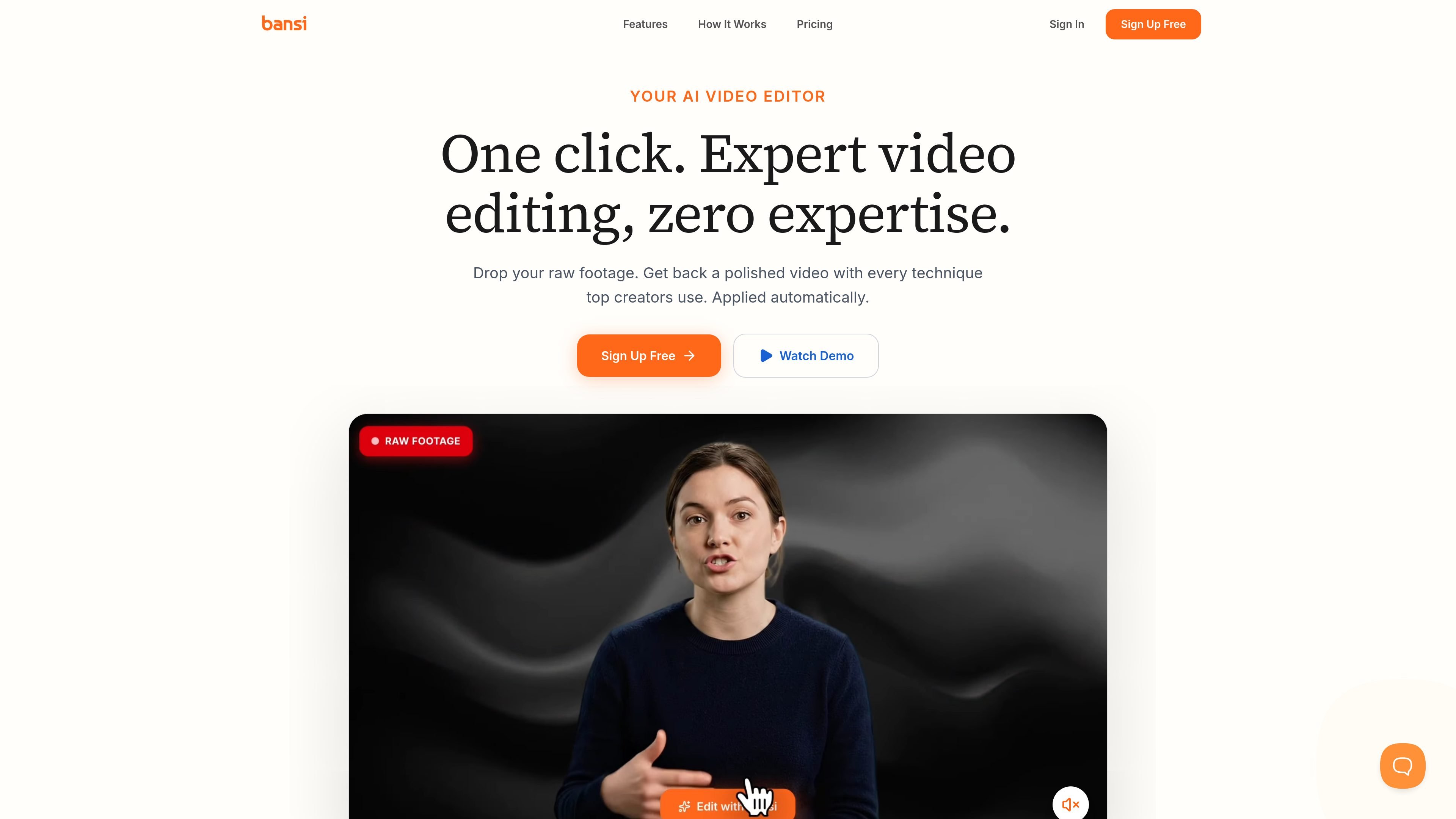
Bansiは長尺コンテンツ向けのAI動画編集ツールで、素材を洗練された初稿へと変換します。ホームページでは、トップクリエイターが使う手法を自動で適用するワンクリック編集ツールとして位置づけられており、初回編集における手作業の大部分を省けます。
この製品は、素材動画をアップロードし、無音区間やNGテイクを検出して削除し、字幕、B-roll、ズーム、モーショングラフィックス、カラーグレーディング、効果音、テキスト効果などの編集処理を追加します。サイトによると、ほとんどの動画は数分で処理され、ユーザーはそのまま公開することも、標準的な編集ツールに書き出してさらに作業することもできます。
MP4、MOV、AVI、MKVなどの対応形式の素材をアップロードでき、サイト上では最長2時間までのアップロードに対応するとされています。その後、Bansiが動画を初稿に仕上げます。
Bansiは無音区間やNGテイクを自動で削除し、スマートカットを適用するため、各セグメントを手動で細かくトリミングしなくても、よりきれいな編集になります。
この製品は、オートズーム、字幕、B-roll、モーショングラフィックス、パターン割り込み、効果音、テキスト演出を1つのワークフローで追加します。
音声はStudio Soundで強化され、ホームページではノイズ除去と音声マスタリングが強調されています。
字幕のスタイル調整と動画への同期が可能で、確認や公開がしやすい、公開可能な下書きを作成するのに役立ちます。
初心者はそのまま公開でき、プロはPremiere Pro、DaVinci Resolve、Final Cut Proなど、すでに使っている編集ソフトへ書き出せます。
クリエイターは長時間の収録をアップロードし、無音区間、NGテイク、字幕、B-roll、ズーム、音声クリーンアップが適用された編集済みの下書きを得ることで、初回編集にかかる時間を短縮できます。
頻繁に配信するチームは、Bansiを使って字幕、モーショングラフィックス、パターン割り込みなどの繰り返し使う編集処理を標準化し、その後に人が最終調整を行えます。
すでにPremiere Pro、DaVinci Resolve、Final Cut Proで作業している編集者は、Bansiで構造化された下書きを生成し、好みのNLEで仕上げを続けられます。
代理店や制作チームは、複数の共同編集者、ブランドキットとスタイルプリセット、APIアクセス、カスタム連携を含むEnterpriseプランを使って、クライアント案件を調整できます。
本格的な編集ソフトを学ばずに公開したい新規クリエイターは、よりシンプルなワークフローで、素材から完成度の高い動画へ素早く移行できます。
Bansiは、素材を取り込んで、カット、字幕、ズーム、音声ノイズ除去、その他の一般的な長尺動画編集手法を自動で適用し、編集済みの初稿を作成するよう設計されています。手作業によるすべての編集工程を置き換えるというより、最初の編集作業を素早く進めたいクリエイター向けに位置づけられています。
提供資料では、Bansiは長尺コンテンツ向けのAI動画編集ツールとして説明されています。素材から始めて、素早く洗練された初稿を作成し、その後に確認または書き出しを行うワークフローに最適だと考えられます。
はい。料金ページには、初心者はそのまま公開でき、プロはAdobe Premiere Pro、DaVinci Resolve、Final Cut Proなどのツールへ書き出せると記載されています。
サイトでは動画は数分で処理され、動画1本あたり平均18時間の削減と記載されています。実際の処理時間は、素材の長さや複雑さによって異なります。
サイトには無料プラン、Proプラン、そして問い合わせ販売のEnterpriseプランが表示されています。料金ページで企業向けサポートとカスタム連携が記載されている以外、セキュリティの詳細は提供されていません。

CAMB.AI Streams は、YouTube、Twitch、X などの配信でライブ音声を多言語にリアルタイム吹き替え。SRT、RTMP、HLS対応で既存のライブワークフローに接続し、後編集なしで多言語配信を実現します。

optimoは、ImageMagickとFFmpegベースで画像・動画を最適化/変換する無料のオープンソースCLI。Web素材の準備や一括圧縮、シェルやNode.jsスクリプトでの自動化に最適です。

FlexClipは、テンプレートやゼロから動画を作成できるAI搭載のオンライン動画編集・制作ツール。ブラウザ上で編集でき、台本作成、ナレーション、字幕、翻訳、背景削除にも対応します。

Video Effects SDKは、背景ぼかし、背景置換・削除、ノイズ除去、画面の自動フレーミング、美肌補正、カラー調整などのリアルタイムWebカメラエフェクトを追加します。Web、デスクトップ、モバイル向けのライブ動画体験を提供するチーム向けです。

DeepMotionは、動画から3Dアニメーションを生成するAnimate 3Dと、テキストから動きを作るSayMotionを備えたWebベースのAIモーションキャプチャ&3Dアニメーションプラットフォームです。

LALAL.AIは、ステム分離、音声ノイズ除去、音声変換に対応したAI音声処理プラットフォーム。ブラウザで音声・動画をアップロード、プレビュー、ダウンロードでき、プレミアムやエンタープライズにも対応。