

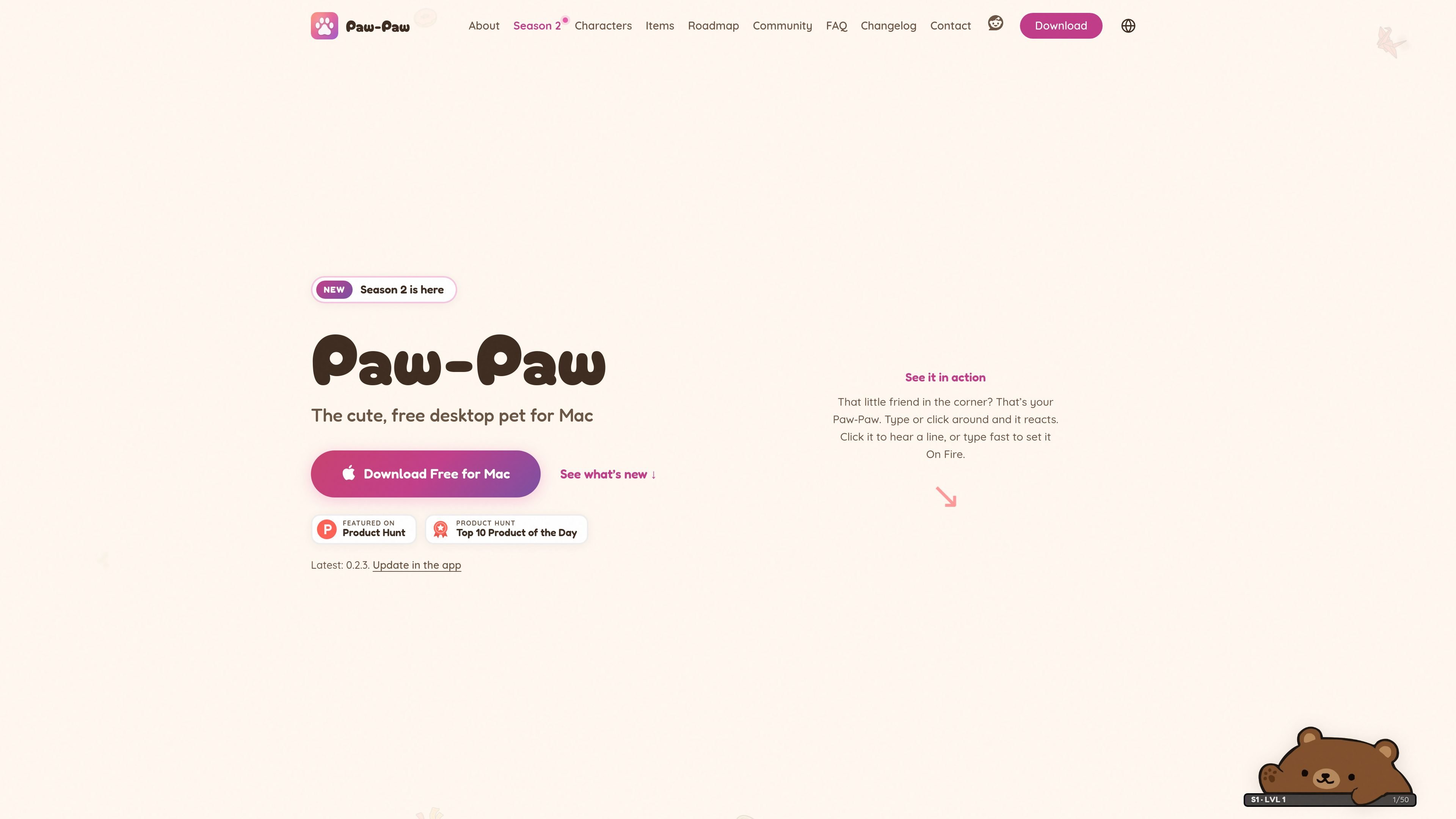
Reactive desktop companion
The character reacts to system-wide typing and clicks, and clicking it can play a short line. Paw-Paw counts activity without recording the text entered.
Paw-Paw is a native desktop pet for macOS. It stays on the screen while you work and reacts to typing and clicks, providing a small animated companion for activities such as coding, writing and studying. The app is designed to remain unobtrusive and does not require an account to use its free core experience.
The app combines its companion behavior with a collection system. Paw-Paws, items, seasonal level tracks, gifts, achievements and secret item pairings give users optional goals to pursue during normal computer use. Paw-Paw is free with no ads or subscription; the separate Illustrain Collection is an optional one-time USD 2.99 purchase.
Paw-Paw supports macOS 13 Ventura or later on Apple silicon and Intel Macs. Installation is through a signed and notarized DMG rather than the Mac App Store, and macOS Accessibility access is required so the app can notice typing and clicks. It counts activity but does not record the text entered.
The character reacts to system-wide typing and clicks, and clicking it can play a short line. Paw-Paw counts activity without recording the text entered.
Season 1 and Season 2 include free Paw-Paws and collectible items that unlock as you type, click and work. Items range from common to legendary and can be used with every Paw-Paw.
The Library brings Paw-Paws, items, achievements, seasons and collections into one window. Items can be searched, filtered by category, starred as favorites and checked by source season or collection.
Choose Small, Medium or Large, use Mirror Mode, adjust opacity, switch Paw-Paws or items from the context menu, and enable Click-Through or hide the companion when needed.
Choose which season or collection earns XP, earn 2× XP while On Fire, open multiple waiting gifts together, and discover achievements and secret Paw-Paw-and-item pairings.
The optional Illustrain Collection adds five Paw-Paws and 57 items on a separate level track for a one-time USD 2.99 purchase. The core seasons remain free, without ads or a subscription.
Keep a small animated companion in a corner of the screen while drafting documents, coding or handling routine computer work. Size, opacity and Click-Through controls help it fit around other windows.
Use typing and clicking as low-effort progress inputs while collecting Paw-Paws and items. Seasonal tracks, gifts and achievements add optional milestones without changing the main work session.
Browse the Library to search and filter items, mark favorites, inspect seasonal collections and change the companion or its equipment. This suits users who prefer collecting and organizing cosmetic content.
Install the app on another compatible Mac and sign in when progress needs to follow the user. Paw-Paw combines local and account progress and restores the higher progress for seasons and collections.
Paw-Paw runs on macOS 13 Ventura or later, including Sonoma, Sequoia, Tahoe and macOS 27. It supports both Apple silicon and Intel Macs, and the universal app can run on MacBook, iMac, Mac mini or Mac Studio models that meet the macOS requirement.
Download the signed and notarized DMG directly, drag Paw-Paw into Applications, approve the first launch, and complete the Get started window. The app requests macOS Accessibility access so it can notice key presses and clicks. An account is optional.
No. Paw-Paw counts key presses and clicks but does not see, store, log or transmit the text you type. Usage analytics and crash diagnostics are separate optional choices, and progress sync occurs only when you sign in.
No account is required for the free desktop pet. Signing in is optional and is used for syncing progress across Macs or buying the Illustrain Collection.
The free app includes both seasons, their Paw-Paws and items, with no ads or subscription. The optional Illustrain Collection costs USD 2.99 as a one-time in-app purchase and adds five Paw-Paws and 57 items on its own level track.

DANCING CATS Appは、猫の写真を踊る子猫クリップに変換するアプリ。シンプルな用途に特化し、価格や機能の詳細は未公開。

Cats Lockは、1つのショートカットでキーボード入力をロックできるmacOSアプリです。猫がキーの上に乗っても、開いているアプリへの誤入力を防げます。Stealth Lock、メニューバー操作、任意のファンクションキー制限にも対応します。

Kimaは、食事、散歩、投薬、リマインダー、健康メモを家族で共有管理できるペットケアアプリ。リアルタイムのタイムライン、記録ツール、iPhone向けPremiumレポートを搭載。

KitizはiOSとAndroidで遊べる無料の猫コレクションゲーム。個性豊かな猫を集めて世話をし、時間とともに深まる関係や会話の変化を楽しめます。

Clawdは、ページ内容や操作、ページエラーに反応するオープンソースのブラウザ内ペットです。ローカル専用で利用でき、任意のローカルAIモードと、パフォーマンス・スケジュール・気散らし管理の制御を備えています。

WaterMeは、植物の水やりや日常のケアを記録できるブラウザベースの植物管理アプリです。旅行中は共有可能な見守りセッションで引き継ぎ、少数向け無料プランと、植物数無制限・追加インサイトを備えた有料プランを提供します。