
One-click Supabase connection
Connect a Supabase project through Supabase Auth and let Dreambase detect schema and relationships automatically so you can start from your existing database structure.

Dreambase is an AI-native analytics platform for Supabase that generates dashboards, reports, and health assessments from your database. It is aimed at founders, analysts, and teams that want to use Supabase as the source of truth without building a manual intelligence pipeline.
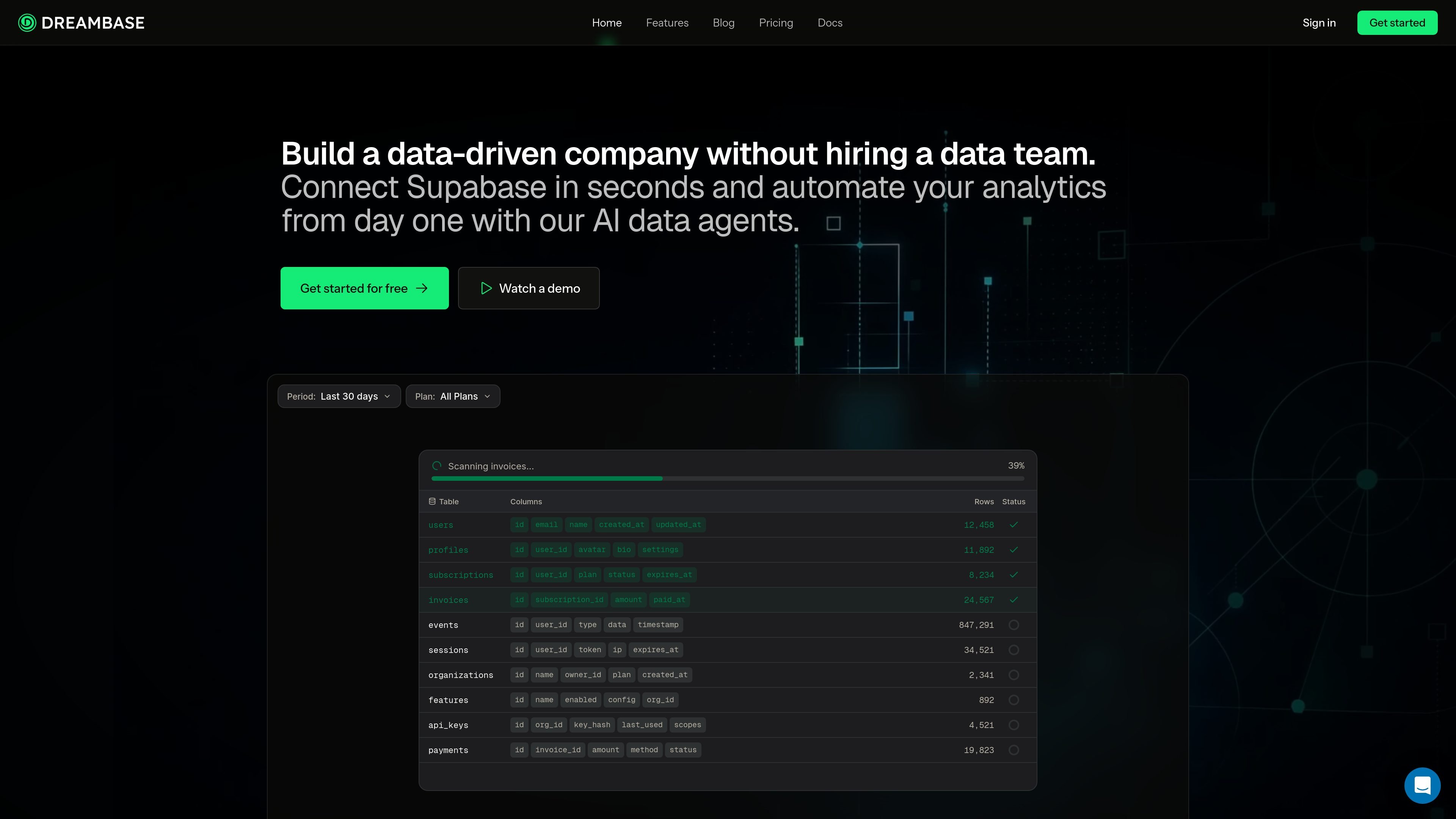
Dreambase is an AI-native intelligence platform for Supabase. It connects to a Supabase project, scans the schema, and uses AI agents to generate dashboards, reports, and health assessments from the database data.
The product is built around a reusable Topics layer in a data dictionary, so teams can define business concepts once and use them to produce dashboards and reports without repeatedly teaching the system the underlying data model. Dashboards can be edited visually or refined with AI, while reports can be shared as snapshots and assessments can surface security, performance, and best-practice issues.
Connect a Supabase project through Supabase Auth and let Dreambase detect schema and relationships automatically so you can start from your existing database structure.
Use Topics from the data dictionary as a semantic layer for KPIs, metrics, and business concepts, then reuse them across dashboards and reports.
Generate fully editable dashboards that support drag-and-drop changes, live filtering, and refreshable data on demand or on a schedule.
Create static snapshot reports with AI-generated insights, share them by link, download them as PDF, or inspect the underlying SQL.
Run Supabase health assessments that review common security, performance, and best-practice issues and return letter grades, sub-scores, and fix prompts.
Extend outputs with MCP server connectors and REST API integrations, including support for external AI tools and third-party software connected to dashboards and reports.
Build a live view of core SaaS metrics such as revenue, churn, customers, and MRR, then filter and refine it as the numbers change.
Create recurring or point-in-time reports with AI-generated summaries, then share them by link or export them as PDF for stakeholders.
Review a Supabase or Postgres project for common security, performance, and best-practice issues and get graded findings with fix prompts.
Use Topics to define business concepts once and reuse them across multiple dashboards and reports, especially when a team works with the same schema.
Connect external AI tools or third-party software through REST API or MCP server connectors to extend dashboards and reports into other workflows.
Dreambase connects to a Supabase project through Supabase Auth, automatically detects schema and relationships, and then generates dashboards, reports, or health assessments from that data.
Dreambase can generate live dashboards, static snapshot reports with AI-generated insights, and Supabase health assessments for common Supabase and Postgres issues.
The docs describe a workflow built around Topics in a data dictionary. You select Topics, add a short prompt, and let the AI generate the dashboard or report in the background.
Pricing pages show paid plans with a 14-day free trial on paid tiers, and the Enterprise plan uses contact sales pricing.
The pricing page shows support for multiple Dreambase workspaces and multiple Supabase projects, while higher tiers add more users and feature access.

Skills Janitor is a GitHub-hosted set of slash commands for auditing, tracking, and managing Claude Code and OpenAI Codex skills. It helps users find duplicates, broken links, and unused skills, then clean them up with self-contained commands.

PromptScout tracks how ChatGPT, Gemini, Google AI Overviews, and Perplexity mention your brand or competitors, then pairs those results with source analysis and website audits. It helps teams decide what to fix in content, positioning, or site readiness next.

SaveMRR is a Stripe retention tool for SaaS teams that scans billing data for churn and MRR leaks, then automates recovery through dunning, cancel-save offers, win-back emails, and onboarding nudges. It is built for founders and bootstrapped teams using Stripe.

Hype is a web tool for finding trending YouTube topics by category, time range, and scoring mode. It helps creators spot emerging ideas, inspect source videos, and decide what to cover next.

Sleek Analytics is a privacy-friendly web analytics tool with real-time visitor tracking, Core Web Vitals, and revenue attribution. It helps site owners understand traffic and conversions without cookie banners or a heavy setup.

Struere is an AI-native platform for turning spreadsheet data into structured operational software with dashboards, alerts, and automations. It is aimed at teams that want to replace manual spreadsheet workflows without building custom tools from scratch.