
All-in-one SaaS operations workspace
Combine session replay, monitoring, support, code scanning, roadmaps, and changelogs in one platform instead of managing each workflow separately.

Rectify is an all-in-one SaaS operations platform that combines session replay, monitoring, support, code scanning, roadmaps, and changelogs. It is aimed at founders and product teams, especially non-technical SaaS teams working with AI-assisted development.
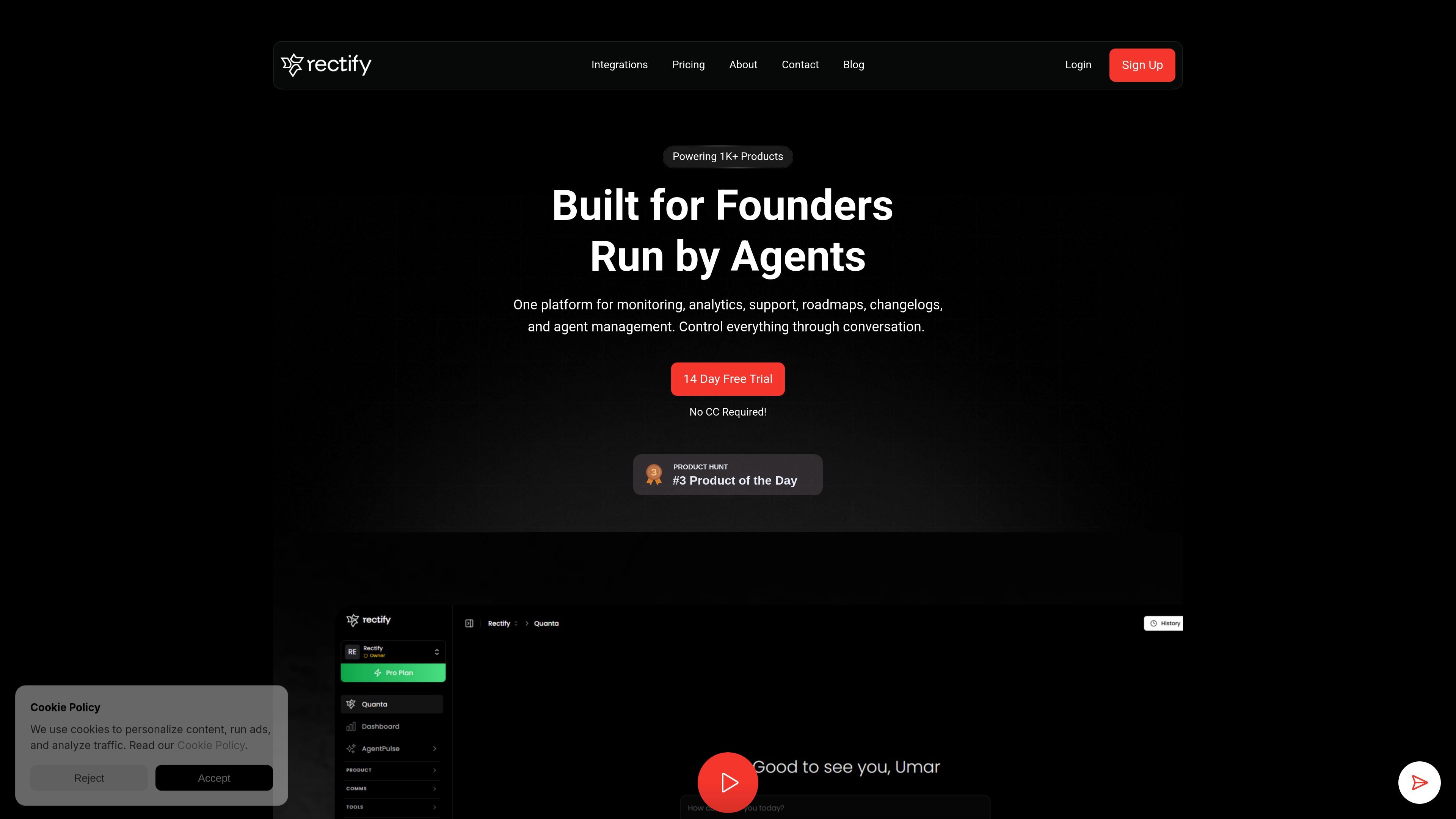
Rectify is an all-in-one operations platform for SaaS teams. The site positions it as a single visual workspace for session replay, monitoring, support, code scanning, roadmaps, and changelogs, with conversation-based control and an AI assistant called Quanta.
The product is aimed at founders, especially non-technical founders, who want to move faster without stitching together separate tools for debugging and operations. The about page says Rectify is built for the AI coding era, where issues should be understood and fixed as quickly as features are shipped.
Combine session replay, monitoring, support, code scanning, roadmaps, and changelogs in one platform instead of managing each workflow separately.
Review how users moved through the product with session replay counts included on the pricing comparison, covering everything from small plans to larger usage tiers.
Track product health with monitoring and status-page-related capabilities surfaced in the pricing comparison.
Route and manage customer feedback and support inside Rectify, including a support inbox and widget-based contact flow.
Scan code and surface issue-related context, with code scan limits shown across paid plans and the about page framing Rectify around faster debugging.
Use connected workflows for roadmaps, changelogs, PRDs, annotations, and snippets to keep product work organized around one system.
Use Rectify to review what happened in a product flow, then use Quanta to help interpret the issue and propose a fix instead of relying only on screenshots or raw reports.
Centralize customer support, feedback, and issue intake in one place when a SaaS team wants a simpler operational workflow than separate tools for each channel.
Track product health through monitoring and status-oriented workflows while keeping related documentation, changelogs, and roadmaps in the same environment.
Evaluate AI-generated or rapidly shipped code with code scanning and issue analysis when a team is moving quickly with tools such as Cursor, Claude, GitHub Copilot, or similar AI coding tools.
Start with a free tier or trial, then move to a higher plan as usage grows and the team needs more users, projects, replays, monitors, and scans.
Rectify is positioned as an all-in-one operations platform for SaaS. The site highlights session replay, monitoring, support, code scanning, roadmaps, and changelogs, along with an AI assistant called Quanta for debugging workflow support.
The site describes Rectify as a platform that helps founders and teams handle debugging, monitoring, support, and product operations in one place. Its about page says Quanta explains what happened, why it happened, and how to fix issues faster.
Quanta is Rectify’s AI assistant. According to the about page, it analyzes issues and helps explain why they happened and how to fix them, especially for AI-generated code and fast-moving SaaS teams.
The pricing page includes plans for individual users, small teams, scaling businesses, and enterprise customers. It also shows a free tier, a 14-day free trial on paid plans, and an enterprise option with custom solutions.
Rectify’s contact page provides a support widget and the email address [email protected]. The site also notes it is built for non-technical founders and SaaS businesses.

PromptScout tracks how ChatGPT, Gemini, Google AI Overviews, and Perplexity mention your brand or competitors, then pairs those results with source analysis and website audits. It helps teams decide what to fix in content, positioning, or site readiness next.

Sleek Analytics is a privacy-friendly web analytics tool with real-time visitor tracking, Core Web Vitals, and revenue attribution. It helps site owners understand traffic and conversions without cookie banners or a heavy setup.

ClawTick is an AI agent automation platform for scheduling jobs from the CLI, dashboard, or REST API. It is aimed at developers and teams running LangChain, CrewAI, webhook, or custom agent workflows that need monitoring, alerts, and logs.

OpenFlags is an open-source, self-hosted feature flag platform for modern JavaScript teams. It supports local evaluation, targeted rollouts, and controlled launches while keeping flag data in your own infrastructure.

EAS Observe is a production performance monitoring tool for Expo and React Native apps. It shows startup metrics, session timelines, release markers, and errors inside the Expo dashboard.

Skills Janitor is a GitHub-hosted set of slash commands for auditing, tracking, and managing Claude Code and OpenAI Codex skills. It helps users find duplicates, broken links, and unused skills, then clean them up with self-contained commands.