

On-device transcription
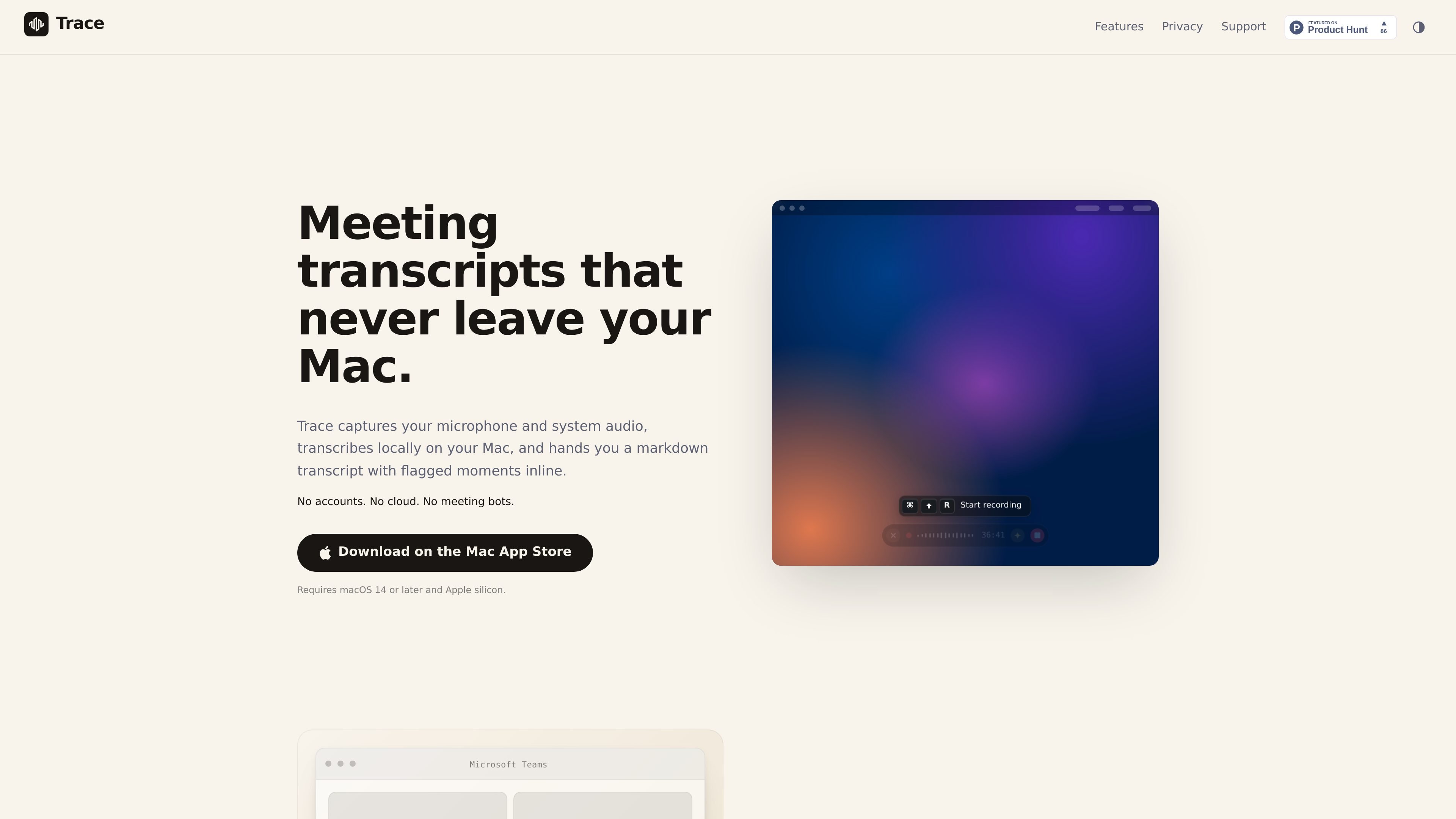
Trace captures your microphone and system audio, then transcribes everything locally on your Mac so the transcript stays on-device.
Trace is a macOS meeting transcription app that records your microphone and system audio, then transcribes the conversation locally on your Mac. It is positioned for people who want meeting notes without sending audio to a cloud service, adding a bot participant, or creating an online account.
The app presents the result as a markdown transcript with flagged moments embedded inline, plus local session files you can reveal in Finder. It also supports optional calendar-based meeting naming and reminders, and it works as a menu bar tool that stays out of the way until you need it.
Trace captures your microphone and system audio, then transcribes everything locally on your Mac so the transcript stays on-device.
Use a single keystroke to bring Trace up over Zoom, Teams, Meet, Slack, or other apps without opening a separate meeting window.
Press `⌘K` during a call to add a short note or key moment, which is inserted inline at the exact timestamp in the transcript.
Press `⌘?` to expand the live view into the most recent two minutes of transcript, interleaved with any moments you flagged.
Trace identifies different voices on the call and assigns them unique labels such as Speaker 1 and Speaker 2.
Sessions appear in the menu bar and in Finder as local audio and markdown files that you can copy, move, rename, or delete.
Record meetings from Zoom, Teams, Meet, Slack, or another app without adding a bot participant or switching windows.
Mark decisions or action items during a live conversation and have them appear at the exact point they happened in the transcript.
Review the last few minutes of a meeting while it is still happening, using the live recap view to catch up without leaving the flow.
Keep meeting notes as local files you can move into a vault, version in git, or delete from Finder when you are done.
Use calendar naming and one-minute reminders to keep recordings aligned with the meeting you are about to join.
Trace records audio from your Mac and transcribes it locally, so no bot joins the meeting and no transcript is uploaded to a cloud service. It is designed for private, on-device meeting notes on macOS.
Trace outputs plain files on your Mac, including `mic.wav`, `system.wav`, `transcript.json`, and `transcript.md`. The app also presents the transcript as clean markdown that you can copy or reveal in Finder.
Trace works on macOS 14 or later and requires Apple silicon. It is a Mac-only app available from the Mac App Store.
Trace can use your Mac Calendar on-device, or you can connect Google Calendar directly. Calendar access is optional and off by default; Trace uses it to name sessions and show a one-minute reminder before meetings.
Trace is built for single-user, local recording workflows. If you need shared notebooks, live collaboration, or cloud search for a team, the site says Otter is a better fit for that use case.

QuickQuill is a macOS dictation and transcription app that runs locally on the device. It helps users record meetings, transcribe audio, generate summaries, and export notes without using a cloud service.

Tactiq is an AI note taker for Google Meet, Zoom, and Microsoft Teams that transcribes meetings live and turns them into summaries, action items, and follow-up outputs. It is built around a Chrome extension and supports team workflows through sharing and integrations.

Scripta is a privacy-first AI notetaker that records, transcribes, and summarizes meetings directly on your device. The public site currently shows a Mac beta download and a Windows waitlist.

Speech to Text Converter is a browser-based transcription tool for live dictation and uploaded audio or video files. It offers a free tier for short tasks and a Pro plan for unlimited transcription, AI summaries, translation, speaker identification, and advanced exports.

Wendi is an AI workspace for people managers that captures meeting context, organizes it by person, and helps managers plan next steps. It is designed for workplace conversations, follow-ups, and policy-aware guidance rather than generic chat.

Liam is an AI copilot for managing inboxes, writing replies, prioritizing email, and scheduling meetings. It is offered free for individuals, with custom pricing for teams and enterprise.