

Agentplace
Agentplace is a no-code workspace to build specialized AI web agents with UI, voice, and memory—connect tools and MCPs for workflows like lead routing.
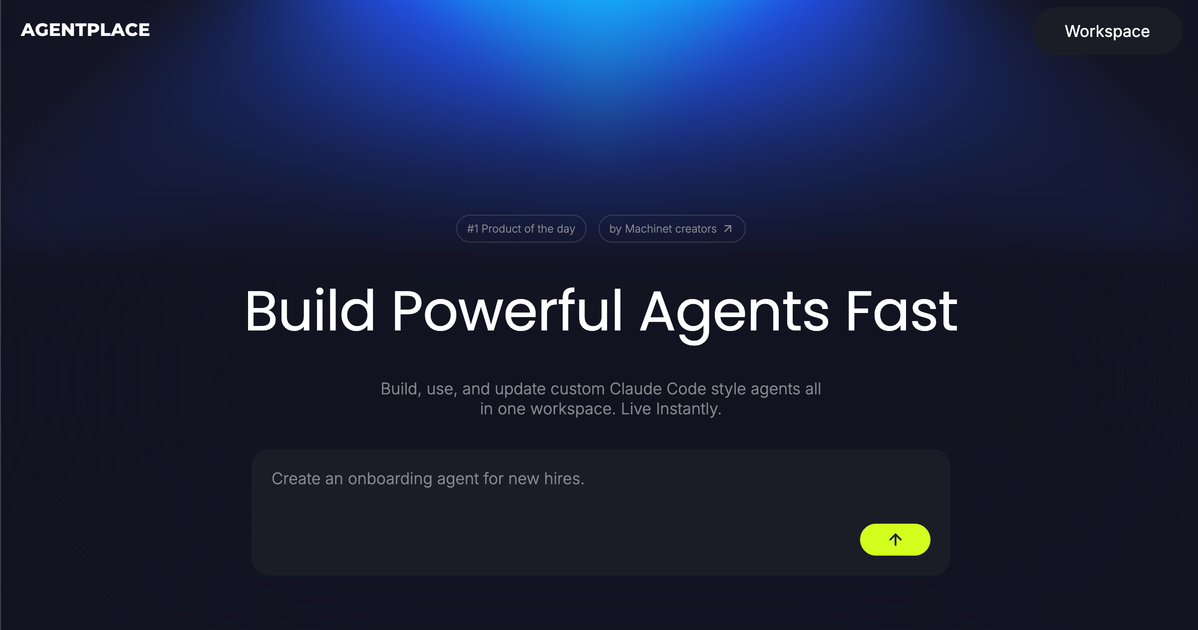
What is Agentplace?
Agentplace is a no-code workspace for building and running specialized AI web agents for day-to-day work. It supports agent “skills,” tool connections, and an agent UI where actions can be reviewed or approved by humans.
The platform is designed to help teams create use-case-specific agents (for research, document review, scheduling, follow-ups, and more), then adapt them over time as models and business workflows change.
Key Features
- Build specialized web agents for real workflows: Create agents for specific tasks and workflows, such as research summaries, document analysis, and lead routing.
- Human-in-the-loop UI, MEL-like review points: Agents can surface custom UI for actions that require human review or approval, supporting gradual automation with oversight.
- Voice-enabled agent work environment: A ChatGPT-style work environment lets users switch between agents and work with voice interactions.
- Move between “work mode” and “edit mode”: Update an agent’s capabilities quickly as requirements change and models improve.
- Open platform for integrations and external validation: Connect your own tools to modify agents, run external validations, and integrate third-party services.
- AI-native architecture with file system as memory: Agents use an AI-native setup where skills and a file system act as memory, and can connect to integrations and MCPs.
- Model support with flexible key handling: Use built-in frontier models or bring your own key; the page also notes “no API keys needed” for some use cases.
How to Use Agentplace
- Start in the builder and create an agent for a specific workflow (e.g., summarize research; background-check competitor notes; extract structured fields from documents).
- Add capabilities by assigning skills and connecting tools/integrations, including MCPs where applicable.
- Work with the agent in the workspace, where you can switch between agents and use voice interactions if enabled.
- Enable human review when needed by using the agent UI to route actions through a human approval step.
- Iterate in edit mode to add new capabilities or adjust behavior as your business needs and model capabilities evolve.
Use Cases
- AI Lead Router for sales workflows: Capture leads from forms, chat, and email, organize the key details, and route each lead to the right workflow, owner, or follow-up path.
- Product prioritization assistant for review meetings: Help teams structure incoming requests and opportunities, compare recurring signals, and prepare a shortlist for decision-making.
- Document analyst for research and risk review: Read files, summarize findings, extract structured information, highlight risks, and indicate what needs attention.
- HR policy assistant for employee questions: Pull relevant content from internal policies, summarize likely answers, and surface edge cases for manual review.
- Scheduling coordinator for reduced back-and-forth: Propose meeting times, send confirmations, handle rescheduling, and prepare context before meetings.
FAQ
Does Agentplace require engineering to build agents?
The page describes Agentplace as a no-code workspace where team members can build and manage their own agents without engineering support.
Can agents be limited to certain audiences or access levels?
The product page states that agents can be public, private, or restricted.
Does Agentplace support human review for sensitive actions?
Yes. Agents can surface custom UI for actions that require human review or approval.
What kinds of integrations can agents use?
The page indicates integrations via MCPs and also shows example connections such as HubSpot, Slack, Notion, Google Drive, Google Calendar, Gmail, and GitHub.
Can teams bring their own model access?
The page says you can use built-in models or bring your own key, and it also mentions that some setups can work without API keys.
Alternatives
- Workflow automation platforms with AI features: Tools focused on connecting apps and automating processes can cover routing, reminders, and task flows, but may require more effort to create specialized, agent-style conversational workspaces.
- No-code chatbots/virtual assistants with tool calling: These can help answer questions and trigger actions using knowledge bases and integrations, but may be less oriented toward iterative agent editing and multi-agent work environments.
- Agent frameworks for developers: Developer-centric agent tooling offers flexibility and deeper control, but typically targets engineers rather than providing a no-code builder experience for non-technical teams.
- General-purpose LLM apps with document workflows: LLM-based apps can summarize and extract information from documents, but usually lack the structured “agent builder” layer for skills, MCP/tool connections, and human-approval UI flows.
Alternatives

LIAM
LIAM is an AI copilot that drafts email replies, organizes your inbox with auto-labels and prioritization, and schedules meetings from your calendar.

Codex Plugins
Use Codex Plugins to bundle skills, app integrations, and MCP servers into reusable workflows—extending Codex access to tools like Gmail, Drive, and Slack.

Gemma AI
Gemma AI is a smart application that calls you directly with personalized, intelligent voice reminders to ensure you never miss important tasks, appointments, or deadlines.

Make Real
Draw a UI and make it real using the tldraw SDK.

AakarDev AI
AakarDev AI is a powerful platform that simplifies the development of AI applications with seamless vector database integration, enabling rapid deployment and scalability.

Planndu: Daily Task Planner
Planndu is an intuitive productivity application designed to help users organize tasks, manage projects, build routines, and enhance focus using tools like AI generation and a built-in Pomodoro timer.