
Canvas-based wireframe input
Users draw wireframes on a tldraw canvas, and the app captures the selected shapes as a JPEG image for AI processing.

Make Real is a Next.js app that turns hand-drawn wireframes into HTML prototypes with the tldraw SDK and AI models, with canvas sketching and embedded preview.
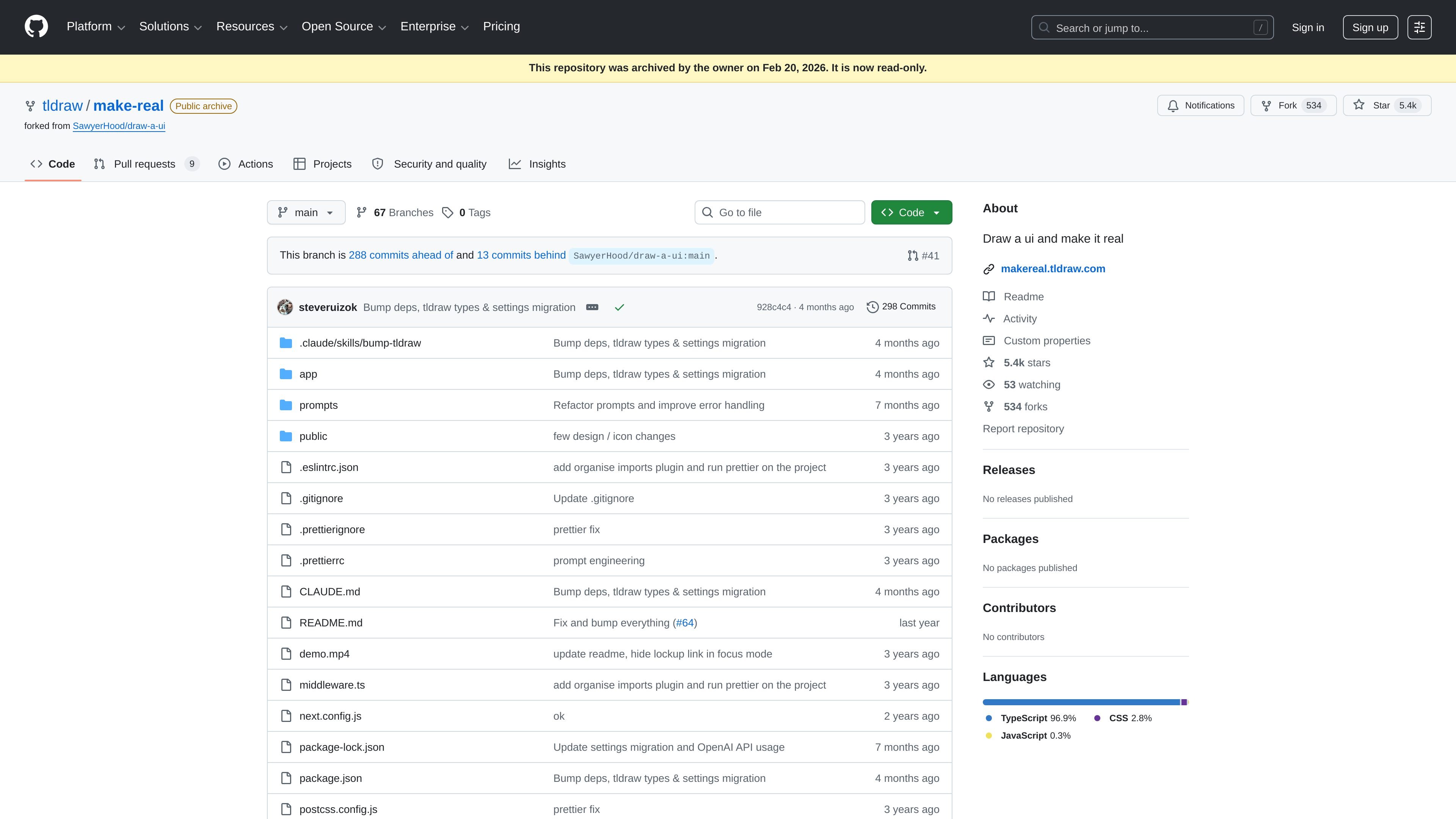
Make Real is a Next.js application that turns hand-drawn UI sketches into working HTML prototypes. It is built on the tldraw SDK and is designed for a workflow where a user draws a wireframe on a canvas, sends it to an AI model, and reviews the generated interface in an embedded preview.
The repository documentation says the app can work with OpenAI, Anthropic, or Google AI models, and that it supports a mode where all three providers run in parallel. Generated HTML is streamed into a preview shape, and finished output can be shared through a link or exported to Replit.
Users draw wireframes on a tldraw canvas, and the app captures the selected shapes as a JPEG image for AI processing.
The app sends the image and prompts to AI provider routes and streams back generated HTML, allowing the preview to update as output arrives.
Generated code is rendered inside a custom preview shape using an iframe, so the result can be viewed directly on the canvas.
An "all" provider mode can run OpenAI, Anthropic, and Google together and create separate labeled previews for each result.
When previous preview shapes are selected, their HTML can be included for iterative refinement of the next generation pass.
The app includes support for copying HTML or URL, opening the preview in a new window, and exporting generated HTML to Replit.
A designer or product owner sketches a UI on the canvas and wants a quick working prototype to review interaction and layout ideas without starting from scratch in a code editor.
A builder compares outputs from multiple models in one run to see how different providers interpret the same sketch and prompt.
A team member iterates on a draft by selecting a previous preview shape and asking the next generation to incorporate the earlier HTML.
Someone sharing a concept with others uses the generated link or exported Replit project to move the prototype outside the editor.
A developer working from the repository runs the app locally with Yarn commands to inspect or modify the generation flow.
Make Real is built on the tldraw SDK and is described as a Next.js application that turns hand-drawn wireframes into working HTML prototypes using AI. The repository notes that it can use OpenAI, Anthropic, or Google AI models for generation.
The repository states that the project has no test suite and that development is done with Yarn commands such as `yarn dev`, `yarn build`, `yarn start`, and `yarn lint`. The live product is available at makereal.tldraw.com.
Yes. The documentation says that in "all" provider mode the app runs OpenAI, Anthropic, and Google in parallel with `Promise.allSettled`, producing labeled previews for each.
Generated HTML is rendered in a custom tldraw preview shape. The docs also say completed HTML can be uploaded to Vercel Postgres for link sharing, and that the app supports opening or copying the generated output.
GenMB is an AI web app builder for full-stack apps with frontend, backend, database, auth and automations. Build from a plain-language prompt.

Prompty Town turns a link into a building in a small internet city. Buy a tile, add a prompt, and publish it alongside other buildings.

beehiiv is a newsletter platform for creators, publishers, and brands to build, grow, and monetize email newsletters and websites in one place.

PixelDrive is a bulk image generation API for on-brand images from one template via browser editor, REST API, CSV batch, or MCP.

Speculos deploys Claude Code apps to shareable URLs, with private, org-wide or public visibility and team controls for domains, data and cloud deployments.

Awish is an AI no-code automation platform that turns natural-language requests into workflows across connected apps—no manual setup.