

AI Contender
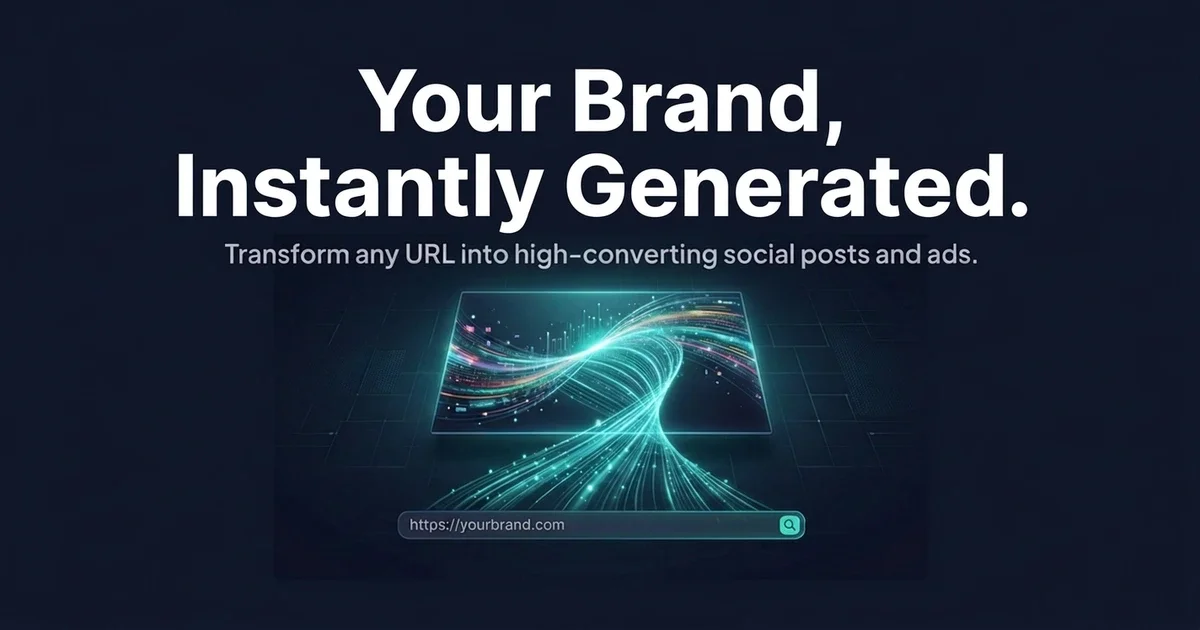
AI Contender generates on-brand marketing visuals from a website link. Scan your brand colors & fonts, then create posts, ads, banners & more.
What is AI Contender?
AI Contender is an AI design tool that generates on-brand visuals from a website link. It analyzes brand elements such as colors, fonts, and visual style, then uses that information to create designs for common marketing formats like social posts, ads, banners, thumbnails, and email headers.
The core purpose is to help people produce branded creative without starting from a blank canvas or needing design skills. Users can generate, edit text and images inline, and resize outputs for multiple platform dimensions.
Key Features
- Website-to-brand analysis: Enter a website URL and AI scans it to extract brand identity elements including colors, typography, and visual style (and a logo), then uses them for matching designs.
- Multiple output types: Generate social media content, performance ad creatives, video thumbnails, email marketing headers, landing page assets, blog covers, and sales/promo graphics.
- Format selection and smart starting points: Choose a design format (e.g., Instagram post, Facebook ad, YouTube thumbnail). AI suggests ideas based on brand details and the season, with options to select a suggestion or generate with “Surprise Me.”
- Inline editing after generation: Click to edit text inline, swap images, and adjust colors. In Classic Mode, AI also supports further edits based on added instructions.
- One-click resizing across many formats: After generating, resize to 30+ platform formats (including Instagram, LinkedIn, Twitter, and YouTube). Text reflows and layouts adapt while exports keep lossless quality.
- Two generation modes:
- Classic Mode (5–15 credits per design): Generates a structured layout intended for polished, business-ready visuals with crisp text and precise placement.
- Creative Mode (25–50 credits per design): Generates more unique artwork and supports photorealistic styles, with regeneration available for refined results.
How to Use AI Contender
- Start with brand input: Paste a website URL into AI Contender to scan and extract brand identity (colors, fonts, and style). The scan happens within seconds.
- Choose a format and generate: Pick what you want to create (for example, an Instagram post or a video thumbnail). Use a suggested idea or click “Surprise Me” to generate.
- Edit and finalize: Use the editor to revise text inline, swap images, and adjust colors. Then export your design, optionally resizing it to additional platform formats.
If you prefer not to provide a website, the product states you can still generate by selecting a design intent without matching your brand automatically.
Use Cases
- Marketing teams creating weekly social campaigns: Generate multiple social formats from one brand input, then resize each creative to platform-specific dimensions for consistent look and messaging.
- Performance advertising for Facebook and Google: Produce ad creatives tailored to those contexts (e.g., using performance ad formats) and refine the text and visuals through inline editing.
- Content creators preparing video assets: Create click-worthy YouTube and TikTok thumbnails and then export in appropriate sizes for reuse across channels.
- Email marketing for newsletters and campaigns: Generate beautiful email headers and adapt them to the visual style extracted from a brand website.
- Product launches and seasonal promotions: Generate sales and promo graphics using brand-matched visuals, with AI suggesting creative directions based on the season.
FAQ
Do I need design skills to use AI Contender?
No. The product is designed for users without design experience: you can choose a format, select a smart suggestion, or use “Surprise Me” without typing prompts.
Do I need a website to generate designs?
Not strictly. Adding a website helps AI match your brand automatically, but you can generate by selecting a design intent even without one.
What can I edit after I generate a design?
Yes. You can edit text inline, swap images, and adjust colors. In Classic Mode, AI-powered edits can be guided by additional instructions.
How does resizing work?
After generating, AI Contender can auto-resize the design to 30+ platform formats. The editor supports responsive behavior such as text reflow and layout adaptation, and exports are described as lossless.
What’s the difference between Classic and Creative modes?
Classic Mode is intended for structured, polished layouts with crisp text and precise placement (5–15 credits per design). Creative Mode focuses on more unique artwork and supports complex styles such as photorealistic renders (25–50 credits per design).
Alternatives
- Template-based marketing design tools: These focus on selecting and customizing layouts for specific ad or social formats. Compared to AI Contender, workflows typically rely more on manual template selection and editing rather than website-based brand extraction.
- General-purpose graphic design software: Tools like vector editors can produce highly customized graphics, but they usually require more manual layout and typography work than an AI workflow that outputs ready-to-resize creatives.
- AI image generators with prompting: These can create visuals without a brand scan step, but they may require more manual direction to keep typography, colors, and overall style consistent across a campaign.
Alternatives

Napkin AI
Napkin AI transforms your text into insightful visuals, making communication more effective and engaging.

Refero
Refero: UI/UX design inspiration & references for web/iOS. Find tens of thousands of screenshots with advanced search for designers.

Frames
Frames helps you create launch posters and social media marketing graphics fast with premium device frames and templates for Instagram, Twitter, and Product Hunt. Free to start.

创客贴 AI
创客贴 AI is an AI-powered design platform that includes various AI design tools to help users reduce design complexity and enhance design efficiency.

Make Real
Draw a UI and make it real using the tldraw SDK.

Supermeme.ai
Supermeme.ai is an AI meme generator that turns your text into shareable memes with template matching, multilingual outputs, and social-friendly exports.