
Text-first visual generation
Import or paste text instead of crafting prompts. Napkin generates visuals directly from written content, which keeps the workflow close to the source material.

Napkin AI turns text into editable visuals for presentations, documents, and shareable content. Text-first generation, collaboration, and export to PPT, PNG, SVG, or PDF.
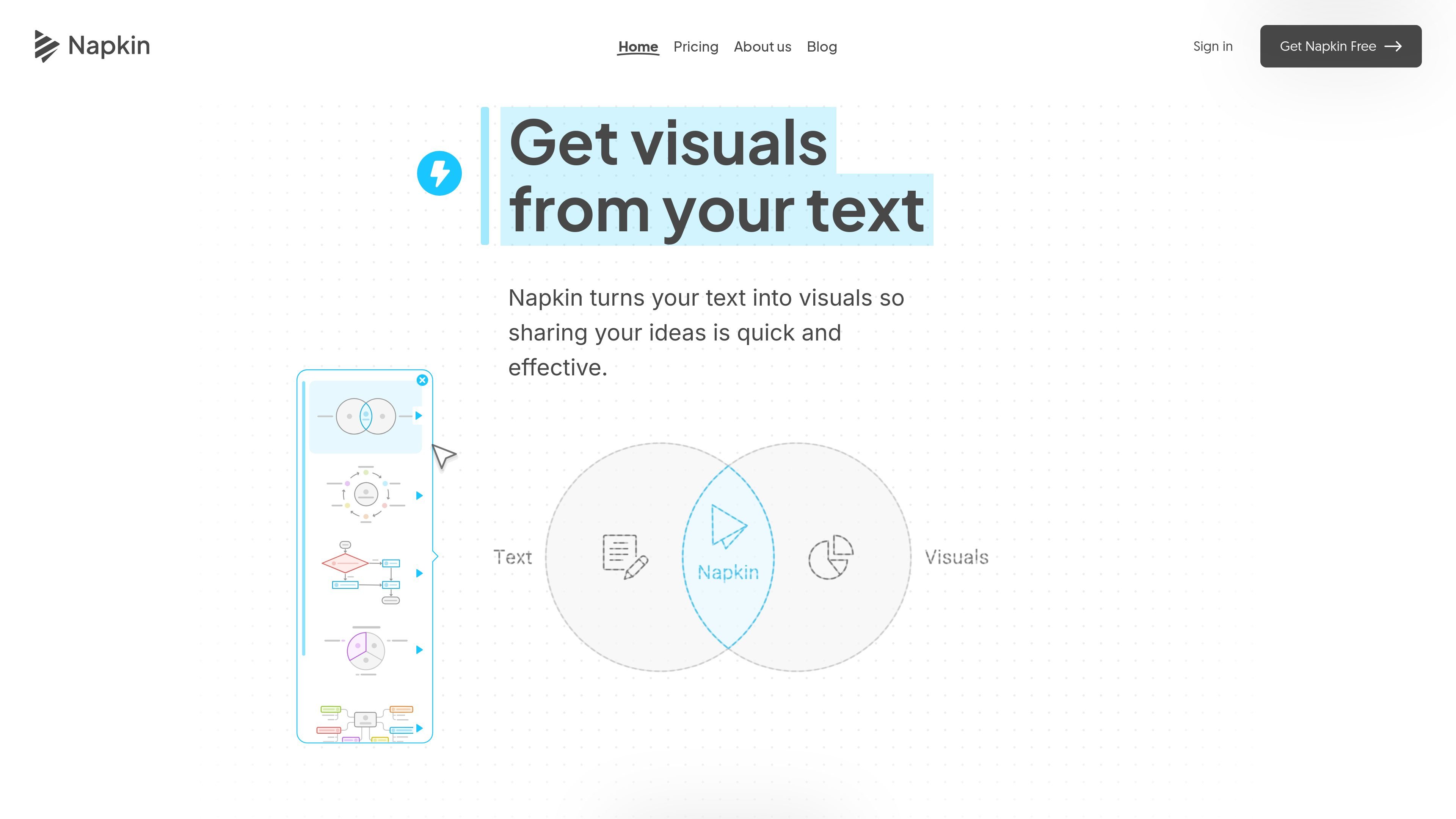
Napkin AI is a visual storytelling tool that turns existing text into editable visuals. Instead of asking users to write prompts, it works from imported, pasted, or generated text and creates visuals such as diagrams, charts, scenes, images, mind maps, and flowcharts that can be refined before sharing.
The workflow is built around taking text from draft to presentation-ready output: generate a visual from selected text, adjust it to match the desired look, and export it as PPT, PNG, SVG, or PDF. The site also describes team features, mobile viewing, and paid plans for individuals, small teams, dedicated creators, and larger organizations.
Import or paste text instead of crafting prompts. Napkin generates visuals directly from written content, which keeps the workflow close to the source material.
Turn text into diagrams, charts, scenes, images, infographics, mind maps, and flowcharts based on the content you provide.
Choose a generated visual and then adjust colors and layout so the result matches your brand, mood, or presentation context.
Export visuals as PPT, PNG, SVG, or PDF, or export the whole document as PDF when you need a shareable file.
Use Brand Studio and plan-level options to add brand colors, fonts, custom branding, and uploaded fonts on paid plans.
Work with others through Teamspace, real-time editing, and commenting and feedback tools built into the product.
Turn draft notes, paragraphs, or copy into visuals that help explain a concept without rebuilding it manually in a design tool.
Create slide-ready diagrams, charts, and flowcharts, then export them to PPT or PDF for presentations.
Convert written explanations into clearer layouts for blog posts or documents where readers benefit from visual structure.
Produce shareable graphics for social channels by exporting PNG or SVG versions of generated visuals.
Use Teamspace and collaborative editing to review visuals with teammates and leave feedback on the same working document.
No. Napkin says you do not need to write prompts; you can write, import, or paste text and then click to generate visuals.
Yes. Napkin offers a free plan with limitations on quotas and features, and paid plans add more credits and export options.
You can view existing Napkins on mobile, but creating and editing are currently desktop-only.
Napkin supports team collaboration through Teamspace, real-time editing, and built-in commenting and feedback tools.
Yes. Napkin can export visuals as PPT, PNG, SVG, or PDF, and it also supports exporting the entire document as a PDF.

PixelDrive is a bulk image generation API for on-brand images from one template via browser editor, REST API, CSV batch, or MCP.

Cherry Blossom is a browser-based PCB editor that turns plain-English prompts into editable schematics, PCB layouts, and fabrication files with AI checks and open exports.

Refero MCP for AI agents connects an MCP-compatible agent to Refero’s curated library of web and iOS product interfaces and user flows. It helps agents research real design patterns before generating UI, with access included in the Refero Pro plan.

Beauty Diagram is an online Mermaid and PlantUML editor that live-previews diagrams, beautifies layouts, and exports SVG or PNG.

The AI painting generator is an online AI-powered software that automatically creates artwork based on text descriptions provided by users.

Slidesgo is a presentation template platform for Google Slides, PowerPoint and Canva workflows, with free and Premium templates plus AI-assisted creation.