
Visual design canvas
Design websites with a canvas-based interface that includes layers and brand controls, similar to a visual design workspace.

AiDesignDev is a visual editor for websites and apps with AI code generation, real-time preview, one-click deploy, and a free starting tier.
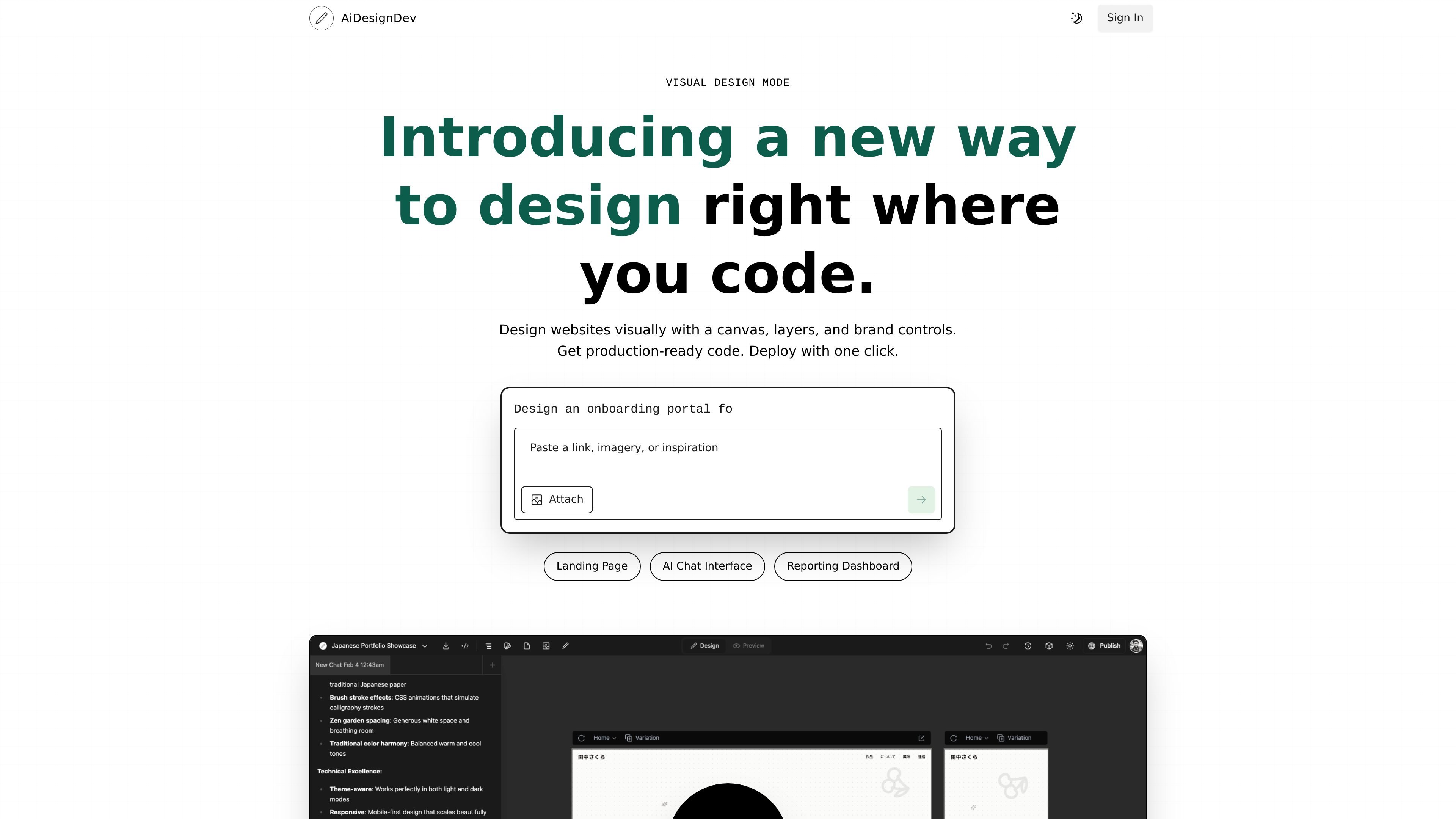
AiDesignDev is a visual editor for websites and apps that combines canvas-based design with AI-assisted code generation. The product is aimed at designers, developers, and product managers who want to build in a design-first workflow while keeping code as the source of truth.
It supports visual editing, responsive previewing, and direct code output to React components, so changes made in the interface write back to local project files. The site also presents a deployment flow for publishing to a custom domain and a Supabase connection for adding app backend pieces such as authentication and user data storage.
Design websites with a canvas-based interface that includes layers and brand controls, similar to a visual design workspace.
Use a multi-frame canvas to test responsive layouts and compare states while you work.
Generate entire sections or refine specific elements with natural-language prompts that understand the current design context.
See changes update in real time and use preview to review edits as you make them.
Publish changes to a custom domain in one step and share work with a link.
Connect to Supabase to add authentication, database tables, private APIs, and encrypted secret storage using your own account.
Prototype a new website or app idea in a visual editor without starting from a blank code workflow.
Work on responsive layouts by checking multiple frames and preview states while adjusting a design.
Ask the AI to generate a full section or adjust a smaller interface element while keeping the current canvas in view.
Turn a concept into a deployable app by connecting Supabase for authentication, data storage, and private API access.
Review and edit design-system settings such as brand colors and typography from a central panel.
AiDesignDev is a visual editor for websites and apps. The source materials say it can be used to create websites, prototypes, user interfaces, and other visual designs.
You start by signing up, creating a new project, and following the step-by-step guide to deploy your first application. The product also offers a free first prompt, with message limits that are described on the pricing page.
AiDesignDev is designed for designers, developers, and product managers who want to work visually with AI and see code generated from their changes. It is positioned as a way to keep design and code in sync during iteration.
According to the source, the code you make with AiDesignDev is yours and is written locally directly to your files rather than hosted off your device.
The FAQ says you can upgrade your plan from the billing section in your dashboard, and that major credit cards are accepted.

ByteAsk is a terminal-first AI coding agent for C and C++ that edits repos and verifies changes with compilers, debuggers, sanitizers, and tests.

Epherem scans web apps built with Lovable, Bolt, v0, Replit, Cursor, and Claude Code for security flaws in source code and dependencies, without running the app.

CreateOS Sandbox is an isolated compute environment for running code and agent workloads in Firecracker micro-VMs with private networking and SDK, CLI, or MCP control.

GitBot is a local browser workspace for reusable coding bots powered by Claude Code, Codex, or OpenCode, with persistent threads and configurable permissions.

hob is an independent workspace for coding agents, with local control over sessions, terminals, history, routing, and follow-up work.

Ably Chat is a chat API platform for custom realtime chat apps, with rooms, typing indicators, presence, reactions, message updates and usage-based pricing.