
Multi-account management
Works with multiple upstream account types, including OAuth and API key-based sources, so one installation can manage different subscription formats.

Sub2API is an open-source AI API gateway for managing multiple AI subscriptions through one endpoint and platform-issued API keys.
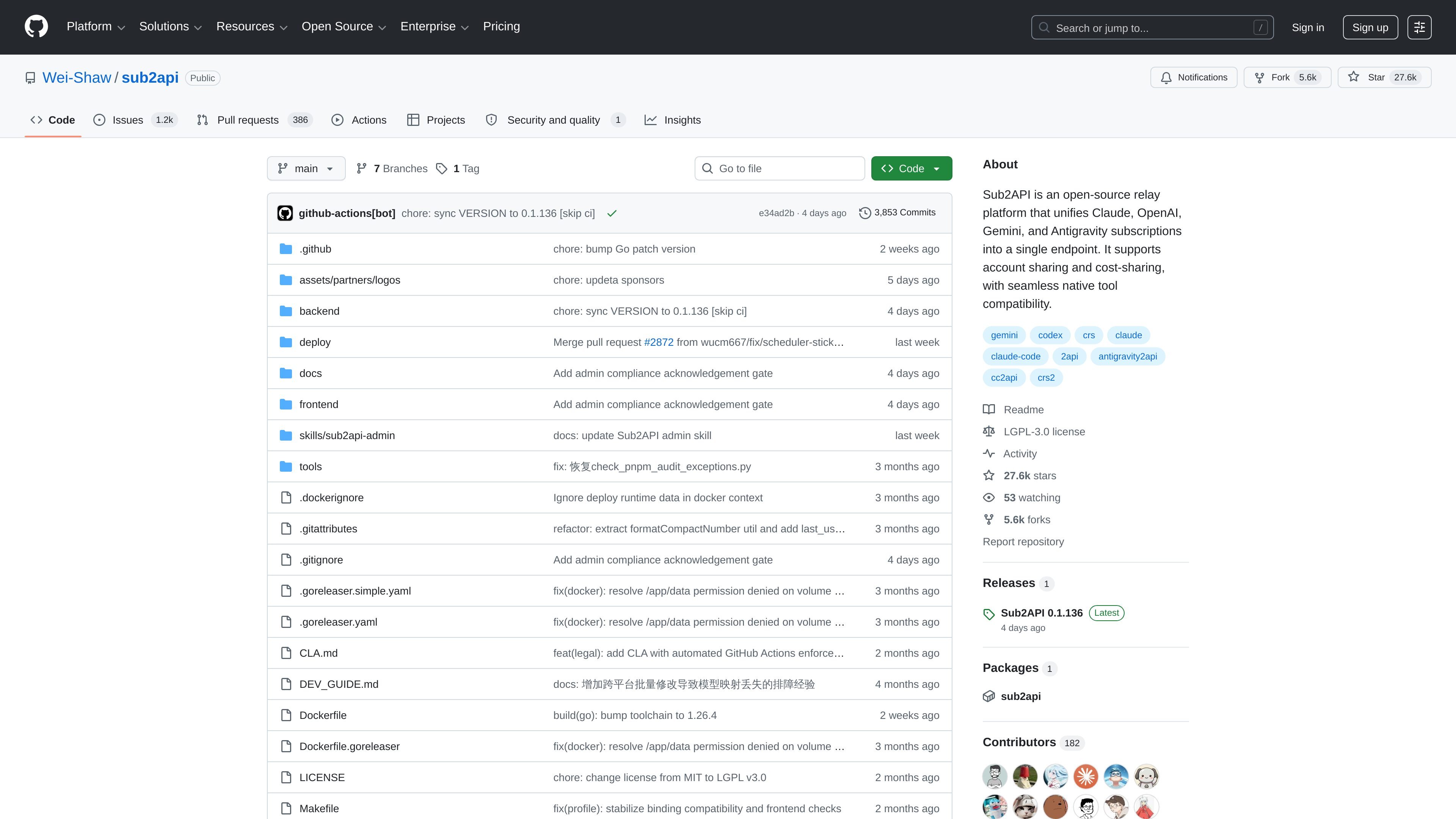
Sub2API is an open-source AI API gateway platform for distributing and managing quota from AI product subscriptions. It presents a single endpoint and platform-generated API keys so users can access upstream AI services while the platform handles authentication, billing, load balancing, and request forwarding.
The repository positions the project for subscription quota distribution across providers such as Claude, OpenAI, Gemini, and Antigravity. It is intended for teams or operators who want to centralize access to multiple upstream accounts, manage usage, and expose that access through an admin dashboard.
Works with multiple upstream account types, including OAuth and API key-based sources, so one installation can manage different subscription formats.
Creates and manages API keys for users, letting client applications connect through a platform-issued key rather than directly against each upstream account.
Tracks token usage and calculates cost at the token level, which supports more precise quota and billing management.
Selects upstream accounts intelligently and supports sticky sessions, helping keep request routing consistent where needed.
Adds per-user and per-account concurrency limits, plus configurable request and token rate limits, to control load and usage patterns.
Includes a built-in payment system with EasyPay, Alipay, WeChat Pay, and Stripe for self-service top-ups.
Centralize access to several AI subscriptions behind one API surface so downstream clients can use a consistent endpoint and key format.
Track token usage and calculate costs at a finer granularity for teams that need to allocate or recover spend across users or accounts.
Apply per-user and per-account limits when many clients or internal tools share the same upstream capacity.
Use the admin dashboard to monitor activity, manage keys, and handle operational tasks from a web interface.
Accept self-service top-ups through the built-in payment options when running a subscription quota platform.
Sub2API is an AI API gateway that distributes and manages quota from AI product subscriptions through platform-generated API keys. The source describes support for multiple upstream account types and request forwarding through a single endpoint.
The README says it supports multiple upstream account types, including OAuth and API key-based accounts, along with API key distribution, billing, scheduling, concurrency control, and rate limiting.
Yes. The source describes built-in payment support for EasyPay, Alipay, WeChat Pay, and Stripe so users can top up without a separate payment service.
The project is open source on GitHub. The repository page also shows Docker-related files and deployment assets, but the provided source does not establish a single official hosting model or managed cloud service.
The README warns that use may violate upstream providers' terms of service and says the project is for technical learning and research purposes only. Users are responsible for compliance and any resulting risks.

Skills Janitor is a GitHub-hosted set of slash commands for auditing, tracking, and cleaning up Claude Code and OpenAI Codex skills.

Grok 4.7 is an xAI model for coding and knowledge work, available via Grok Build, Cursor, the Grok API and more, from $2 per million input tokens.

ClawTick is an AI agent automation platform for scheduling jobs from the CLI, dashboard, or REST API. Built for developers and teams using LangChain, CrewAI, webhooks, or custom workflows with monitoring, alerts, and logs.

Falconer is an AI-powered company brain that keeps internal docs accurate, searchable, and up to date by syncing with GitHub, Slack, and Linear.

OpenFlags is an open-source, self-hosted feature flag platform for JavaScript teams, with local evaluation, targeted rollouts, and controlled launches.

AakarDev AI helps teams manage AI provider access, project setup, logs, and analytics in one dashboard. BYOK support included.