
Automatic video counting
AITracker automatically identifies vehicle and pedestrian categories from video recordings and produces counted traffic results without manual tallying.

AITracker cloud software counts vehicle and pedestrian traffic from video and supports ALPR, speed measurement, and anonymization for surveys and reports.
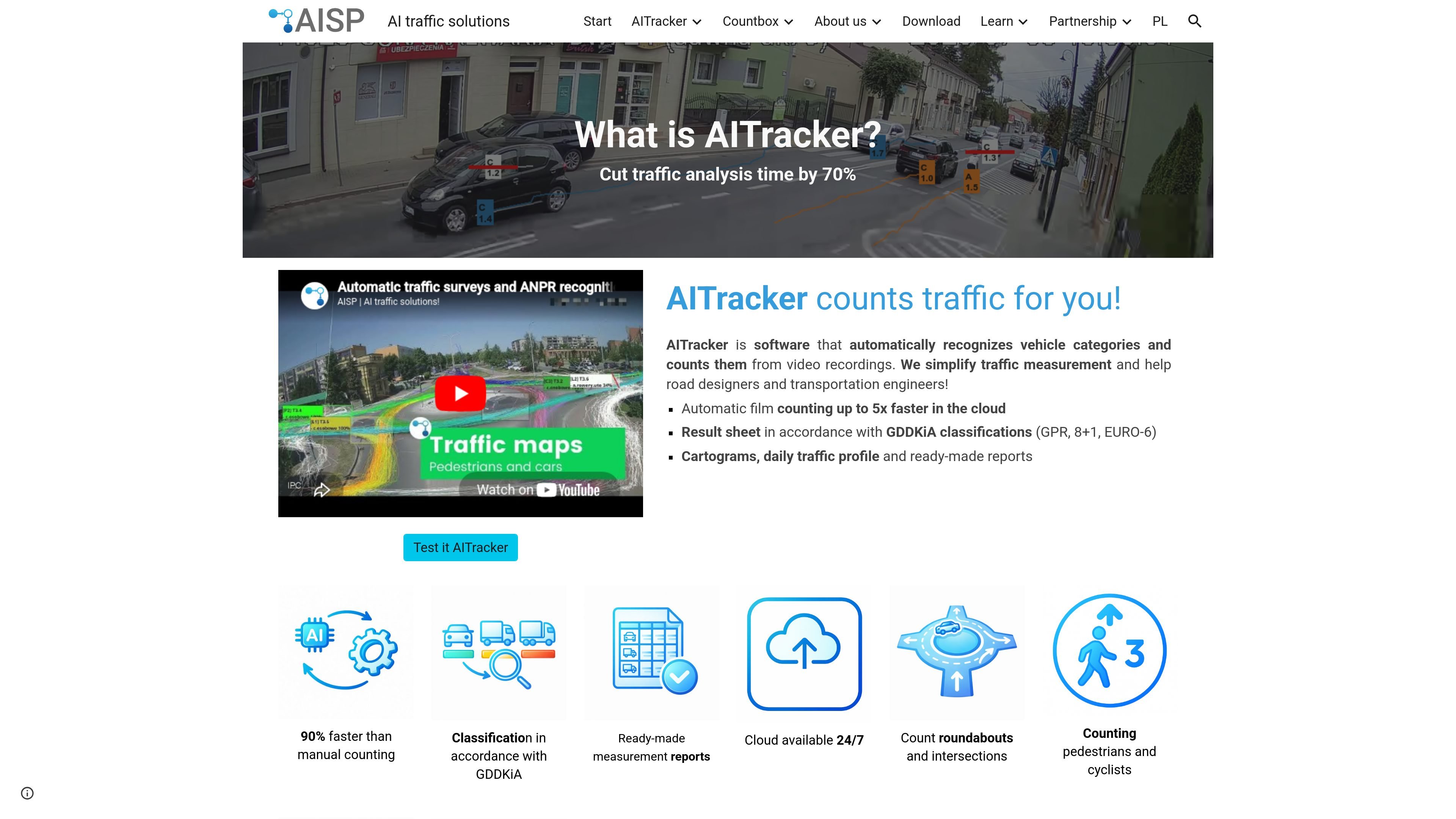
AITracker is a cloud-based traffic measurement tool that automatically recognizes vehicle and pedestrian categories from video recordings and turns them into counted results. It is aimed at road designers, transportation engineers, and other users who need traffic surveys, speed measurements, or license plate recognition from video.
The site emphasizes ready-made outputs rather than raw video review. AITracker generates spreadsheets, charts, cartograms, daily traffic profiles, and reports, and it lets users inspect counted vehicles or plate reads by jumping back to the relevant video moment.
AITracker automatically identifies vehicle and pedestrian categories from video recordings and produces counted traffic results without manual tallying.
The software produces ready-made result sheets, including traffic reports, daily profiles, cartograms, speed sheets, and ALPR spreadsheets.
The site says AITracker supports GDDKiA classifications such as GPR, 8+1, and EURO-6, and lets users reclassify results for other reporting views.
Users can define road cross-sections, intersections, roundabouts, and measurement relations, then generate results for those scene types.
AITracker can read license plates while counting traffic, and the ALPR workflow includes vehicle photos, plate photos, text readings, and plate metadata in the result sheet.
The platform supports speed measurement on defined road segments and can flag speed-limit violations, with vehicle-by-vehicle speed readings in the output.
The system runs in the cloud on AISP’s Google Cloud Platform setup, with email notification when processing completes and online result access for up to 14 days.
Use AITracker to count traffic on road cross-sections, intersections, and roundabouts when you need structured survey results from recorded video.
Use the ALPR workflow to capture vehicle photos, plate photos, text reads, and plate classifications in the same result sheet for later analysis.
Use defined road segments to measure vehicle speed, identify speed-limit violations, and export vehicle-by-vehicle speed data.
Use the anonymization workflow when traffic video needs to be blurred so people and vehicles are not directly identifiable in shared footage.
AITracker processes uploaded video footage in the cloud. You configure a video directory in the program, send it to the AISP cloud, receive an email when processing is finished, and then download the results online.
The source pages show traffic surveys, speed measurements, ALPR, and anonymization as available product areas. AITracker can count vehicle and pedestrian traffic, read license plates, measure speed on road segments, and blur identifying details in traffic videos.
The product page says results are available online for up to 14 days after processing. It also states that videos are not stored after the order is processed.
The site says new customers receive 24 free hours of processing for testing. It also says billing is based on the number of uploaded video hours, with a paid-hour limit and invoicing after the limit is used or after 3 months.

Scaloom is an AI Reddit marketing tool that helps warm up accounts, find relevant conversations, and draft replies and posts for approval.

HIIPE is a fan CRM for creators, agencies, venues, promoters, and brands that captures audience interactions into owned contacts you can export and message directly.

calculate.at is a browser-based library of online calculators for everyday math, finance, health, conversion, and date/time tasks, with no signup, formulas, and worked examples.

AICodePrep v2 is a local Rust app that scans a project folder, filters noise, and packs it into one AI-ready context block for ChatGPT, Claude, or Gemini.

Translate Peek is a Mac app that uses OCR to capture on-screen text and translate it offline for games, PDFs, manga, videos, screenshots, and more.

WhatsMark is a WhatsApp CRM for marketing, sales and support teams, with broadcasts, automation and a shared inbox on the official Meta Cloud API.