
Watchlist and episode tracking
Track shows across Watching, Planned, Completed, and Dropped, with per-episode checkboxes so you can see exactly where you stopped.

Anime Tracker is a free anime tracking app for watchlists, airing schedules, and progress in one place, with AniList and Kitsu import plus browser alerts.
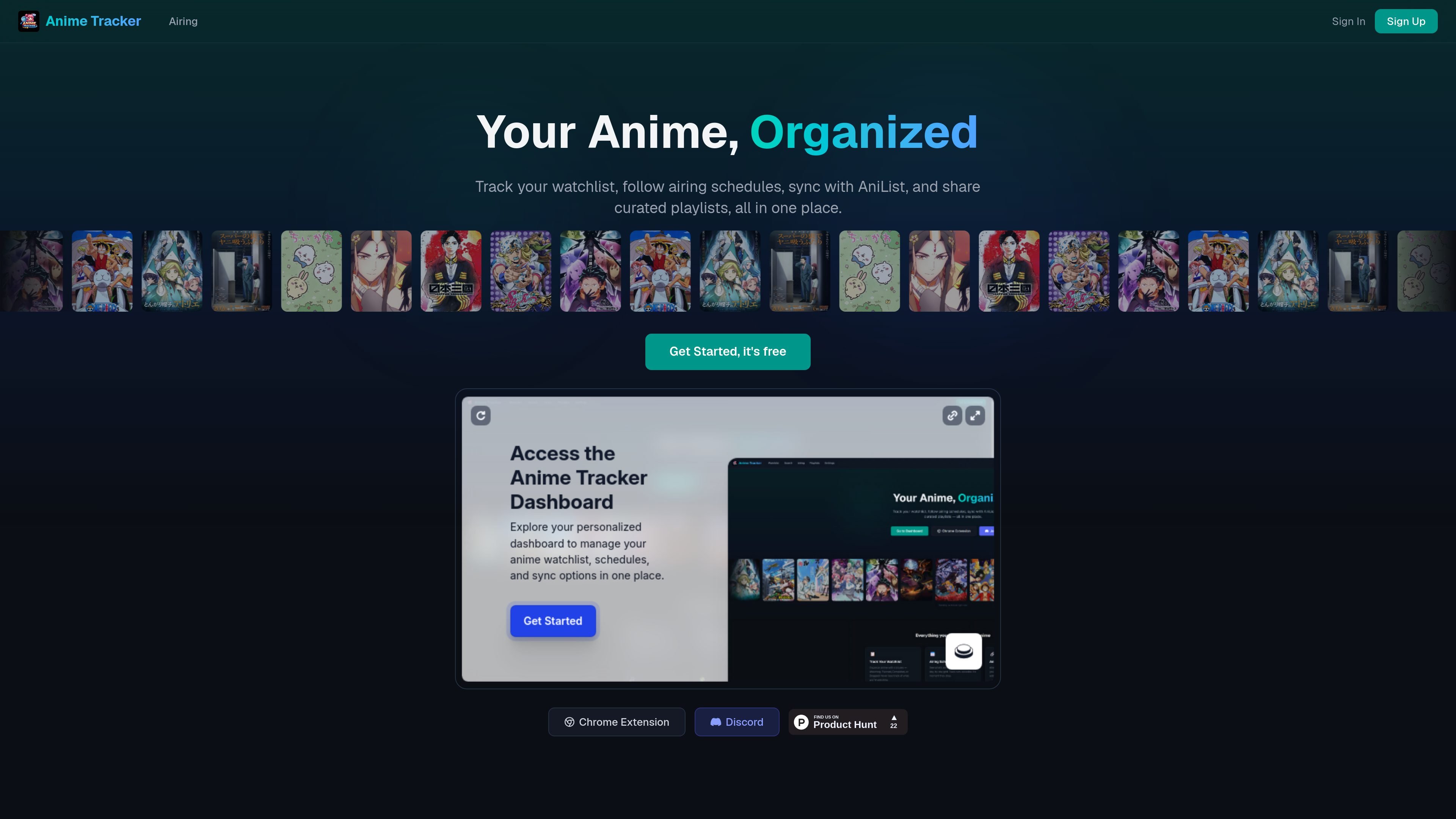
Anime Tracker is a free anime tracking app for organizing a watchlist, following airing schedules, and keeping track of what you have watched. The site positions it as a place to manage anime progress in one place rather than across multiple apps.
It combines list management with reminders, recommendations, friend-sharing features, and import options for people who already track anime in AniList or Kitsu. The homepage also says the core app stays free, with no ads or feature locks, and that any future paid items would be cosmetic rather than functional.
Track shows across Watching, Planned, Completed, and Dropped, with per-episode checkboxes so you can see exactly where you stopped.
View a day-by-day airing schedule and get browser notifications when new episodes drop for shows on your list.
Import an existing library from AniList, or enter a Kitsu username to bring in tracked anime without rebuilding your list manually.
Create themed collections such as gateway anime, underrated gems, or comfort rewatches, then share them through a public link.
Use the Chrome extension to track shows, check airing times, and receive notifications while browsing other sites.
Add friends, see what they are watching, and recommend shows directly from an anime page through the buddy system.
Use the watchlist and episode checkboxes to keep an up-to-date record of what you are watching, planning, or have finished.
Check the season grid and rely on browser notifications when a new episode airs for something already on your list.
Import AniList or Kitsu data when you want to move an existing collection into Anime Tracker without rebuilding it manually.
Create and share themed playlists when you want to recommend a curated set of titles to friends or publish a list link.
Use the buddy system to compare what friends are watching and suggest shows from within an anime page.
Yes. The homepage says you can create an account in seconds, with AniList import available at sign-up. The site also shows a sign-in option for existing accounts.
The homepage says you can import from AniList, and it also says you can enter your Kitsu username to pull in your library. It does not describe deeper sync behavior or supported fields beyond that.
Anime Tracker includes a Chrome extension that lets you track shows, check airing times, and receive notifications without leaving the page you are browsing.
The pricing page is currently a 404, so the site does not provide a published pricing breakdown there. The homepage says the core app stays free and that any future charges would be for cosmetic items rather than features.
The homepage describes a buddy system for adding friends, seeing what they are watching, and recommending shows from an anime page. It also offers shareable playlists for public sharing.

Goldfish is an AI memory app for macOS that helps you reply, write, summarize, and continue with context already on your Mac. It stores memory locally and writes in your tone.

ArtDeck is a visual reference board app for iPhone, iPad, and Mac. Collect mixed references on one canvas and study them with ToolBox lenses. Offline, optional iCloud sync, one-time purchase.

Biji is a versatile platform designed to enhance productivity through innovative tools and features.

Malyatko is a baby tracker for feeding, sleep, growth, teething, and milestones. Use it on iPhone, Apple Watch, and widgets offline, with iCloud sharing.

Liam is an AI copilot for inbox management, email replies, prioritizing messages, and scheduling meetings. Free for individuals; custom pricing for teams and enterprise.

Gemma AI is a phone call reminder app that calls you with scheduled reminders instead of push notifications, with Google Calendar sync and natural voice interaction.