
Option-key writing shortcut
Press Option in any text field to have Goldfish help you reply, write, summarize, or continue with the context already on screen.

Goldfish is an AI memory app for macOS that helps you reply, write, summarize, and continue with context already on your Mac. It stores memory locally and writes in your tone.
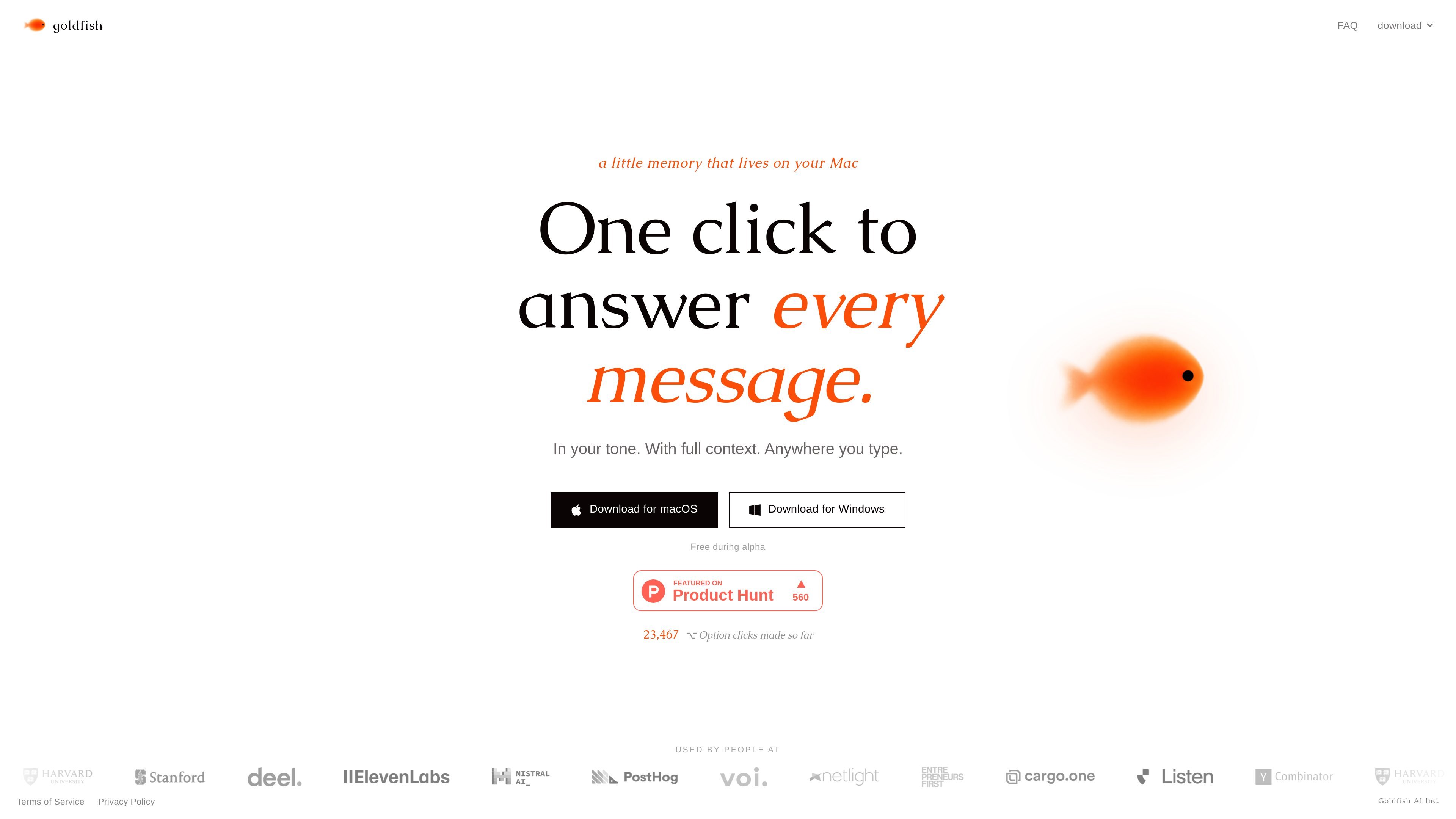
Goldfish is an AI memory app for macOS that helps you write, reply, summarize, and continue from the context already on your Mac. It is designed to work inside the text fields you already use, so you can get help without manually gathering context first.
The product positions itself as a local, searchable memory layer that captures what is happening across apps, tabs, and documents. The homepage emphasizes writing in your tone, while the FAQ explains that the stored memory stays on your Mac and that the app can also connect to Claude Desktop through local MCP.
Press Option in any text field to have Goldfish help you reply, write, summarize, or continue with the context already on screen.
Goldfish learns your writing style across apps, people, and situations so its output reads more like your own writing.
It captures context as you work and turns it into searchable local memory, reducing the need to restate the same background repeatedly.
The app can surface repetitive workflows, forgotten follow-ups, and nudges based on patterns it notices over time.
Goldfish can be used from the aquarium in the notch and can also connect to Claude Desktop through local MCP.
Use Goldfish when you are answering email or chat messages and want the reply to reflect the thread, documents, and recent context without retyping background details.
Use it to draft or continue writing in an editor, browser, or note app when the surrounding work should shape the next sentence or paragraph.
Use it to keep track of recurring tasks, follow-ups, and workflows that you repeat across apps, so the app can surface patterns and reminders over time.
Use the Claude Desktop connection when you want your Mac’s local context available inside Claude through local MCP.
Use the app as a local memory layer for browsing past work and the auto-generated wiki mentioned in the FAQ when you need to revisit what you did or why.
Goldfish is a companion app that lives on your Mac and remembers context from across your apps so you can ask it to reply, write, summarize, or continue without re-explaining everything.
You press Option anywhere you type. Goldfish uses the context already in front of you, and you can also chat from the aquarium in the notch or through Claude Desktop via local MCP.
Goldfish stores your memory locally in a SQLite database on your Mac. The FAQ says AI requests run through Azure OpenAI with zero data retention and no training on your data.
Goldfish says it can connect to Claude Desktop through local MCP, so the context on your Mac is available inside Claude as well.
Goldfish is free while it is in beta, according to the FAQ.

ArtDeck is a visual reference board app for iPhone, iPad, and Mac. Collect mixed references on one canvas and study them with ToolBox lenses. Offline, optional iCloud sync, one-time purchase.

Dcyde is a shared decision log for product teams to capture what was decided, why, and the source, with searchable records from Slack, Figma, or Dcyde.

Dirac is an AI email assistant for Gmail that prepares a morning brief, prioritizes important threads, and drafts replies in your voice.

Lasso is an ecommerce product data platform for enriching catalog records, processing supplier files, generating product content, and tracking competitors. It includes a web app, REST API, SDK, and MCP server.

Biji is a versatile platform designed to enhance productivity through innovative tools and features.

Malyatko is a baby tracker for feeding, sleep, growth, teething, and milestones. Use it on iPhone, Apple Watch, and widgets offline, with iCloud sharing.