

App Signals
Track iOS app performance in App Signals with one dashboard for installs, revenue, ad performance, and trends—powered by App Store Connect data.
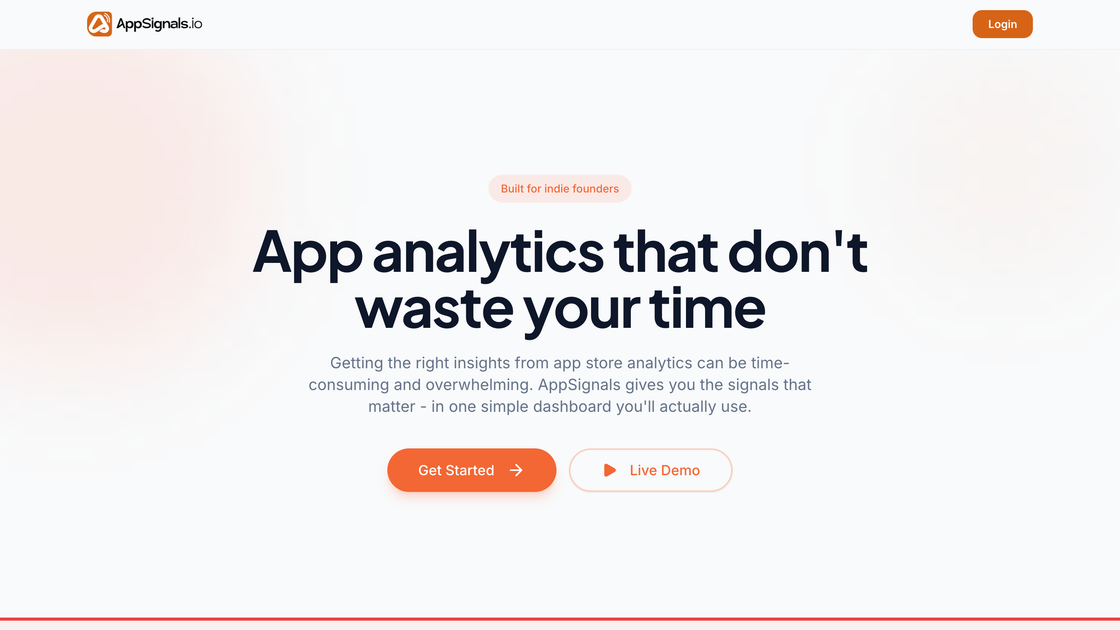
What is App Signals?
App Signals is an app performance analytics dashboard for iOS app founders who want clearer signals from app data without bouncing between multiple reports. It turns App Store Connect information and related inputs into a single view of installs, revenue, ad performance, and trends.
The product’s core purpose is to help users answer time-sensitive questions—such as whether the app is growing and whether releases or ad spend are behaving as expected—using weekly summaries and reminders built around release cadence.
Key Features
- Single dashboard for key app metrics: View installs, revenue, ad performance, and trends on one page to reduce switching between tools.
- Date range filtering and refresh: Adjust the reporting window (e.g., 7/30/90 days) and refresh the data to inspect recent changes.
- Weekly email summaries: Receive a snapshot of what changed over the previous week without needing to log in.
- Release cadence tracking and shipping reminders: Track release cadence and send reminders when it’s time to ship to maintain visibility.
- Trend detection via week-over-week changes: See how performance is moving week to week to spot growth, flatlining, or decline earlier.
How to Use App Signals
- Connect your App Store account to enable App Signals to pull the data it uses for reporting.
- Review the dashboard to inspect installs, revenue, ad performance, and trends in one place.
- Use the date range controls and refresh to narrow in on the period you want to analyze.
- Monitor weekly summaries in your inbox for a recap of changes and items to watch.
- Follow shipping reminders to keep release activity consistent with Apple’s expectations around cadence.
Use Cases
- Indie founder managing one app: Use the unified dashboard to quickly determine whether installs and revenue are trending up or down, without cross-checking multiple reports.
- Indie team comparing performance periods: Filter by date range and refresh to see week-over-week shifts and understand what changed within the last 7, 30, or 90 days.
- App marketing decision support: Review ad performance alongside other metrics so you can move beyond CPI figures alone and consider how ad results align with revenue outcomes.
- Release planning when schedules slip: Rely on shipping reminders to stay consistent when development work interrupts routine updates.
- Teams that prefer asynchronous reporting: Use weekly email summaries to stay informed without logging into analytics every day.
FAQ
-
I already use App Store Connect. Why do I need this?
App Signals focuses on consolidating relevant metrics and presenting clearer “signals” in one dashboard, plus weekly summaries and shipping reminders, rather than relying on separate App Store Connect reports. -
How long does setup take?
The site states you can connect your App Store account in minutes, with no SDKs, no code, and no configuration required. -
What data does App Signals track?
The page describes installs, revenue, ad performance, and trends, and notes that it uses App Store Connect data as well as other inputs referenced in the workflow (e.g., for review and ad-related visibility). -
Is this for big enterprise teams?
The page positions App Signals for the indie ecosystem and multiple-app founders; it does not provide details about enterprise team requirements. -
Do I need to log in to get updates?
No—weekly summaries are sent to your inbox every Monday.
Alternatives
- App Store Connect dashboards: Use Apple’s built-in analytics directly. This is typically broader but may require more report navigation to answer questions quickly.
- Ad platform reporting (e.g., Apple Search Ads reports): Rely on CPI and ad metrics in the ad network interface; this may not connect directly to revenue trends.
- Analytics aggregation via spreadsheets or BI tools: Combine downloads, revenue, and marketing metrics manually to create your own reporting, but it can add overhead and reduce timeliness.
- Revenue analytics services: Use third-party services focused on monetization reporting; these may cover revenue well but may not include the release cadence reminders and consolidated dashboard workflow described for App Signals.
Alternatives

PromptScout
PromptScout tracks how your brand is mentioned, which competitors are recommended, and what sources are cited in AI answers—plus website audits.

SaveMRR
SaveMRR scans Stripe billing data to find SaaS MRR leaks and help recover failed payments, save cancellations, and win back churn—60-sec Free Revenue Scan.

Sleek Analytics
Lightweight, privacy-friendly analytics with real-time visitor tracking—see where visitors come from, what they view, and how long they stay.

Struere
Struere is an AI-native operational system that replaces spreadsheet workflows with structured software—dashboards, alerts, and automations.

ClayHog
ClayHog tracks AI Search Visibility & GEO—see what ChatGPT, Gemini, Perplexity, Claude, and Google AI Overviews say about your brand, incl. citations and sentiment.

beehiiv
beehiiv is an all-in-one newsletter and website platform with publishing, growth, analytics, and monetization tools for creators and brands.