
Prompt-based video generation
Generate a complete video from a short prompt plus your context. The homepage says Baz can make entire videos in one prompt and can also start from a blank project.

Baz is an AI video generator for software demos and motion graphics. Create branded videos from prompts with API and CLI support.
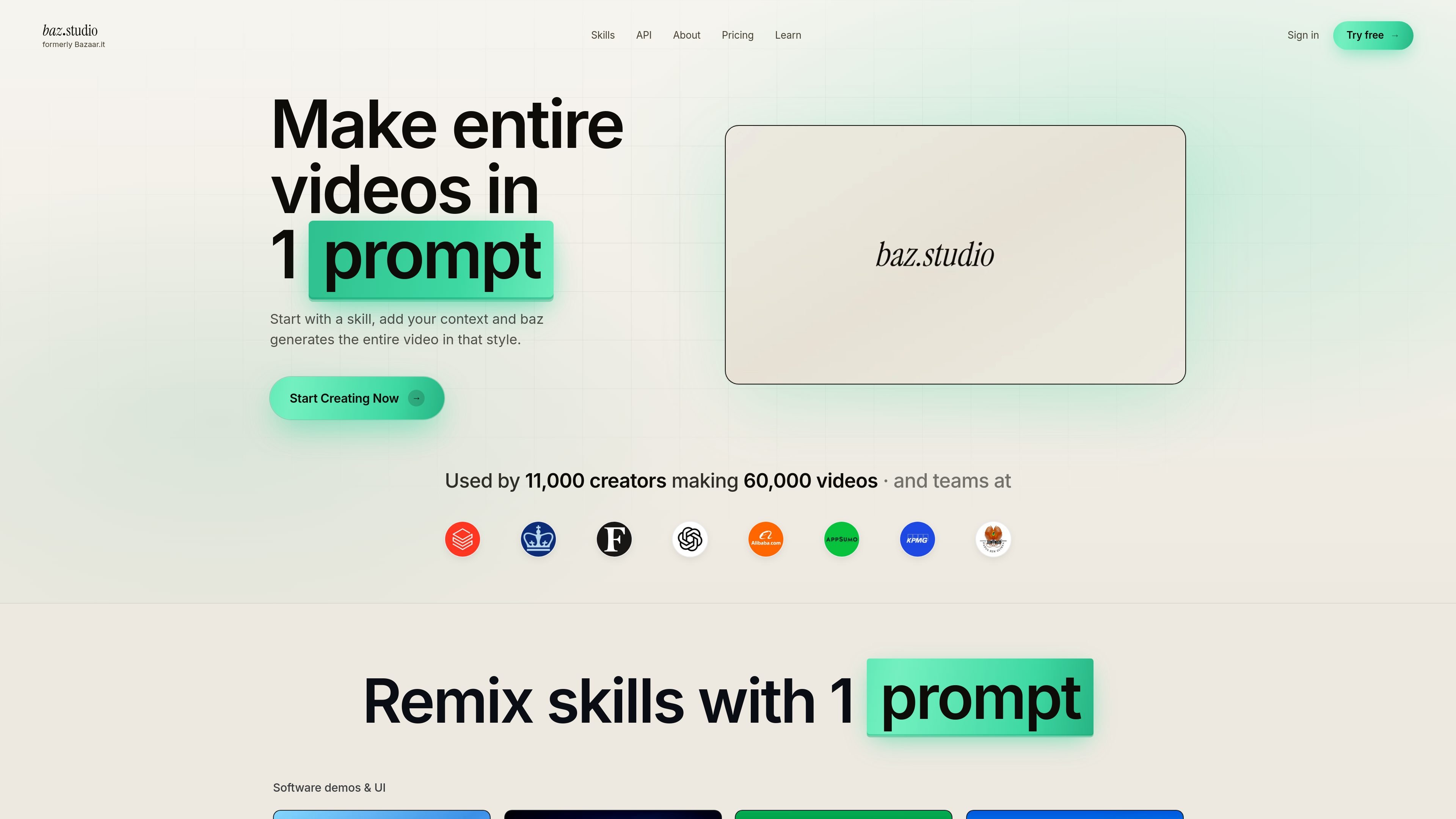
Baz is an AI video generator for software demos and other motion-graphics-style content. It turns a short prompt plus supporting context into a complete video, with the product positioning itself around fast creation, prompt-based editing, and reusable styles for different content types.
The site emphasizes software demos, UI walkthroughs, product launches, social campaigns, and other branded updates. It also supports a CLI and API for programmatic generation, along with a pricing model that includes a free tier, subscription plans, and per-operation usage pricing for specific model calls.
Generate a complete video from a short prompt plus your context. The homepage says Baz can make entire videos in one prompt and can also start from a blank project.
Choose from different content styles and examples such as software demos and UI, data and finance, social media, and maps. Baz presents these as remixable skills rather than a single fixed template.
Add scene-level direction, then let the system produce the full video structure. The homepage example shows guidance for background, music, sound effects, step-by-step demo flow, and ending animation.
Edit generated output with prompts instead of only working in a timeline. The homepage explicitly says you can edit anything with prompts.
Use the CLI and API to automate generation, scene management, asset upload, and export. The API page lists commands such as `baz prompt`, `baz scenes list`, `baz media upload`, and `baz export start --wait`.
Work through a controlled five-phase process in the CLI: Context, Generate, Review, Iterate, and Export. The API page says the workflow is gated so agents do not skip steps.
Create launch videos that explain a new feature or product update with contextual instructions for visuals, pacing, and end-card behavior.
Produce software demo videos that show UI steps, feature behavior, and guided narration-style motion graphics without starting from a blank timeline.
Generate social content and short-form promotional clips using remixable skills and prompt-based edits for fast iteration.
Automate repeatable video generation in code with the CLI or API, including scene creation, asset upload, and export steps.
Set up team workflows with centralized billing, member balances, and higher-touch support for organizations that need shared usage management.
Baz offers a free plan with a $4 trial balance and no credit card required. The pricing page also lists paid Creator, Pro, and Business plans, plus an API/CLI workflow for programmatic use.
Yes. The API page says Baz offers an API key flow and a CLI for programmatic video generation, with commands for project creation, prompt generation, scene listing, and export.
The pricing page says Business includes 5 seats, custom brand workflow training, API access, priority support SLA, and 30-day onboarding. A separate team pricing page says existing team customers stay grandfathered at $45 per member per month with centralized billing and member balances.
Baz's workflow is built around generating videos from prompts and context, then reviewing, iterating, and exporting. The API page describes a gated 5-phase workflow: Context, Generate, Review, Iterate, Export.
The pricing page lists watermark-free exports on paid plans and watermarked exports on the free plan. It also offers a one-time pack for 5 HD exports without a subscription.

DeepMotion is a web-based AI motion capture and 3D animation platform with Animate 3D for video-to-animation and SayMotion for text-to-animation.

ByteAsk is a terminal-first AI coding agent for C and C++ that edits repos and verifies changes with compilers, debuggers, sanitizers, and tests.

CreateOS Sandbox is an isolated compute environment for running code and agent workloads in Firecracker micro-VMs with private networking and SDK, CLI, or MCP control.

hob is an independent workspace for coding agents, with local control over sessions, terminals, history, routing, and follow-up work.

Ably Chat is a chat API platform for custom realtime chat apps, with rooms, typing indicators, presence, reactions, message updates and usage-based pricing.

Manta AI is an autonomous web app testing tool that maps app behavior, catches regressions, and generates tests from a URL, no scripts or selectors needed.