
Browser-based model import
Load STL, OBJ, GLB/glTF, or PLY files directly in the browser, including drag-and-drop input for quick testing.

BrickSolvr converts 3D models into stud-brick builds in the browser and creates a parts list for buying bricks. Supports STL, OBJ, GLB/glTF, and PLY.
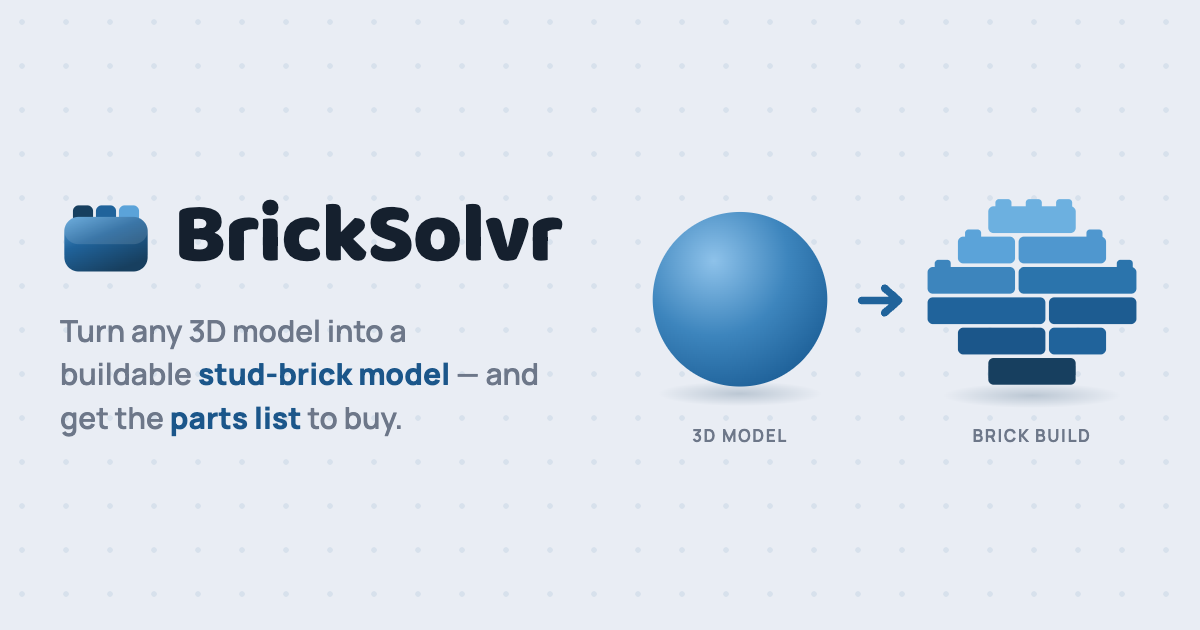
BrickSolvr is a free, browser-based tool that converts 3D models into stud-brick builds. It supports STL, OBJ, GLB/glTF, and PLY files and shows the original model alongside the brick version in 3D.
The tool is designed to keep the workflow local: loading, voxelizing, and brick-building all happen in the browser, and the site says models are never uploaded. After conversion, BrickSolvr provides a parts list with brick sizes, colors, and quantities, plus a layer-by-layer guide for building the model in real life.
Load STL, OBJ, GLB/glTF, or PLY files directly in the browser, including drag-and-drop input for quick testing.
Convert the model into a stud-brick version and view the original and brick build side by side in 3D for comparison.
Set a target model width in studs and cap the number of colors used so the result can trade off detail, size, and build complexity.
Choose which brick sizes and colors are allowed, so the output better matches the parts you can actually buy or already own.
Generate an exact shopping list with brick sizes, colors, and quantities, along with a downloadable CSV export and warnings for missing or weak parts.
Follow a layer-by-layer build guide to assemble the model one layer at a time in 3D.
Turn a personal or experimental 3D model into a brick-compatible version, then use the parts list to source the needed pieces.
Import a model you want to assemble and use the build guide to follow the model layer by layer during construction.
Limit the color count and choose only the brick sizes you have on hand so the output better matches your existing collection.
Compare the original model and the converted brick version side by side to judge how much detail is preserved at a given size.
Use the downloadable CSV and exact part counts as a shopping reference before buying bricks for a build.
BrickSolvr supports STL, OBJ, GLB/glTF, and PLY files. You can load a model in the browser by clicking the file picker or dropping a file onto the page.
BrickSolvr runs entirely in your browser and does not upload models to a server. JavaScript and WebGL must be enabled to use it.
BrickSolvr outputs an exact shopping list of brick sizes, colors, and quantities, and it also offers a downloadable CSV plus a layer-by-layer build guide.
The homepage says larger models can take more computing power and may be slower on older devices. It also notes that a remote calculation option is coming later for bigger builds.
The site provides contact links for GitHub issue reports, email updates, and support email, but it does not show a team or multi-user collaboration workflow on the pages provided.

DeepMotion is a web-based AI motion capture and 3D animation platform with Animate 3D for video-to-animation and SayMotion for text-to-animation.

sizeless digitizes utility construction with SiteScan: capture trenches on iPhone Pro and create 3D point clouds, DWG/DXF as-built plans, and GIS pipe-route models.

Atlasly is an AI site analysis and feasibility tool for architects, developers, and planners, assessing constraints, walkability, and urban context in web app or MCP-connected AI assistants.

anyCreature turns a short text order into a game-ready 3D creature, compiled from one JSON spec with animation, vertex colour, AO baking and an offline viewer.

模袋云 is an accessible online villa modeling software.

Vizcom is an AI design platform for product designers and teams that turns sketches into photorealistic 3D renders, with iteration and team workflows.