

BugShot
BugShot converts a screenshot into a structured, developer-ready bug report in seconds, filing directly to GitHub, Jira, Linear, Slack or Telegram.
What is BugShot?
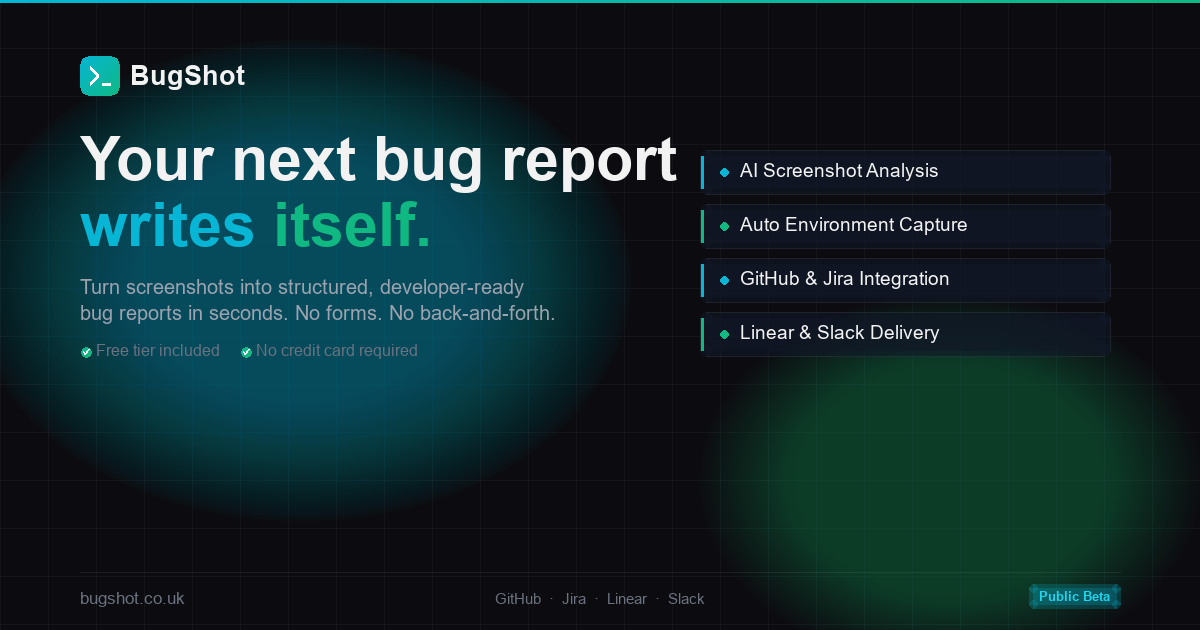
BugShot turns a user screenshot into a structured, developer-ready bug report in seconds. It captures visual evidence and automatically extracts details such as browser, OS, viewport, and console/network information, then generates a consistent Markdown report that can be filed directly to common issue trackers and chat tools.
The core purpose is to reduce the back-and-forth that happens when bug reports lack reproduction steps, environment data, or error details—making tickets quicker to understand and act on.
Key Features
- Screenshot-to-ticket workflow: Report creation starts from a single screenshot, aiming to go from capture to a filed ticket without manual form filling.
- Background analysis (OCR + data collection): BugShot reads the screenshot using OCR and collects error context, including console errors and other environment details, automatically.
- Structured Markdown output: Each report follows a consistent format with sections such as summary, steps to reproduce, environment, URL, and error details when available.
- Direct filing to tools teams already use: Generated reports can be sent to GitHub Issues, Jira, Linear, Slack, or Telegram.
- Embedded capture widget: A “lightweight button” embedded in an app via a single script tag is used to trigger screenshot capture.
How to Use BugShot
- Get started (demo or free tier): Use the “Get Started Free” option or “Try the Demo” to begin testing the workflow.
- Embed the widget in your app: Add BugShot to your application using the provided script-tag approach for the BugShot widget/button.
- Capture and submit: Have a user click the BugShot widget to capture a full-resolution screenshot.
- Review the generated report: BugShot generates a Markdown bug report and files it directly to your selected destination (GitHub, Jira, Linear, Slack, or Telegram).
Use Cases
- Frontend debugging for UI/payment issues: When a user clicks “Pay Now” and an uncaught error occurs, BugShot can include steps to reproduce, environment details, and console error text alongside the screenshot.
- Faster triage of vague bug descriptions: Instead of reports like “The site isn’t working,” teams can capture evidence and context automatically so developers have enough information to start investigating.
- QA and engineering workflows for repeated reporting: Teams that file bugs frequently can rely on a consistent report structure to reduce missing fields such as reproduction steps or error messages.
- Team notifications in chat: When a bug needs immediate attention, BugShot can send the generated report to Slack or Telegram so the relevant channel receives a developer-ready ticket.
- Tracker-based issue management: When teams organize work in GitHub Issues, Jira, or Linear, BugShot files the report directly to those systems to minimize copying and context switching.
FAQ
-
Does BugShot require filling out a form? No—BugShot is presented as a workflow with “no forms” and “no back-and-forth,” starting from a user screenshot.
-
What information does BugShot include in the report? The page indicates it generates a structured Markdown report and automatically collects details including browser, OS, viewport, and console errors (and it detects errors from the screenshot via OCR).
-
Where can BugShot file bug reports? BugShot can file reports directly to GitHub Issues, Jira, Linear, Slack, or Telegram.
-
Is there a free way to try BugShot? Yes. The page states there is a “Try the Demo” and a “Free tier included,” with “no credit card required” and “cancel any time.” It also mentions 20 reports/month on the free tier.
-
How is BugShot added to an application? The widget is described as a lightweight button embedded in an app with a single script tag.
Alternatives
- Manual bug reporting templates (issue templates/forms): Teams can structure reports using forms or issue templates, but users still need to provide steps, environment, and evidence manually.
- Session replay / error reporting tools: These can capture user activity and errors automatically, but they may not generate a screenshot-derived, structured Markdown ticket in the same end-to-end workflow.
- Screen capture + OCR/clipboard-to-issue workflows: Some teams use screenshot capture plus separate OCR and copy/paste into trackers; this differs from BugShot’s single-step capture and direct filing flow.
- Support ticketing systems with custom fields: These can collect consistent metadata, but may still require reporters to provide information that BugShot aims to extract and compile automatically from the screenshot and runtime signals.
Alternatives

ClawTick
ClawTick is a CLI-first AI agent automation platform for scheduling webhook tasks on cron with monitoring, alerts, retries, and execution logs.

Falconer
Falconer is a self-updating knowledge platform for high-speed teams to write, share, and find reliable internal documentation and code context in one place.

OpenFlags
OpenFlags is an open source, self-hosted feature flag system with a control plane and typed SDKs for progressive delivery and safe rollouts.

skills-janitor
Audit, track usage, and compare your Claude Code skills with skills-janitor—nine focused slash commands and zero dependencies.

MakerLoft
MakerLoft is an AI app builder for non-developers that connects to your GitHub repo to generate working apps with auth, payments, files, jobs.

Rectify
Rectify is an all-in-one operations platform for SaaS, combining monitoring, analytics, support, roadmaps, changelogs, and agent management—via conversation.