
Self-updating documentation
Falconer keeps internal documentation current by syncing with connected tools and updating content as source information changes.

Falconer is an AI-powered company brain that keeps internal docs accurate, searchable, and up to date by syncing with GitHub, Slack, and Linear.
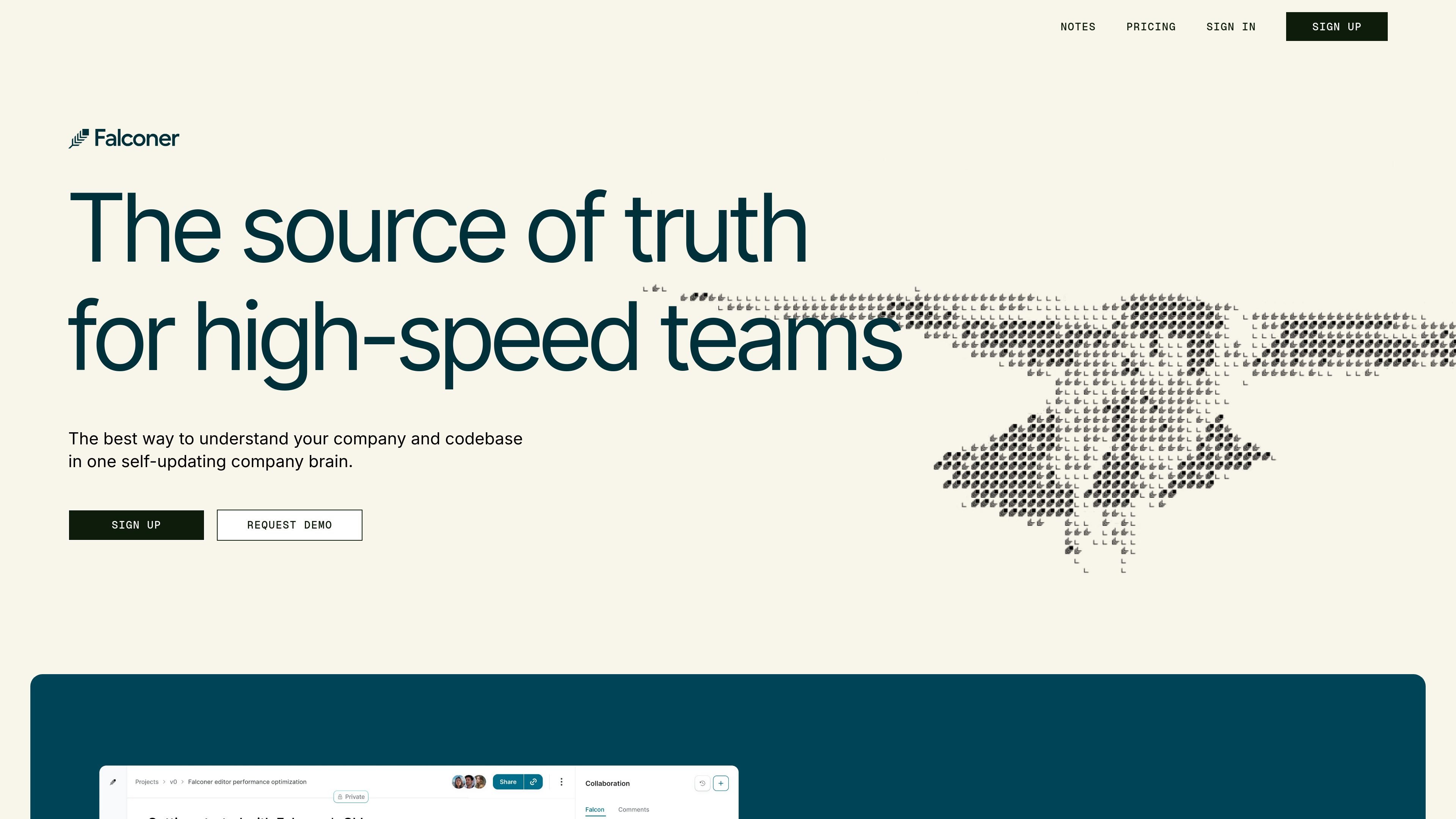
Falconer is an AI-powered company brain for teams that need their engineering documentation and internal knowledge to stay accurate as work changes. It combines document creation, search, and synchronization so people can write, find, and maintain context in one place.
The product is built around connected workflows rather than a standalone wiki. It syncs with tools such as GitHub, Slack, Linear, Notion, Confluence, Google Drive, Gmail, Zendesk, and Granola, and it can surface answers for both teammates and AI agents from the same knowledge base.
Falconer keeps internal documentation current by syncing with connected tools and updating content as source information changes.
The product can answer questions from a unified knowledge base that combines docs, tribal knowledge, and code context.
Integrations with GitHub, Slack, and Linear help bring code, conversations, and project context into the same workspace.
The pricing page lists automated doc generation, organization, and an AI writing editor for drafting and maintaining content.
Enterprise and higher tiers add options such as SSO, SAML, priority support, white-glove migration, and self-hosted deployment.
Falconer exposes an MCP API and webhooks for automations, and supports writing docs from Slack in the Pro tier.
Engineering teams can keep docs aligned with code changes so answers stay current as products ship.
Teams replacing Confluence can consolidate scattered docs and search one connected knowledge base instead of jumping between folders and threads.
Support, HR, sales, and marketing teams can ask questions in Slack or the web app and reuse the same source of truth as engineering.
Teams building with AI assistants can provide more accurate context from docs and code so agents rely on fresher information.
Organizations migrating content from tools like Confluence, Google Drive, or Notion can use Falconer’s enterprise migration path to centralize knowledge.
Falconer connects to tools like GitHub, Slack, Linear, Notion, Confluence, Google Drive, Google Workspace, Gmail, Zendesk, and Granola so teams can keep knowledge in one connected system.
The source materials show Falconer being used for engineering documentation and broader internal knowledge management. It is designed to keep docs accurate, searchable, and up to date across teams.
The product pages show Falconer working through the web app, Slack, and MCP-based workflows, with integrations that let teams ask questions, manage docs, and sync context from connected tools.
Falconer’s public pricing page shows Starter is free, Pro is billed per user with monthly or annual billing options, and Enterprise is custom with sales contact required.
The available sources do not document every setup detail or each supported behavior for every integration, so teams should review the integrations and pricing pages or request a demo for fit confirmation.

Skills Janitor is a GitHub-hosted set of slash commands for auditing, tracking, and cleaning up Claude Code and OpenAI Codex skills.

Goldfish is an AI memory app for macOS that helps you reply, write, summarize, and continue with context already on your Mac. It stores memory locally and writes in your tone.

Lasso is an ecommerce product data platform for enriching catalog records, processing supplier files, generating product content, and tracking competitors. It includes a web app, REST API, SDK, and MCP server.

ArtDeck is a visual reference board app for iPhone, iPad, and Mac. Collect mixed references on one canvas and study them with ToolBox lenses. Offline, optional iCloud sync, one-time purchase.

Struere turns spreadsheet data into structured operational software with dashboards, alerts, and automations for teams replacing manual spreadsheet workflows.

garden-md is an open-source Node.js CLI that turns meeting transcripts into a local company wiki, linking entities and preserving the original text.