
Google Calendar workflow
Connect your Google Calendar once and payment requests appear inside events. The product says it reads calendar events and keeps payment status visible in the calendar and dashboard.

Cal2Cash attaches payment requests to Google Calendar events so session-based professionals can collect payments from invites. Flat or hourly rates, reminders, discounts, late fees, and tracking.
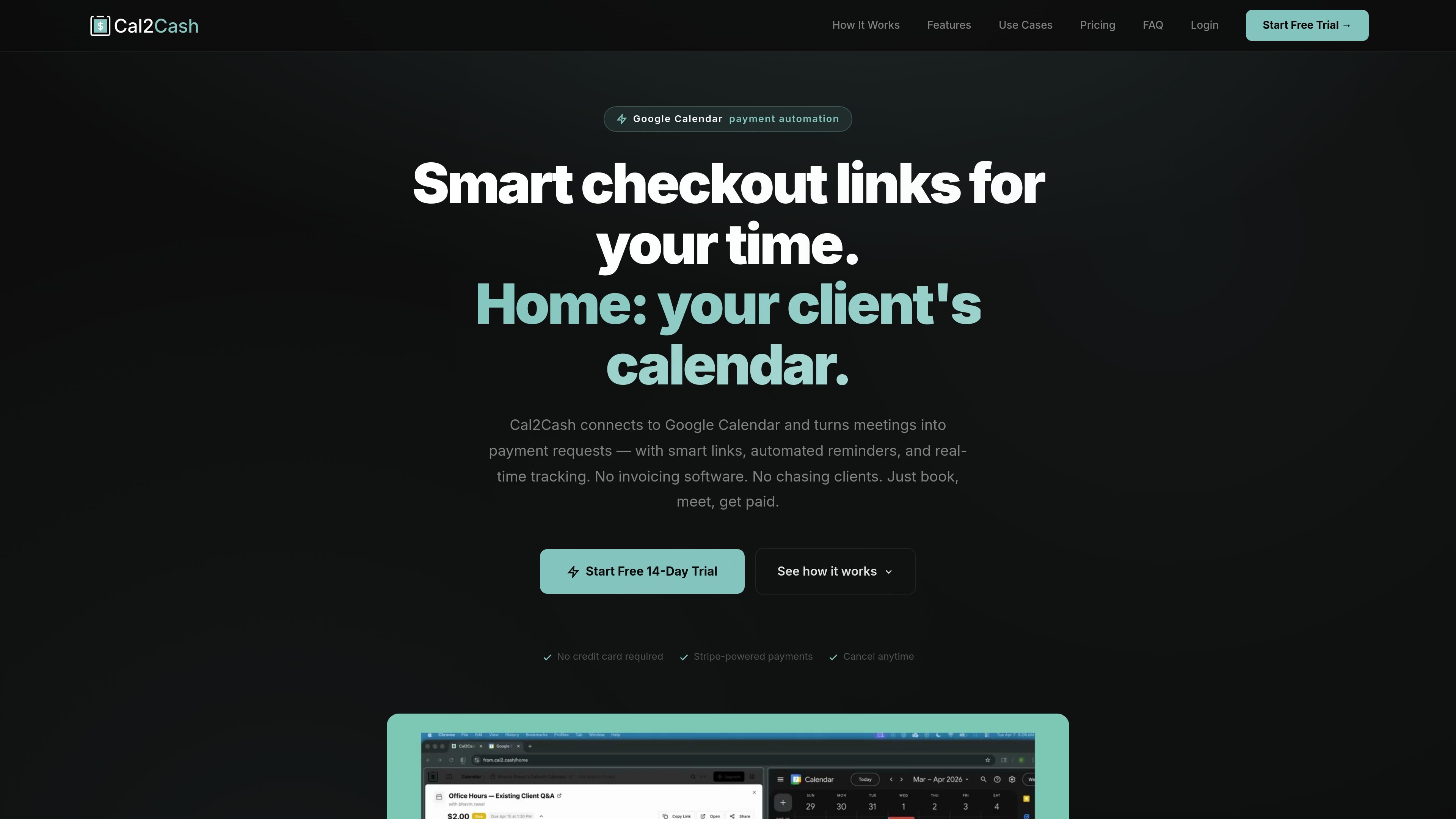
Cal2Cash is a billing layer for people who charge for time-based sessions and manage bookings in Google Calendar. It turns calendar events into payment requests, then attaches a secure payment link directly to the event so clients can pay from the invite.
The product is positioned for professionals such as consultants, coaches, tutors, therapists, creatives, trainers, lawyers, and workshop facilitators. Its workflow centers on setting a rate on an event, sending the link through Google Calendar, and letting reminders, due dates, discounts, and late fees run automatically.
Connect your Google Calendar once and payment requests appear inside events. The product says it reads calendar events and keeps payment status visible in the calendar and dashboard.
Create payment requests with either a flat fee or an hourly rate. The amount can update when session duration changes, which fits time-based services.
Attach short, secure payment links to events and control whether they are active. The site also says you can set seat limits and expiry dates for links.
Offer time-limited discounts that count down on the payment page and revert to full price automatically after the deadline.
Add due dates and automatic late fees when payment is overdue. The page says clients receive an email and the link updates without manual follow-up.
See payment states such as Planned, Due, Paid, Overdue, and Cancelled, with a full history of each request and automated email reminders.
A consultant or advisor can attach an hourly rate to recurring meetings so each session generates a payment request without month-end invoice assembly.
A therapist or counselor can extend an event when a session runs long, and the payment amount recalculates from the hourly rate.
A tutor, educator, or workshop host can cap seats and add an early-bird discount that expires automatically once the deadline passes.
A trainer, musician, or other freelancer can send a flat-rate payment link with the event so the client pays before or soon after the booking.
A professional who wants automated follow-up can rely on payment reminders and late fees instead of sending manual chase emails.
Cal2Cash connects to Google Calendar and creates payment requests from calendar events. You set a flat fee or hourly rate on an event, and the client receives a payment link inside the invite.
The source shows a 14-day free trial and says no credit card is required to start. It also notes Stripe-powered payments and that you can cancel anytime.
The site describes Cal2Cash as working inside Google Calendar. The collected content does not confirm support for other calendars or platforms.
The page shows use cases for consultants, coaches, tutors, therapists, creatives, trainers, lawyers, and workshop facilitators, all of whom bill for meetings or sessions.

Liam is an AI copilot for inbox management, email replies, prioritizing messages, and scheduling meetings. Free for individuals; custom pricing for teams and enterprise.

Gemma AI is a phone call reminder app that calls you with scheduled reminders instead of push notifications, with Google Calendar sync and natural voice interaction.

ClawTick is an AI agent automation platform for scheduling jobs from the CLI, dashboard, or REST API. Built for developers and teams using LangChain, CrewAI, webhooks, or custom workflows with monitoring, alerts, and logs.

ClawEase is an AI business operator that captures requests across calls, email, SMS, WhatsApp, LINE, and web forms, then completes booking workflows in existing web systems.

SelectPrism is an agentic AI hiring platform for high-volume recruiting teams. Automates screening, scheduling, first-round interviews, and structured evaluation.

Fountain is a frontline workforce platform for high-volume hiring, onboarding, sourcing, and scheduling, with Frontline OS and AI-assisted workflows.