

CipherLock
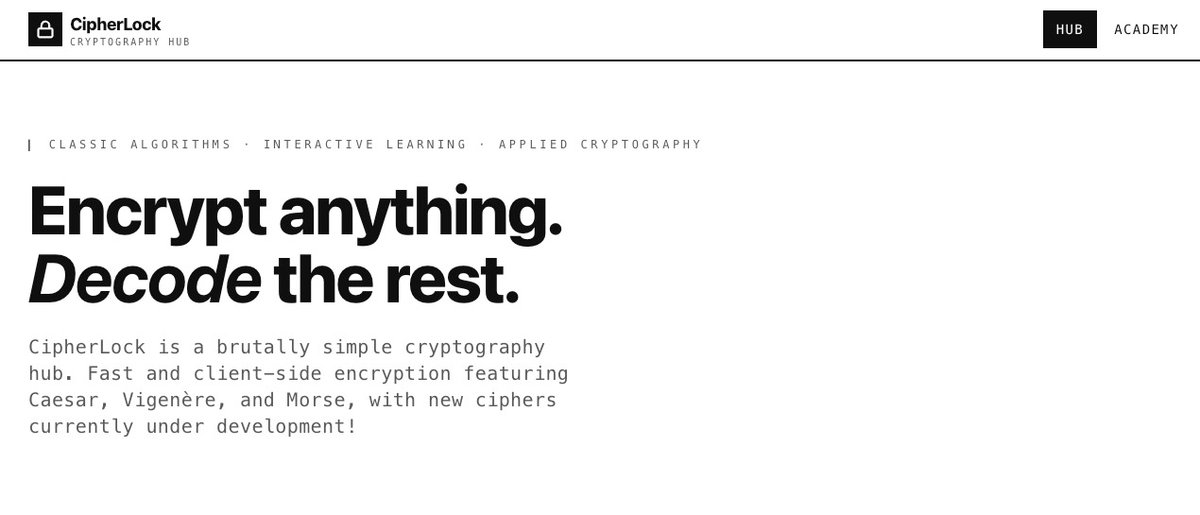
CipherLock is a 100% client-side tool to instantly encrypt and decrypt messages using classic ciphers, with zero tracking.
What is CipherLock?
CipherLock is a client-side cryptography hub for encrypting and decrypting messages using classic ciphers. Its core purpose is to let you transform message text in the browser so you can read or share content in an encrypted form.
The product emphasizes that the cryptographic operations run in the client (in your browser) and that it does not use tracking, aligning with privacy-focused workflows for handling sensitive or private messages.
Key Features
- Client-side encryption and decryption: Messages are encrypted/decrypted in the browser, so the process is handled locally rather than on a remote service.
- Instant message transformation: The workflow is designed for quick encrypt/decrypt operations for message text.
- Classic cipher support: Provides tools to apply traditional cipher methods to message content.
- Privacy-oriented operation: The site states it uses 100% client-side processing and zero tracking.
How to Use CipherLock
- Open CipherLock in your browser.
- Paste or type the message you want to work with.
- Choose the cipher method (classic cipher) you want to use.
- Select whether you want to encrypt or decrypt.
- Copy the resulting encrypted/decrypted text for use elsewhere.
Use Cases
- Encrypting a note before sending: Turn a plaintext message into ciphertext using a selected classic cipher so the recipient can decrypt it.
- Decrypting an existing ciphertext: Paste encrypted text and decrypt it to recover readable content.
- Sharing “obscured” message content: Use a cipher to make message contents less readable to unintended viewers while keeping the workflow quick.
- Local privacy for message handling: Prefer a tool that operates on the client side for transforming message text without relying on server-side processing.
FAQ
Is CipherLock a server-side or client-side tool?
CipherLock is described as 100% client-side, meaning encryption and decryption are performed in the browser.
Does CipherLock track users?
The page states there is zero tracking.
What does CipherLock help me do?
It helps you encrypt and decrypt messages using classic ciphers.
Do I need to install anything?
The provided information describes a client-side web tool accessed via the site; no installation details are mentioned.
Can I use it for both encryption and decryption?
Yes. The page explicitly describes instant encrypt and decrypt message functionality.
Alternatives
- Client-side cipher tools in the browser: Look for other web-based utilities that perform encryption/decryption locally for message text, focusing on privacy and no server processing.
- Desktop or command-line cryptography utilities: Tools that run locally can provide similar encrypt/decrypt workflows without a web interface.
- Password managers’ secure notes or built-in encryption: For workflows centered on storing and retrieving secrets, these can provide an encrypted content flow with key management handled by the manager.
- General cryptography libraries or web SDKs: If you need more control, libraries can be used to implement cipher-based transformations within your own app or tool.
Alternatives

FounderStackHub
FounderStackHub uses an always-on AI agent to scan, verify, and match startup perks like cloud credits, AI-tool credits, and SaaS discounts to your stack.

Elvixs
Elvixs is an AI job outreach tool for freshers and students—find HR contacts, generate AI cold emails, send from Gmail, and track opens.

Gossipic
Gossipic tracks how often your brand is mentioned in AI answers, analyzes sentiment, benchmarks competitors, and creates daily action plans. Start 7-day free trial.

SnapSub: Subscriptions Hub
SnapSub: Subscriptions Hub centralizes recurring services so you can track what you pay, upcoming billing dates, and get reports to review spending.

Abakada
Abakada is the Philippines’ curated directory of free, open-source tools—1,000+ verified listings across 45+ categories for students & educators.

Been There Global
Been There Global shares real stories from real travellers to help you “know before you go” and plan trips with more confidence.