
Persistent coding-agent bots
Create persistent named bots with their own agent backend, project folder, instructions, memory and permission policy. Each bot keeps a main chat and can have reply threads.

Codync is an open-source tool that turns Claude Code, Codex, Cursor and Gemini into persistent bots for messaging from iPhone, Mac, Linux or terminal.
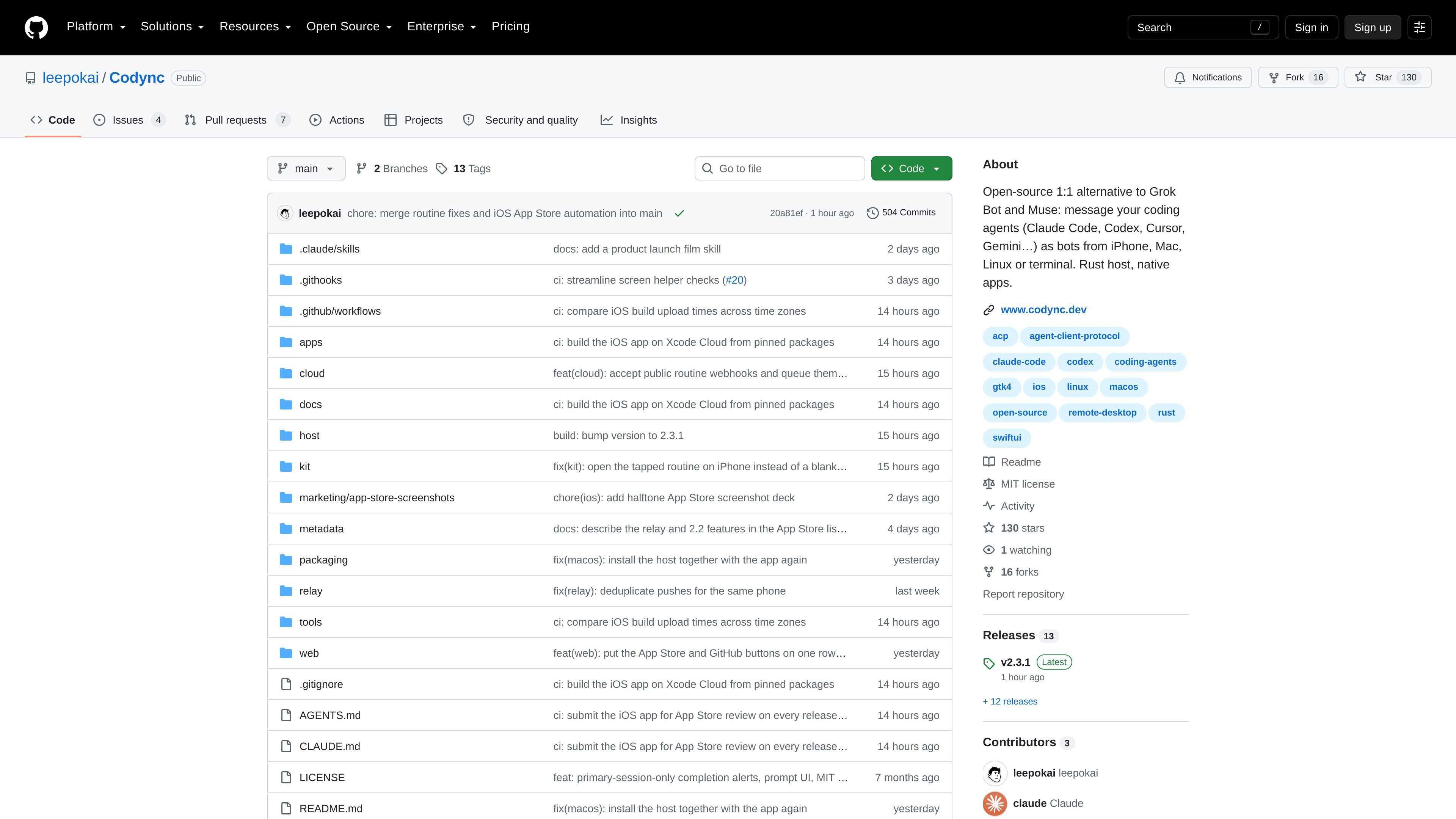
Codync is an open-source tool for messaging coding agents as persistent bots. Its Rust-based codync-host runs on a Mac or Linux computer, drives supported agent harnesses, stores conversations, and serves connected clients. Instead of opening a particular development session, a user chooses a named bot, sends an instruction, and receives a notification when the bot finishes or needs approval.
The product is designed for remote and multi-agent workflows. iPhone, macOS, Linux and terminal clients can use the same host, while computers can be reached directly or through an encrypted relay. Bots can work independently in separate project folders, participate in group chats, or request help from one another without merging their sessions or permission settings.
Create persistent named bots with their own agent backend, project folder, instructions, memory and permission policy. Each bot keeps a main chat and can have reply threads.
Use SwiftUI clients on iPhone and macOS, a GTK 4/libadwaita client on Linux, or the terminal UI over SSH. Chats and bots are served by the same host.
Connect an iPhone to a computer directly on the same network or through the included Cloudflare relay. The relay forwards end-to-end encrypted ciphertext, and the system can also use Tailscale or local connections.
Put multiple bots in a group chat, mention specific participants, and let bots ask other visible bots for a response through the built-in team MCP server. Requests retain separate folders, sessions and approval policies.
Receive approval cards and notifications when a bot needs attention or finishes. The iPhone app also provides Live Activity, widgets, remote screen access over WebRTC, and voice calls with spoken replies.
Use the Agent Client Protocol to communicate with supported harnesses. The Rust host stores transcripts in SQLite and tracks revisions so reconnecting clients can catch up without missing changes.
Send a task from an iPhone while away from the desk, then review an approval card or completion notification instead of reopening a local development session.
Assign separate bots to different project folders or roles, such as implementation and review, while keeping each bot's tools, transcript and permission policy independent.
Place several agents in a group chat, mention the one needed for a turn, and use threads to explore a related task without filling the main conversation with side discussion.
Ask one bot to have another inspect changes or provide a review. The request and outcome remain visible in the relevant chats, while the recipient works with its own folder and approvals.
Connect to a headless Mac, Linux server or cloud VM from a supported client, or use the terminal UI over SSH when a graphical app is not available.
Codync runs a Rust host called codync-host on macOS or Linux. It discovers installed coding-agent harnesses, while clients connect through the local network, an encrypted direct or relay connection, or SSH for terminal access. The repository provides a one-line installation command for macOS and Linux.
The host supports agents including Claude Code, Codex, Cursor, Gemini, Copilot, OpenCode, Pi and Grok Build, plus other agents in the official ACP registry. Installed agents are detected automatically; registry agents can be fetched on first use. The source does not claim that every listed agent has identical capabilities.
A bot has a name, avatar, instructions, agent backend, project folder and permission policy. You message it from an iPhone, Mac, Linux desktop or terminal, and it runs the assigned agent on the computer hosting that bot.
Yes. Multiple bots can run side by side, and group chats can include several bots. You can mention a bot to select it, start threads from messages, or ask one bot to request help from another through the built-in team MCP server.
The host runs on macOS and Linux. Native clients are provided for iPhone, macOS and Linux, and a terminal interface can be used locally or over SSH. The source does not describe a native Windows host.

CreateOS Sandbox is an isolated compute environment for running code and agent workloads in Firecracker micro-VMs with private networking and SDK, CLI, or MCP control.

GitBot is a local browser workspace for reusable coding bots powered by Claude Code, Codex, or OpenCode, with persistent threads and configurable permissions.

ByteAsk is a terminal-first AI coding agent for C and C++ that edits repos and verifies changes with compilers, debuggers, sanitizers, and tests.

hob is an independent workspace for coding agents, with local control over sessions, terminals, history, routing, and follow-up work.

Manta AI is an autonomous web app testing tool that maps app behavior, catches regressions, and generates tests from a URL, no scripts or selectors needed.

SonOf connects to your repo and PM tool, audits your codebase, and turns approved work into shipped tickets with senior engineering review.