
Self-hosted control plane
Run the control plane on infrastructure you own and connect it to machines over SSH instead of relying on a hosted service.

Firetower is an open-source, self-hosted control plane for coding agents. Start from issues, monitor sessions, review changes, and open pull requests.
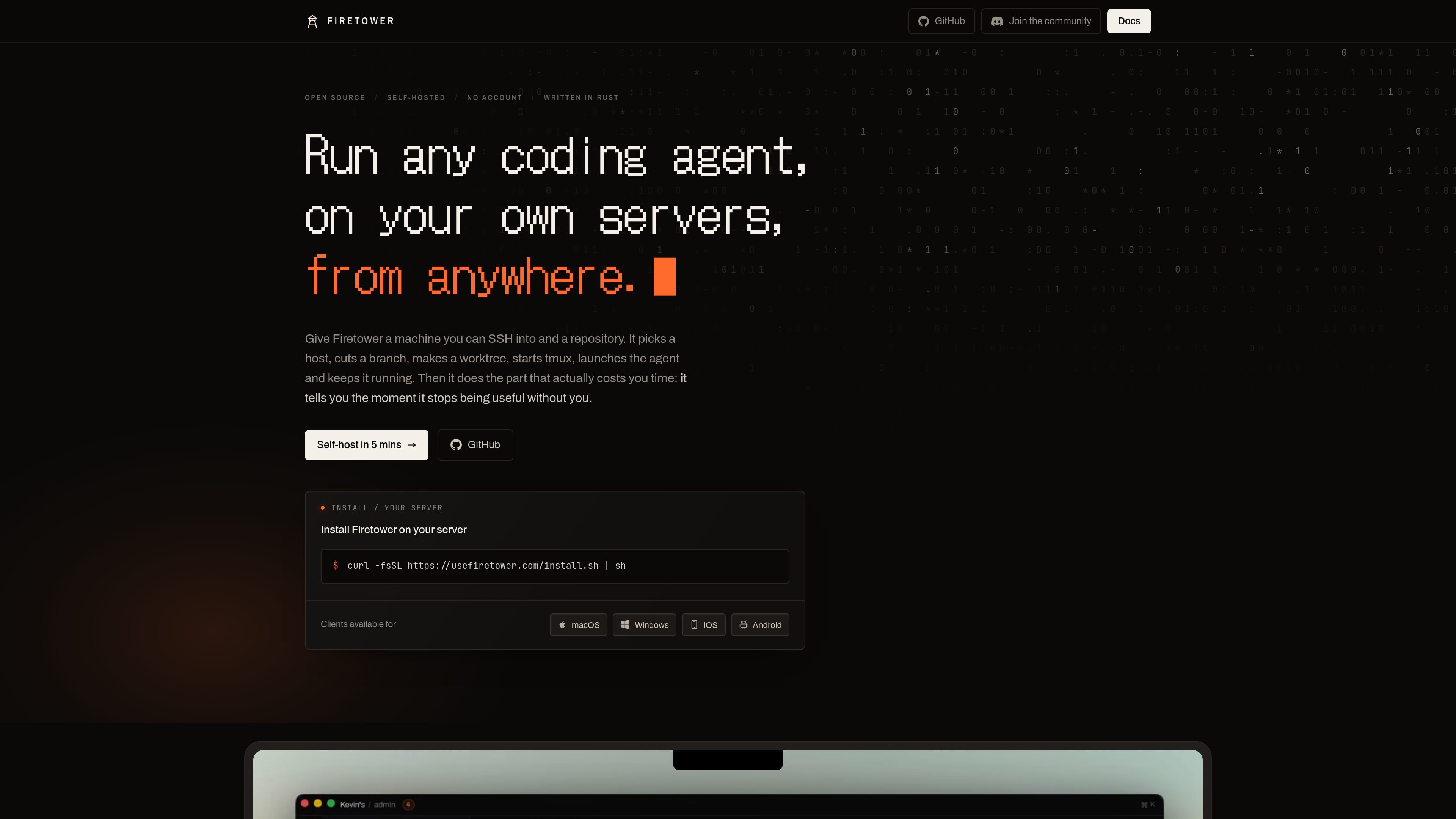
Firetower is an open-source, self-hosted control plane for running coding agents on machines you own. It connects to a server or worker over SSH, creates a branch and Git worktree, starts a tmux session, launches the agent, and provides a remote interface for following the work.
The workflow is designed for coding tasks that should continue after the initiating device disconnects. Users can start from tracked work such as GitHub Issues or Linear tickets, inspect and annotate changes, then commit the branch and open a pull request from a browser, desktop client, or mobile device. Firetower Cloud is planned but not currently available, so the documented deployment model is self-hosting.
Run the control plane on infrastructure you own and connect it to machines over SSH instead of relying on a hosted service.
Workers create a branch and worktree, start tmux, launch the coding agent, and keep the session running on the worker machine.
Connect from a browser, macOS or Windows desktop, or iOS and Android mobile clients, then resume a session from another device.
View the agent's progress, receive notice when it needs attention, and inspect or annotate the resulting changes before shipping them.
Start work from GitHub Issues, Linear tickets, or tickets surfaced in the interface, then commit changes and open a pull request.
The worker records events locally and the control plane replays missed events after reconnecting, while each worker keeps its own worktree and branch.
Start an issue or ticket from a browser, let the agent work in an isolated branch and worktree, and review the diff before committing and opening a pull request.
Launch a task from a laptop, close it, and continue monitoring or responding from a phone or another supported client without moving the running agent.
Keep several agent sessions running on separate worker machines or worktrees while using the control plane to identify sessions that have stopped or need attention.
Run the app and workers on infrastructure under your control when keeping the agent runtime and repository work on self-managed machines is part of the operating model.
Firetower is self-hosted today. Install the CLI, run the app once, and install a worker on each machine that should run agents. The documented requirements are Docker, the Compose plugin, and Node 20 or newer on each installation machine.
The app runs on a laptop or server and holds hosts, repositories, and credentials. Workers run on machines that contain git, tmux, and the coding agent. Firetower reaches those machines over SSH, while workers communicate through stdin and stdout.
Yes. Agents run on the server or worker machine rather than on the device used to connect. You can close a laptop and resume from another supported device, including a browser, desktop app, or phone.
The documented workflow starts from GitHub Issues, Linear tickets, or tickets shown in the interface. Firetower creates a branch and worktree, starts tmux, launches the agent, and provides a workspace for reviewing changes, previewing and annotating, committing, and opening a pull request.
Firetower Cloud is planned but not available yet. The currently documented option is to host the app and workers yourself.

ByteAsk is a terminal-first AI coding agent for C and C++ that edits repos and verifies changes with compilers, debuggers, sanitizers, and tests.

CreateOS Sandbox is an isolated compute environment for running code and agent workloads in Firecracker micro-VMs with private networking and SDK, CLI, or MCP control.

GitBot is a local browser workspace for reusable coding bots powered by Claude Code, Codex, or OpenCode, with persistent threads and configurable permissions.

hob is an independent workspace for coding agents, with local control over sessions, terminals, history, routing, and follow-up work.

Manta AI is an autonomous web app testing tool that maps app behavior, catches regressions, and generates tests from a URL, no scripts or selectors needed.

SonOf connects to your repo and PM tool, audits your codebase, and turns approved work into shipped tickets with senior engineering review.