
Headless Chrome rendering
Runs a headless Chrome browser so pages that depend on JavaScript can be rendered before extraction.

Geekflare Web Scraping API is a developer-focused web scraping service that extracts content from dynamic pages and returns Markdown, HTML, JSON, or plain text. It is aimed at teams that need browser rendering, CAPTCHA handling, and proxy support without building that infrastructure themselves.
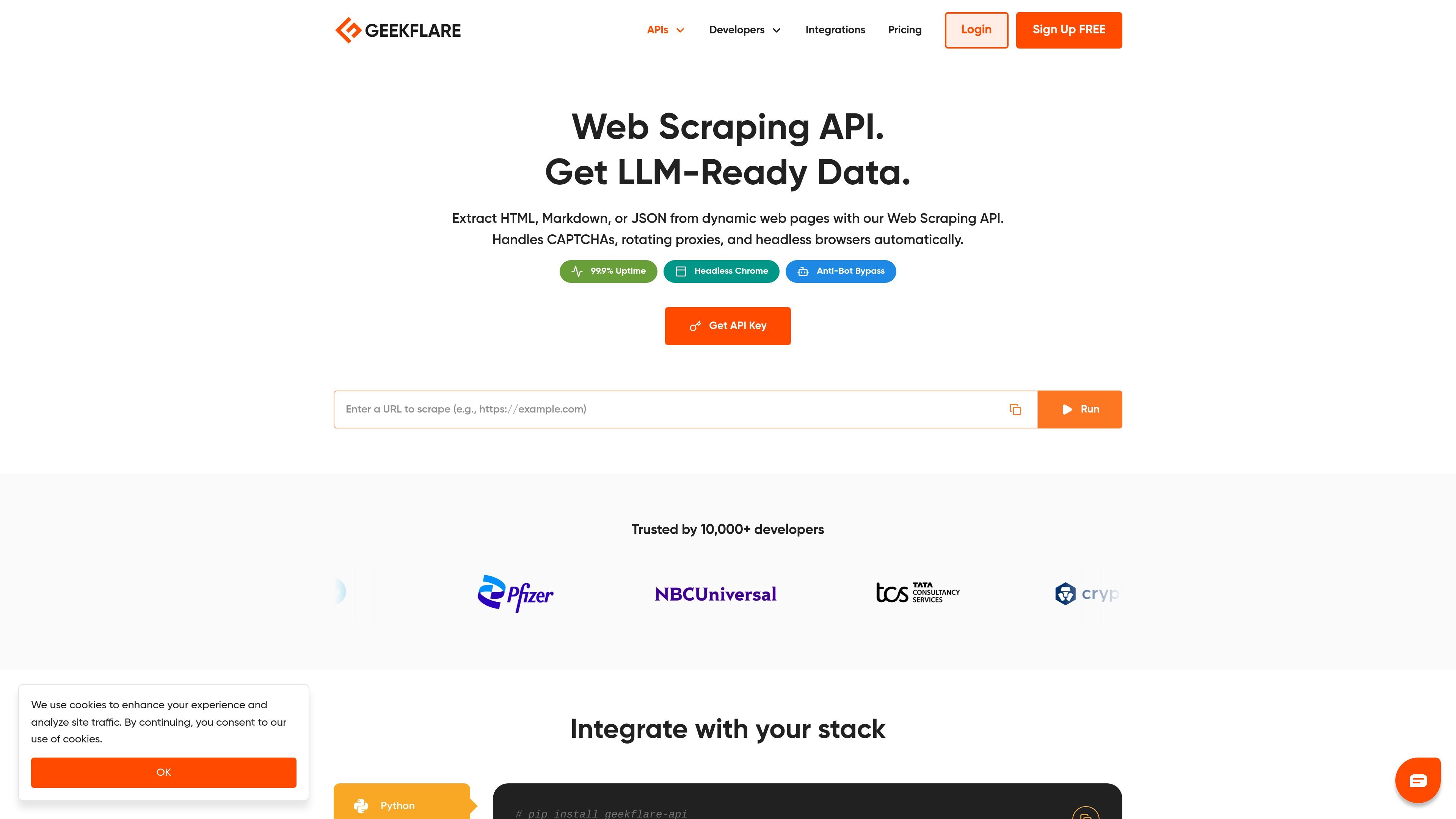
Geekflare Web Scraping API is a developer API for extracting content from web pages that may rely on JavaScript, CAPTCHA challenges, or IP-based blocking. It can return HTML, Markdown, structured JSON, or plain text, depending on the target workflow.
The product is positioned for teams that want cleaned, ready-to-use webpage data without building their own browser automation, proxy management, or bot-bypass stack. The page highlights support for AI pipelines, including Markdown output intended for ingestion into LLM and RAG workflows.
Runs a headless Chrome browser so pages that depend on JavaScript can be rendered before extraction.
Includes automatic CAPTCHA solving to reduce manual handling of common anti-bot challenges.
Uses rotating proxies and premium residential IPs to support location-specific requests and reduce blocking.
Returns content as Markdown, HTML, structured JSON, or plain text, depending on the workflow you need.
Uses anti-bot bypass techniques, including fingerprint management, to work against protections such as Cloudflare.
Produces LLM-ready output for feeding web data into AI applications, vector databases, and RAG pipelines.
Extract clean webpage content for feeds, datasets, or downstream processing when the source site relies on JavaScript or anti-bot protections.
Convert article or category pages into Markdown that can be indexed in vector databases or sent into RAG pipelines.
Pull structured data for sales, operations, or research tasks where repeated requests need proxies and browser rendering to succeed.
Use the same API key and credit pool across scraping, metadata, screenshots, and other Geekflare APIs in a single workflow.
Start with the free tier or low-cost plans to test scraping workflows before committing to larger monthly credit usage.
It returns webpage content in formats such as Markdown, HTML, structured JSON, or plain text. The homepage also shows an API request example for extracting Markdown from a URL.
Yes. The homepage says it handles CAPTCHAs, rotating proxies, and headless browser rendering, and the FAQ states it can render JavaScript-heavy sites with headless Chrome.
Yes. The FAQ says a standard web scraping request costs 2 credits, while Lite Scraping with `renderJS: false` costs 1 credit per request.
Yes. The pricing page says there is a Free Tier with 500 monthly credits, and the API pricing page describes the free plan as suitable for hobbyists and testing.
Yes. The API collection page says all APIs are available through one subscription and one API key, with new APIs added automatically to the same plan.

Happenstance is an AI-powered network search tool for finding people, mutual connections, and warm introductions across connected accounts. It supports individual use, shared team groups, and developer workflows through API, MCP, Slack, and other integrations.

Claro Research Agent automates manual research in a table-based workflow for list enrichment, company research, document extraction, and pricing monitoring. It can run on its own or connect to the broader Claro platform for entity-aware, system-synced outputs.

Spidra is an AI web scraping API and playground for extracting structured data from websites that are hard to scrape with traditional tools. It helps developers and teams handle dynamic pages, CAPTCHAs, proxy rotation, and login-protected content with less manual setup.

Monid is an agent-native router for tool calls that connects agents to social data, web extraction, search, contact enrichment, and product research workflows. The public site shows concrete tool examples, but the pricing page is not available.

Tabstack is a web data and browser automation API for extracting structured data, running live-web research, and completing browser tasks from a single call. It helps developers ship extraction, research, and automation features without building browser infrastructure or orchestration themselves.

Skayle is a content and AI search visibility platform that researches topics before writing, publishes structured content to a CMS, and tracks whether brands are cited in AI search. It is aimed at teams that want one system for publishing, schema-rich content, and visibility monitoring.