
AI-assisted theme creation
Generate and refine IDE color themes with AI, with the product positioned around building themes rather than editing static color files by hand.

Themery is a web tool for building IDE color themes with AI. Fine-tune colors, syntax highlighting, and typography, then export to VS Code, JetBrains, Neovim, Helix, and Zed.
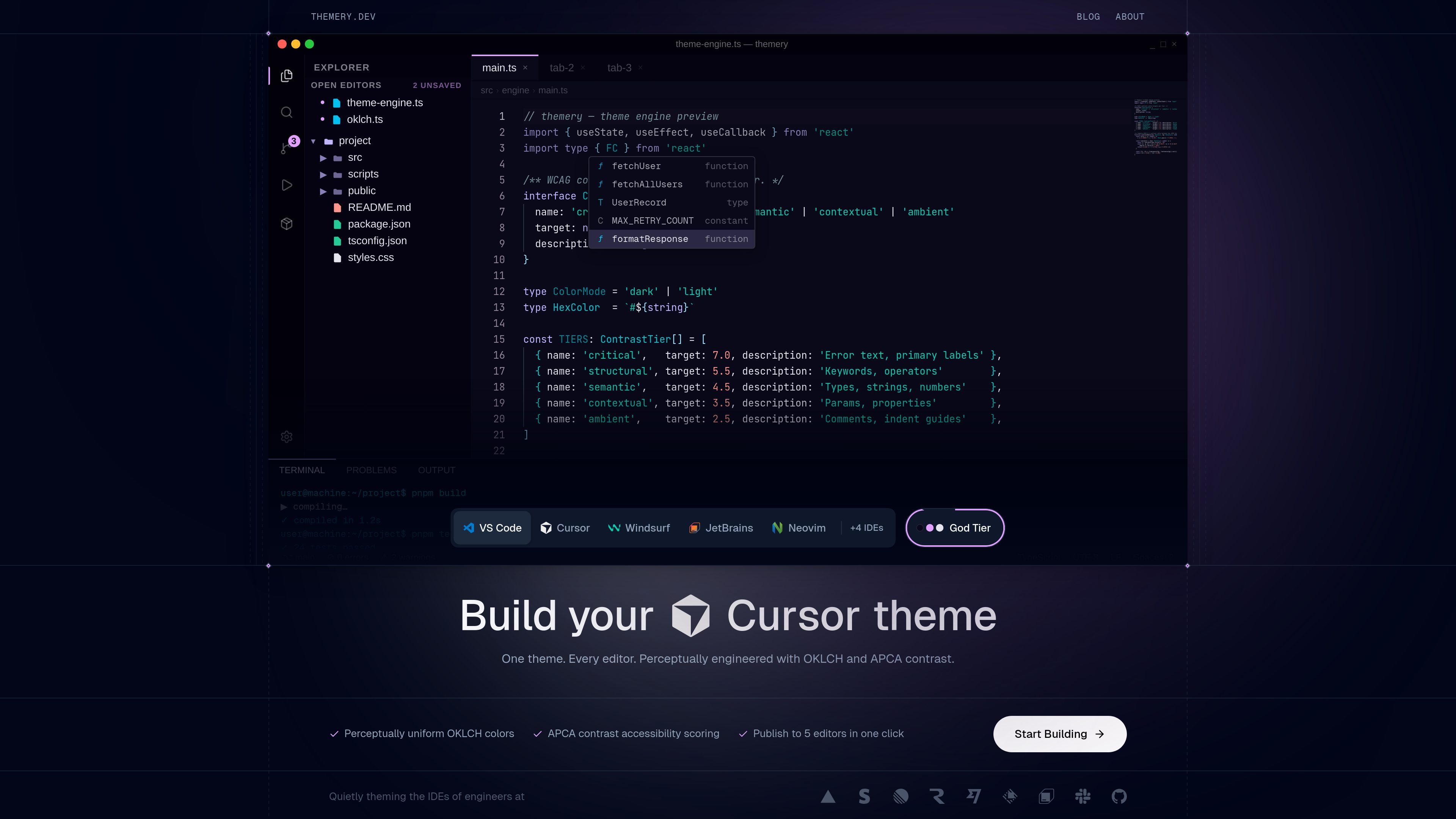
Themery is a web product for building IDE color themes with AI. Its homepage presents the tool as a way to create a theme once and adapt it across editors, with a focus on color, syntax highlighting, and typography.
The site emphasizes a perceptual color workflow built around OKLCH and APCA contrast scoring. The rendered homepage also shows a theme-engine style editor experience and mentions publishing to five editors in one click, which suggests a workflow centered on designing, validating, and exporting themes from one place.
Generate and refine IDE color themes with AI, with the product positioned around building themes rather than editing static color files by hand.
Tune colors, syntax highlighting, and typography to shape the look of the editor theme at a finer level than a simple preset.
Use perceptually uniform OKLCH colors and APCA contrast scoring to keep theme decisions tied to color space and accessibility checks.
Preview the theme engine in a live editor-like interface shown on the homepage, which exposes source files and theme-engine code alongside the visual output.
Export or publish themes to multiple editors including VS Code, JetBrains, Neovim, Helix, and Zed from the same workflow.
Design a new editor theme from scratch, then refine its palette and typography before exporting it to the editor you use day to day.
Keep a consistent look across several code editors by building one theme and publishing it to the supported targets from the same workflow.
Use the built-in perceptual color and contrast framing to adjust theme readability for syntax and UI elements that need clearer separation.
Iterate on a theme in an editor-like preview environment before exporting, so visual decisions can be checked before distribution.
Themery is a tool for building IDE color themes with AI. The homepage says it helps users fine-tune colors, syntax highlighting, and typography, then export the result to editors such as VS Code, JetBrains, Neovim, Helix, and Zed.
The source does not show a formal setup flow or installation steps. The homepage presents Themery as a web product focused on building and exporting themes, rather than a local plugin with a documented installation process.
The site shows export targets for VS Code, JetBrains, Neovim, Helix, and Zed. The rendered page also mentions publishing to 5 editors in one click.
The pricing page currently returns a 404 in the collected sources, so the available evidence does not confirm active plan names, free tiers, or paid limits.

ByteAsk is a terminal-first AI coding agent for C and C++ that edits repos and verifies changes with compilers, debuggers, sanitizers, and tests.

CreateOS Sandbox is an isolated compute environment for running code and agent workloads in Firecracker micro-VMs with private networking and SDK, CLI, or MCP control.

hob is an independent workspace for coding agents, with local control over sessions, terminals, history, routing, and follow-up work.

Ably Chat is a chat API platform for custom realtime chat apps, with rooms, typing indicators, presence, reactions, message updates and usage-based pricing.

Prompty Town turns a link into a building in a small internet city. Buy a tile, add a prompt, and publish it alongside other buildings.

Manta AI is an autonomous web app testing tool that maps app behavior, catches regressions, and generates tests from a URL, no scripts or selectors needed.