
Multi-track timeline editing
Edit with a professional timeline that supports unlimited video, audio, and text tracks, plus frame-by-frame control, snap-to-grid alignment, and zoom tools.

Klippy is a browser-based video editor for creators to edit, caption, and export videos locally—no download, sign-up, or watermark.
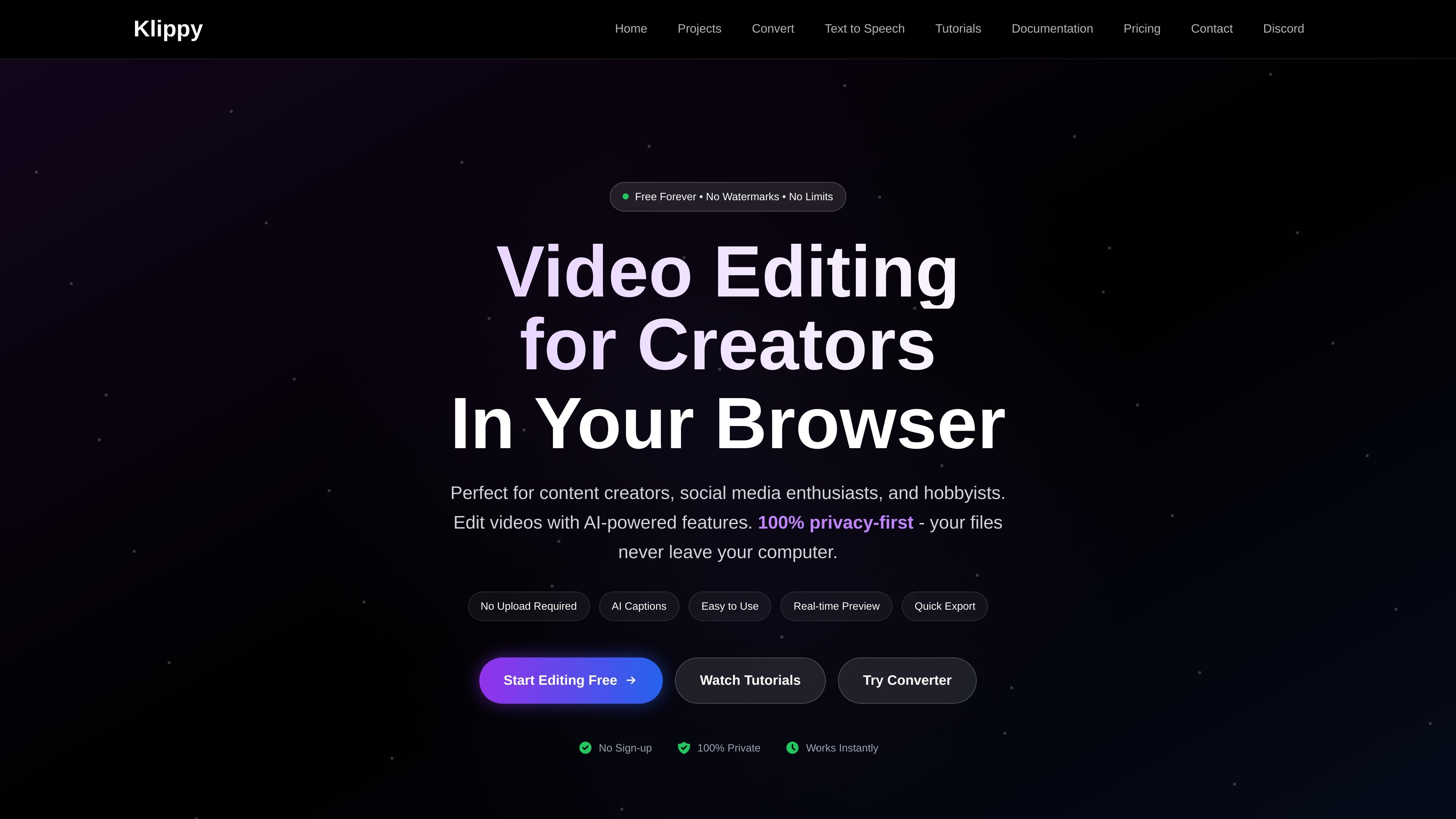
Klippy is an online video editor that runs in the browser and is aimed at creators, social media users, and hobbyists. The product emphasizes editing without downloads or sign-up, while keeping files local to the user’s computer.
The editor combines a multi-track timeline, AI captioning, transitions, effects, and FFmpeg-based export options in a web app. The site also positions privacy as a core part of the workflow, stating that processing happens locally and files do not leave the device.
Edit with a professional timeline that supports unlimited video, audio, and text tracks, plus frame-by-frame control, snap-to-grid alignment, and zoom tools.
Generate captions from AI transcription and adjust styles, animations, and timing before exporting them burned in or as separate files.
Add transitions, filters, and effects with real-time preview and GPU-accelerated playback for smoother editing.
Export projects to MP4, WebM, or GIF using FFmpeg, with platform presets and custom quality settings.
Work in a browser-first editor that emphasizes local processing, no upload requirement, auto-save, keyboard shortcuts, custom themes, and multi-language support.
Create short-form videos, vlogs, and other creator content in a browser without installing desktop software.
Add captions, transitions, and simple overlays to videos for social channels such as YouTube, TikTok, Twitch, and Instagram.
Trim, arrange, and refine personal footage such as family clips, travel videos, and hobby projects using the multi-track timeline.
Export finished videos in formats suitable for sharing online, including MP4, WebM, and GIF.
Yes. The browser editor is described as free to use, with no hidden fees or premium plans for the online product.
No account is required to start editing. The site says projects save locally in the browser.
Klippy supports importing common video formats such as MP4, WebM, MOV, and AVI, and it can export to MP4, WebM, or GIF.
The site says all processing happens in your browser and your files never leave your computer.
The browser editor is optimized for desktop browsers. The site notes that mobile support is available for viewing and basic edits.

Bansi is an AI video editor for long-form content that turns raw footage into a polished first draft with cuts, captions, zooms, and audio cleanup.

CAMB.AI Streams dubs live audio in real time for YouTube, Twitch, X and other platforms, using existing live workflows and no post-production.

optimo is a free, open-source CLI for optimizing and converting images and videos with ImageMagick and FFmpeg, built for web assets and batch compression.

FlexClip is an AI-powered online video maker and editor for creating videos from templates or from scratch with browser-based editing, scripting, voiceover, subtitles, translation, and background removal.

Video Effects SDK adds real-time webcam effects like background blur, replacement or removal, denoising, framing, beautification, and color grading for live video apps.

DeepMotion is a web-based AI motion capture and 3D animation platform with Animate 3D for video-to-animation and SayMotion for text-to-animation.