
Natural-language research
Describe criteria in natural language to generate verified, enriched datasets from research tasks.

Claro Research Agent automates manual research in a table-based workflow for list enrichment, company research, document extraction, and pricing monitoring. It can run on its own or connect to the broader Claro platform for entity-aware, system-synced outputs.
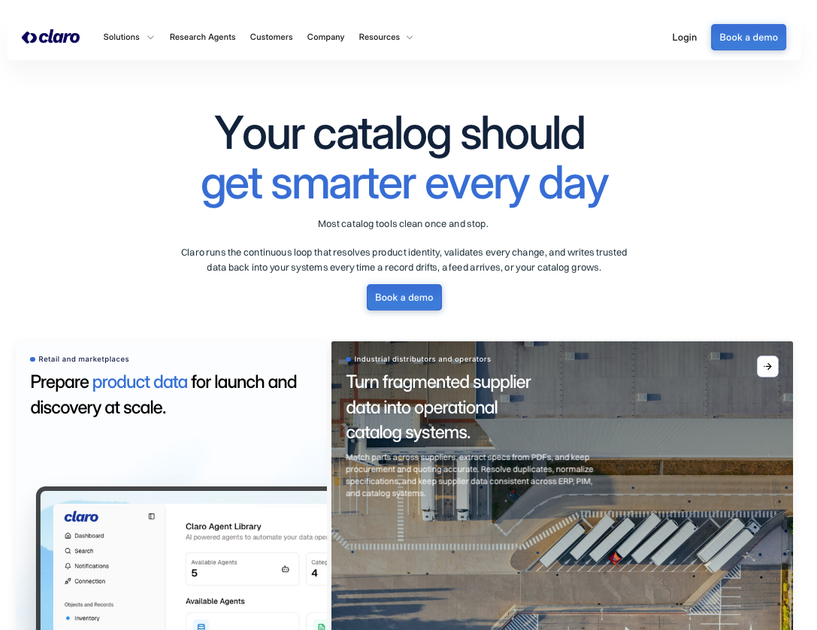
Claro’s Research Agent is a tool for automating manual research inside a native table interface. It is designed to generate and enrich lists, research companies, monitor pricing, and read large sets of documents while keeping the output structured inside the dataset.
The product can run as a standalone research tool, but Claro says it becomes stronger when connected to the broader platform. In that mode, research outputs are entity-aware, aligned to canonical IDs, and synced to systems such as ERP, PIM, ecommerce, and analytics with audit trails and review queues.
Describe criteria in natural language to generate verified, enriched datasets from research tasks.
Add a column, define a task, and run it across small or very large tables without leaving the dataset.
Enrich rows with external data, extract fields from unstructured sources, generate tables from documents, structure geographic insights, or start from a blank table.
Run research, enrichment, extraction, classification, and monitoring workflows across datasets and supplier data.
Use the standalone Research Agent by itself, or connect it to Claro for entity-aware, canonical-ID-aligned workflows with audit trails and review queues.
Generate or enrich prospect, supplier, or account lists from criteria you define, while keeping the results in a table you can review and extend.
Research companies and collect verified fields across many rows without copying data between tools.
Read PDFs, contracts, manuals, or other documents and extract structured fields from them into a usable table.
Monitor pricing, availability, or other changing fields over time and capture updates in a structured workflow.
Use the agent as a standalone research tool, or connect it to Claro when outputs need to align with canonical IDs and downstream systems.
Claro offers a self-serve, pay-per-action option and a custom plan for larger or more operationally complex deployments. The pricing page also says teams can start with a focused pilot and scale from there.
The source does not define a formal action unit in detail. It only states that the self-serve plan is pay per action.
The site suggests a custom plan when you need to operate large catalogs at scale, continuous onboarding and validation, monitoring and automation workflows, or platform configuration and model tuning.
The pricing page says there are no hidden fees or long-term commitments, but it does not publish custom-plan formulas or minimums.
Claro positions its research agents as usable on their own, but also stronger when connected inside Claro because the workflow becomes entity-aware, canonical-ID aligned, synced to ERP, PIM, ecommerce, and analytics systems, and governed with audit trails and review queues.

Happenstance is an AI-powered network search tool for finding people, mutual connections, and warm introductions across connected accounts. It supports individual use, shared team groups, and developer workflows through API, MCP, Slack, and other integrations.

Hype is a web tool for finding trending YouTube topics by category, time range, and scoring mode. Spot emerging ideas and review source videos.

Paperpal 是一款面向学术写作的 AI 工具,提供文献阅读、语言润色、引用、查重、AI 检测和投稿前检查。它适合需要在英文论文和学术材料上进行写作、修改与合规自检的学生、研究人员和教师。

VForms lets you place questionnaires directly inside YouTube videos so viewers answer in context instead of switching to a separate form. It is aimed at collecting feedback and insights through timestamped, embeddable video forms.

Scite is an AI research platform for finding papers, checking citation context, and getting answers grounded in scholarly literature and patents.

Skayle is a content and AI search visibility platform that researches topics before writing, publishes structured content to a CMS, and tracks whether brands are cited in AI search. It is aimed at teams that want one system for publishing, schema-rich content, and visibility monitoring.