

Parchment
Parchment is a simple SaaS to create and organize standalone pages and collections with block-based editing—plus an API to manage them.
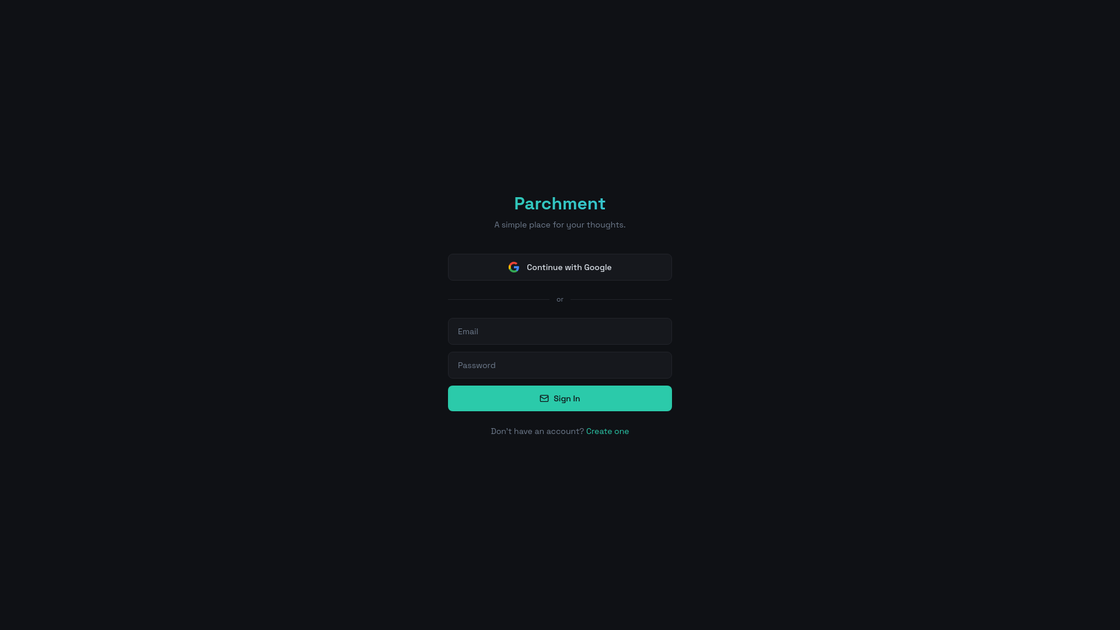
What is Parchment?
Parchment is a simple SaaS “Notion alternative” built around creating and organizing standalone pages and collections. It provides a clean UI conceptually centered on organizing content into pages, with collections acting as groupings.
A major part of Parchment’s functionality is programmatic access: you can manage collections, pages, and the blocks inside pages via an API. This is intended for users who want structured page content they can create, update, and export through code.
Key Features
- Collections and pages (managed via API actions): Create, rename, list, and delete collections and pages so content structure can be controlled programmatically.
- Block-based page content: Pages are composed of ordered blocks (e.g., headings, text, lists, code, dividers) that you can add or replace.
- Full page rewrites with
replace_blocks: Replace deletes all existing blocks on the page and writes a new array in order—useful for generating a complete page from scratch. - Incremental edits with
append_blocks: Append adds blocks to the end of a page and does not replace existing content, supporting additive workflows. - Nested lists with
indent_level:bullet_listandnumbered_listblocks accept anindent_levelinteger (0–4) to represent nested list rendering. - HTML-based block formatting: Block content is stored as HTML strings; supported formatting includes bold, italics, strikethrough, links, and colored text via standard HTML tags.
- Group blocks (
group/delete_group): A group block acts as a container for child blocks; you create the group, then associate child blocks withgroup_id, and you can delete the group (and children) in one operation. - Defined block types: Includes
text,heading1/2/3,bullet_list,numbered_list,todo,quote,divider,code, andgroup.
How to Use Parchment
- Create an API key and send requests to the API base URL:
https://theparchment.app/functions/v1/api. - List or create structure: Start by listing collections (
list_collections), then create collections and pages using the corresponding actions (e.g.,create_collection,create_page). - Write page content using blocks: Use
append_blocksto add blocks to the end of an existing page, or usereplace_blocksto rewrite the entire page in one call. - Format content with HTML strings: Provide each block’s
contentas an HTML string using supported tags (for example, links via<a href="...">...). - Organize with grouping when needed: Create a
groupblock first, then append child blocks that reference the group viagroup_id; remove related content usingdelete_group.
Use Cases
- Generate pages from structured data: Use
replace_blocksto write a complete page layout (headings, dividers, paragraphs, lists) from a single source of truth. - Build “append-only” documentation logs: Use
append_blocksto add new sections, updates, or entries to the end of a page without disturbing prior content. - Maintain hierarchical checklists: Create
todoblocks (checkbox items) and use nestedbullet_list/numbered_listblocks withindent_levelto represent sub-tasks or outlines. - Manage templated content blocks across multiple pages: Programmatically create and rename pages, then insert consistent block sequences (including code snippets via the
codeblock type). - Create reusable sections via grouping: Use group blocks to keep related blocks together, and delete or regenerate an entire section using
delete_group.
FAQ
-
What endpoint does the Parchment API use? The API base URL is
https://theparchment.app/functions/v1/api. -
How do I authenticate requests? All requests require an
x-api-keyheader. The documentation examples showx-api-key: pmt_your_key. -
What’s the difference between
append_blocksandreplace_blocks?append_blocksadds new blocks to the end of the page without replacing existing blocks, whilereplace_blocksdeletes all existing blocks and writes the provided blocks in array order. -
Are block contents plain text or HTML? Block content is stored as HTML strings; formatting uses standard HTML tags (e.g.,
<strong>,<i>,<a>, and<span style="color: ...">). -
How do nested lists work? For
bullet_listandnumbered_list, blocks support anindent_levelfield (integer 0–4) to represent nested sub-lists.
Alternatives
- Other documentation or knowledge-base tools with an API: If you need to generate or update structured pages via code, look for tools that offer block/page APIs similar to the collection/page/block model.
- General-purpose wiki/documentation platforms: These can support page hierarchies and templating, but the workflow and data model may differ (especially if they don’t use block arrays).
- Generic database-to-pages approaches: Tools that render content from a database into pages may fit when your main goal is structured organization, though they may not provide the same block-level append/replace semantics.
- Local static-site generators: For teams comfortable with generation-at-build-time, static-site tools can produce consistent pages from templates, but they typically don’t support the same interactive page editing model via a SaaS API.
Alternatives

Falconer
Falconer is a self-updating knowledge platform for high-speed teams to write, share, and find reliable internal documentation and code context in one place.

skills-janitor
Audit, track usage, and compare your Claude Code skills with skills-janitor—nine focused slash commands and zero dependencies.

Studio CLI
Control WordPress Studio features from the terminal with Studio CLI—manage local sites, create/update/delete WordPress.com preview sites, and authenticate.

Struere
Struere is an AI-native operational system that replaces spreadsheet workflows with structured software—dashboards, alerts, and automations.

garden-md
Turn meeting transcripts into a structured, linked company wiki with local markdown and an HTML browser view. Sync from supported sources.

OpenFlags
OpenFlags is an open source, self-hosted feature flag system with a control plane and typed SDKs for progressive delivery and safe rollouts.