

Google AI Studio
Google AI Studio’s full-stack vibe coding turns prompts into production-ready web apps with the Antigravity coding agent and Firebase backend integration.
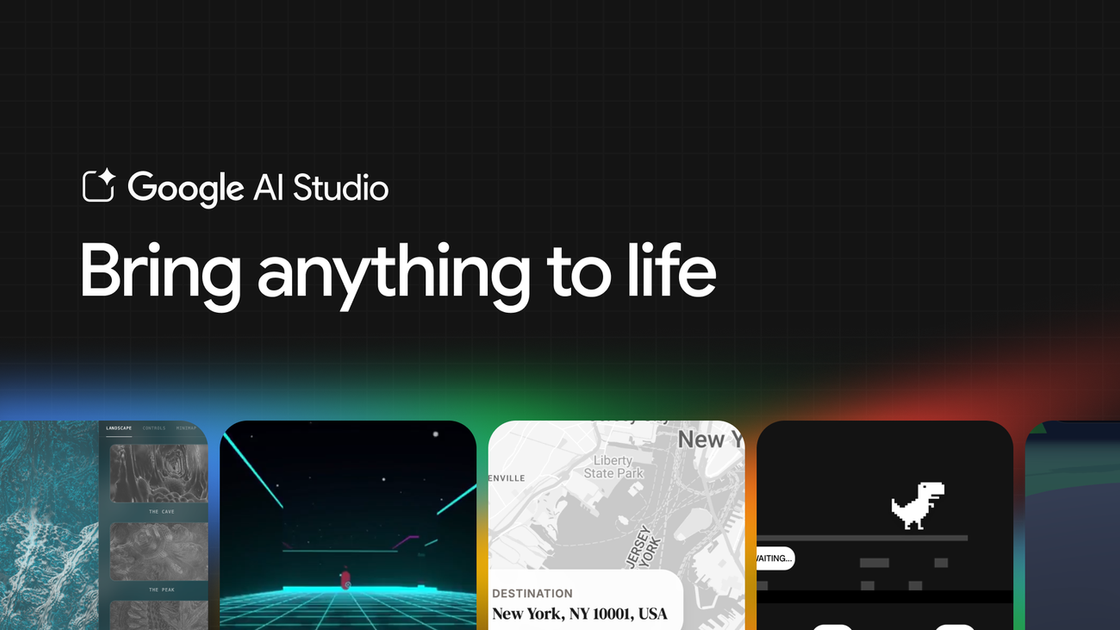
What is Google AI Studio?
Google AI Studio is a developer-facing environment for building applications from prompts. The site describes an updated “full-stack vibe coding” experience that turns prompts into production-ready apps, aiming to support the path from prototypes to functional projects.
This experience is centered on a Google Antigravity coding agent and includes backend capabilities through a built-in Firebase integration, so generated apps can include database storage and user authentication.
Key Features
- Full-stack “vibe coding” from prompts: The Antigravity coding agent helps convert prompts into working application code, supporting development beyond simple prototypes.
- Multiplayer app support: The agent can generate real-time multiplayer experiences where users connect instantly (examples mentioned include real-time multiplayer games and collaborative spaces).
- Backend provisioning with Firebase: After you approve a Firebase integration, it can provision Cloud Firestore for databases and Firebase Authentication for secure sign-in with Google.
- Modern web tool integration (example: Framer Motion, Shadcn): The agent can install and apply supporting libraries and UI/animation tooling when needed for the app you describe.
- Secure storage for external service credentials (Secrets Manager): When an API key is required, the agent detects the need and stores it in a Secrets Manager located in the Settings tab.
- Project continuity across sessions: The app remembers where you left off if you close and later return, so you can continue building.
- Deeper project understanding for edits: The agent maintains a deeper understanding of the project structure and chat history to support faster iteration and precise multi-step code edits.
- Framework support including Next.js: The experience supports React and Angular (mentioned), and also provides out-of-the-box support for Next.js apps via an updated Settings panel.
How to Use Google AI Studio
- Open Google AI Studio and start building using the upgraded full-stack vibe coding experience.
- Describe the app you want in a prompt (for example, a multiplayer game, a collaborative tool, or an app connected to external services).
- Use Build mode and approve any Firebase integration when the app requires databases and/or login.
- Add or provide API credentials as needed; the agent will detect when keys are required and store them in the Secrets Manager within Settings.
- Select your framework in the updated “Settings” panel when you’re building a Next.js app, and then continue iterating using the agent’s chat history and project understanding.
Use Cases
- Real-time multiplayer game from a prompt: Create a multiplayer first-person game concept (the page references “massive multiplayer first-person laser tag”) and generate features like a retro style, AI bots, and a leaderboard before time runs out.
- Collaborative real-time workspace: Prompt for a multiplayer collaboration experience; the agent can set up real-time syncing logic so multiple users share an interactive environment.
- App that needs login and a database: Describe an application that requires user sign-in and data storage; after you approve Firebase, it provisions Cloud Firestore and Firebase Authentication.
- Modern web UI/animation enhancements: Prompt for smooth animations or professional icons and let the agent install and integrate tools such as Framer Motion and/or Shadcn.
- Integrations with external services using your own credentials: Connect a prototype to services you already use (examples listed include databases, payment processors, and Google services like Maps) by supplying API credentials, which are stored via Secrets Manager.
- 3D interactive experiences: Prompt for physics or 3D interaction behavior; the page references examples using Three.js and adding game mechanics such as timers, physics-like interactions, and shared spaces.
FAQ
-
What does the Antigravity coding agent do in Google AI Studio? The page describes it as an agent that takes prompts and helps generate full-stack, production-ready application code, including multiplayer logic and multi-step code edits.
-
How does Firebase integration work? When your app needs a database or login, the agent can detect that and, after you approve the Firebase integration, provision Cloud Firestore and Firebase Authentication for Google sign-in.
-
Where are API keys stored? The page says the agent safely stores required credentials in a Secrets Manager located in the Settings tab.
-
Can I continue building after closing my browser? Yes. The page states that closing the browser tab and returning later lets you pick up where you left off.
-
Which front-end frameworks are supported? The page mentions React and Angular, and it also supports Next.js apps out of the box through the updated Settings panel.
Alternatives
- Prompt-to-web app builders with AI agents: If you want to generate web applications from text, other AI coding tools may offer similar prompt-driven workflows, though they may differ in how deeply they handle backends and integrations.
- Full-stack development using Firebase and framework tooling directly: Teams can build real apps by combining a front-end framework (React/Angular/Next.js) with Firebase for database/auth; this typically requires more manual coding but gives more control over architecture.
- Agent-assisted code generation focused on front-end only: Some tools may concentrate on UI and component generation rather than full-stack behavior (multiplayer logic, database/auth provisioning), which can change how much backend work is automated.
- Traditional web development with libraries like Framer Motion / Shadcn: Instead of relying on an AI agent to install and wire libraries, developers can add modern UI/animation packages manually, trading automation for predictability and direct control.
Alternatives

AakarDev AI
AakarDev AI is a powerful platform that simplifies the development of AI applications with seamless vector database integration, enabling rapid deployment and scalability.

Arduino VENTUNO Q
Arduino VENTUNO Q is an edge AI computer for robotics, combining AI inference hardware and a microcontroller for deterministic control. Arduino App Lab-ready.

Devin
Devin is an AI coding agent that helps software teams complete code migrations and large refactoring by running subtasks in parallel.

MakerLoft
MakerLoft is an AI app builder for non-developers that connects to your GitHub repo to generate working apps with auth, payments, files, jobs.

open-codex-computer-use
open-codex-computer-use is an open-source “Computer Use” MCP server that lets AI agents run desktop GUI actions on macOS, Linux, and Windows.

Rork
Rork creates complete, production-ready mobile apps from your description with AI and Expo (React Native)—from idea to working app fast.