
Built-in Pomodoro timer
Mac Pet includes a built-in Pomodoro timer with custom focus and break durations so you can work in timed sessions without opening a separate timer app.

Mac Pet is a macOS menu bar and notch companion app with a built-in Pomodoro timer, pet animations, and activity streak tracking.
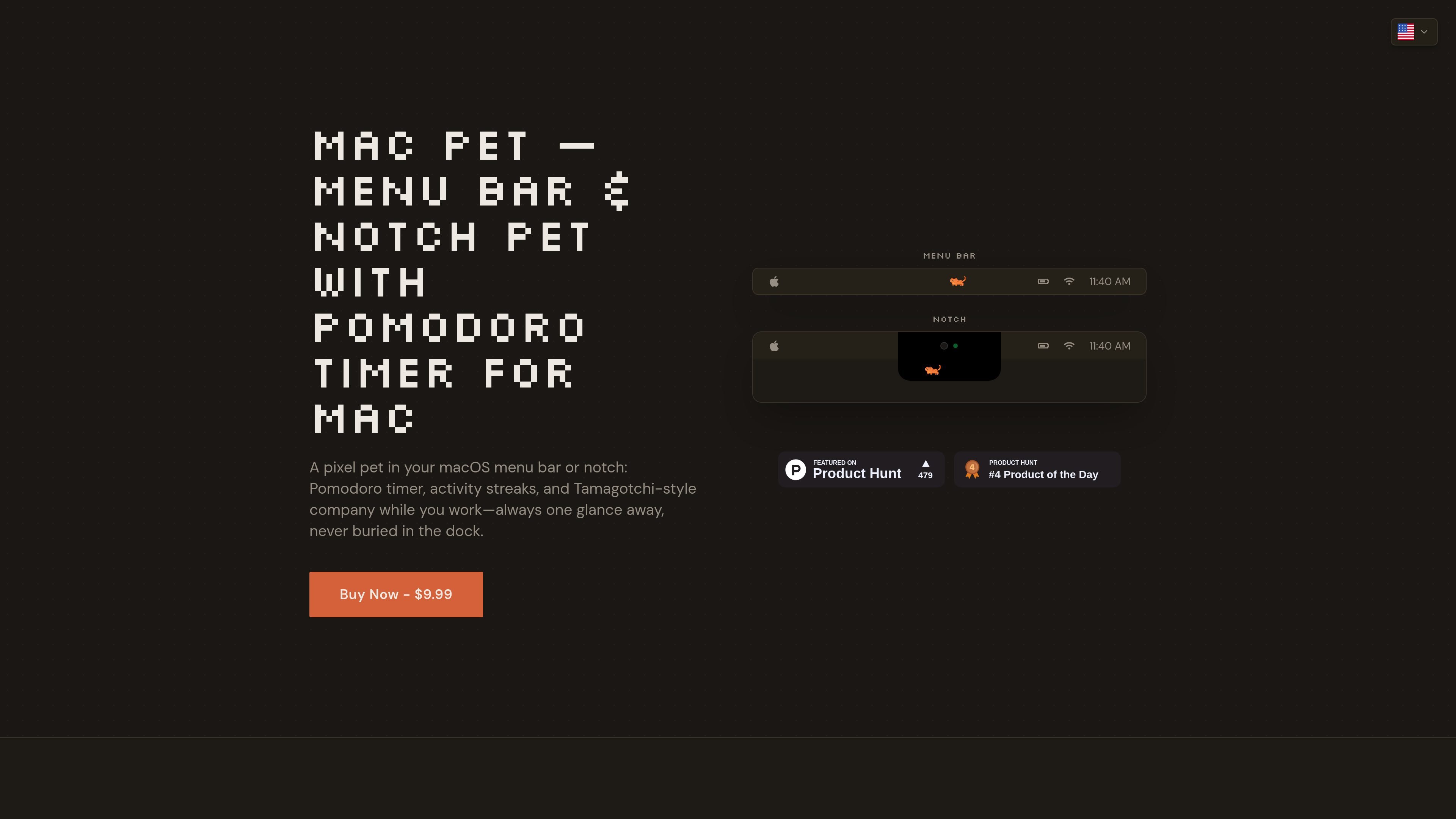
Mac Pet is a macOS companion app that combines a pixel pet with a built-in Pomodoro timer. It places the pet in the menu bar, and on newer MacBooks with a notch it can also appear beside the notch for a more integrated look.
The app is aimed at people who want a focused work timer that stays visible without taking over the screen. It adds activity streak tracking, custom focus and break intervals, and pet animations that change with your work rhythm.
Mac Pet includes a built-in Pomodoro timer with custom focus and break durations so you can work in timed sessions without opening a separate timer app.
The app tracks daily usage and streaks, and shows a 5-week activity history in a contribution-graph style view.
Users can choose from different pixel pets, including sleepy cats and energetic dogs, each with its own animations and behavior.
Mac Pet lives in the macOS menu bar, and on supported MacBooks it can also sit beside the notch using a seamless black background.
The app adapts to your macOS accent color and is designed to stay lightweight, with a stated CPU usage of less than 1%.
Use Mac Pet as a persistent Pomodoro timer while working on a Mac, so you can see focus status at a glance without switching to a browser or separate window.
Use the pet animations and streak tracking to make repeat study or work sessions feel more engaging, especially if you want a light gamified routine.
Use notch mode on supported MacBooks if you want the app to sit beside the hardware notch and blend into the display area more naturally.
Use the app if you want a simple local timer setup with no account required and a quick drag-to-Applications installation flow.
Use the included online timers and comparison pages if you are evaluating Pomodoro workflows before deciding whether to install the desktop app.
Mac Pet works on macOS 10.15 (Catalina) and newer. The app is designed for the macOS menu bar and, on newer MacBooks with a notch, can also live beside the notch.
Installation is simple: download the app, drag it to Applications, and launch it. The pet appears in the menu bar right away, and no account is required.
Mac Pet includes a built-in Pomodoro timer with custom focus and break durations. The pet stays active during work sessions and sleeps during breaks, and it can notify you when it is time to switch modes.
Yes. You can choose from different pets with unique animations and behaviors, and the app adapts to your macOS accent color for a native look.
On MacBooks with a notch, Mac Pet can display the pet beside the notch using a black background that blends into the hardware area. You can switch between notch and menu bar mode in settings, and notch mode is only available on MacBooks that have a notch.

Goldfish is an AI memory app for macOS that helps you reply, write, summarize, and continue with context already on your Mac. It stores memory locally and writes in your tone.

ArtDeck is a visual reference board app for iPhone, iPad, and Mac. Collect mixed references on one canvas and study them with ToolBox lenses. Offline, optional iCloud sync, one-time purchase.

Biji is a versatile platform designed to enhance productivity through innovative tools and features.

Malyatko is a baby tracker for feeding, sleep, growth, teething, and milestones. Use it on iPhone, Apple Watch, and widgets offline, with iCloud sharing.

DANCING CATS App turns cat photos into dancing kitty clips. Simple, focused, and easy to use for playful pet-image edits.

Redline is a budgeting tool for Claude Code that paces sessions by time, tokens, cost, or plan percentage, helping them end with a usable result.