
Free SAFE issuance on Starter
Issue SAFEs on Mantle’s Starter plan without paying for the workflow up front. The page says no credit card is required for this plan.

Mantle Equity cap table software for startups to issue and sign SAFEs with templates, in-platform signing, and automatic cap table updates.
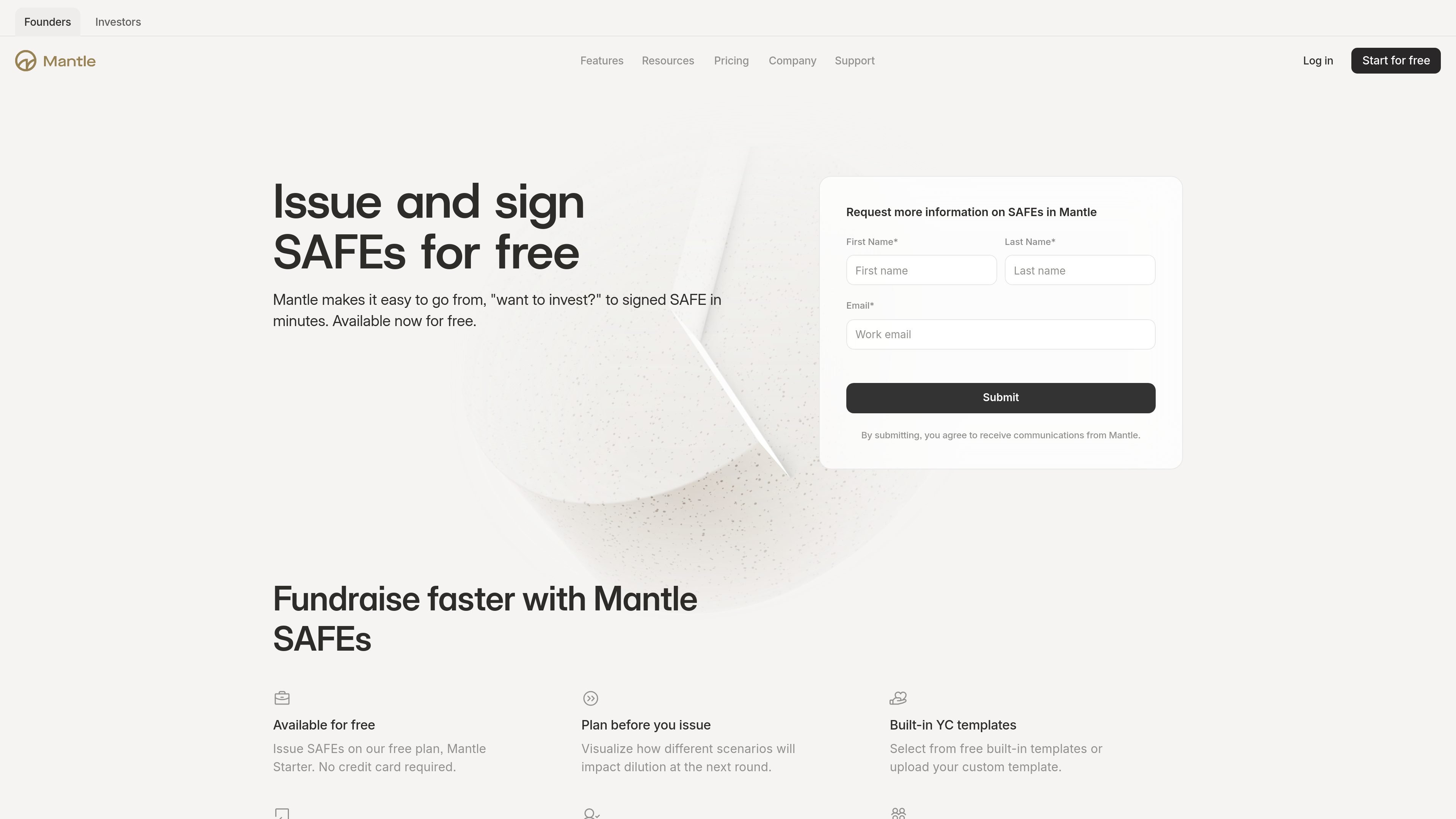
Mantle Equity is cap table software for startups that includes a workflow for issuing and signing SAFEs. On the SAFEs page, Mantle says founders can go from asking an investor to invest to a signed SAFE in minutes, using built-in YC templates or a custom template.
The workflow is described as part of the Starter plan and is available for free, with in-platform signing and automatic updates to the cap table and data room after execution. Mantle also positions the product around scenario modeling and unlimited stakeholder access, which supports founders and their advisers as they prepare financing documents and track ownership changes.
Issue SAFEs on Mantle’s Starter plan without paying for the workflow up front. The page says no credit card is required for this plan.
Choose from built-in YC templates or upload a custom SAFE template when preparing documents.
Handle signatures directly in the platform instead of routing the workflow through a separate e-signature service.
Once a SAFE is signed, Mantle automatically updates the cap table and data room so records stay in sync.
Preview how a SAFE may affect dilution before you issue it, using Mantle’s scenario modeling tools.
Work with unlimited stakeholders across all Mantle accounts, which is relevant when founders, counsel, and investors need access.
Use Mantle when you need to draft and execute a SAFE quickly during an early fundraising conversation, without moving the workflow into separate tools.
Use the platform to compare how a proposed SAFE may affect dilution before you send documents for signature.
Use built-in YC templates or upload a custom form when your counsel wants a specific SAFE format.
Use in-platform signing and automatic updates to keep the cap table and data room current after closing.
Use unlimited stakeholder access to let founders, counsel, and investors review the same equity workflow without per-seat friction.
Mantle’s SAFEs flow is presented as part of its cap table software. The page says founders can issue and sign SAFEs in minutes, then have the cap table and data room updated automatically after signing.
Yes. The SAFEs page says Mantle’s Starter plan includes SAFE issuance for free, with no credit card required.
The page says Mantle includes built-in YC templates and also lets you upload a custom template. The pricing page also lists SAFE signing and templates on the Starter plan.
Mantle says signatures are handled in-platform, so you do not need a separate DocuSign subscription for this workflow.
The SAFEs page says you can visualize how different scenarios affect dilution before you issue a SAFE, and the broader product pages list scenario modeling as part of the platform.

Artifact is a document workflow tool for freelancers, consultants, and agencies. Turn notes into proposals and let clients approve, sign, and pay from one link.

Termsy Chrome extension scans Terms of Service and Privacy Policy pages, highlights critical clauses, and shows them in a sidebar. Not legal advice.

GoSign is an e-signature platform for sending, signing, and managing documents with flat annual pricing, optional self-hosting, workflow routing, audit trails, and API integrations.

Mixstream is a music distribution, rights, and licensing platform for independent artists, rights managers, and DSPs, with release setup, catalog management, sync licensing, and validated delivery.

Norte helps premium cardholders review credits, protections, and claim requirements across the cards and policies they already have. Web and iOS, no bank linking required.

MarkIt is an enterprise trade compliance platform for customs classification, audit-ready records, and ERP-connected compliance workflows.