
Turns raw notes into proposals
Paste call notes, a transcript, a voice memo, or bullet points and Artifact extracts scope, deliverables, pricing, and timeline into a proposal draft.

Artifact is a document workflow tool for freelancers, consultants, and agencies. Turn notes into proposals and let clients approve, sign, and pay from one link.
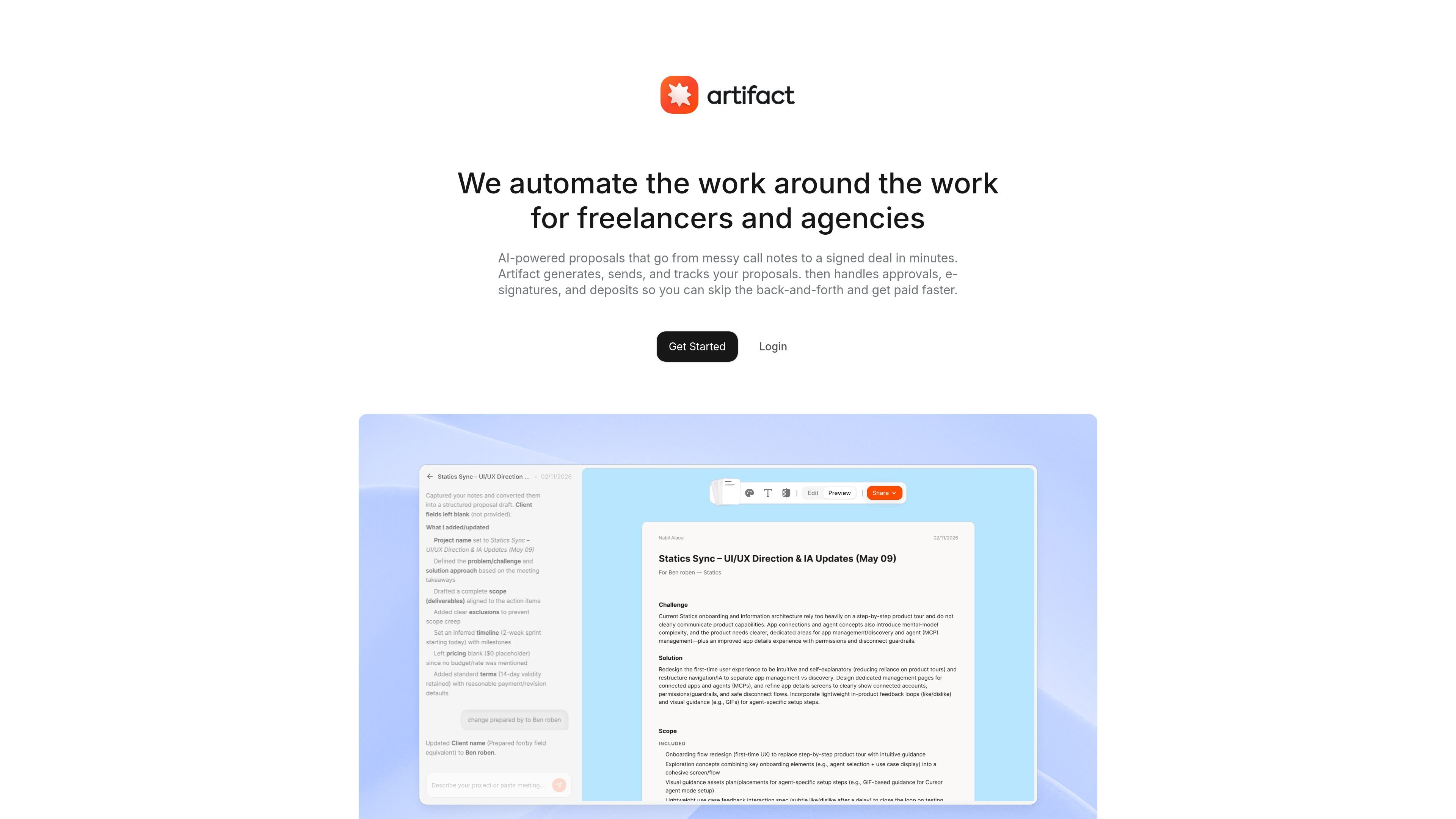
Artifact is a document workflow tool for freelancers, consultants, and agencies. It focuses on the work between a client conversation and a signed deal by turning notes into proposals and moving the client through approval, signature, and payment from one link.
The product's homepage emphasizes AI-assisted proposal creation from messy inputs such as call notes, transcripts, voice memos, or form responses. The templates page adds a broader document library for proposals, contracts, statements of work, and invoices, with industry-specific starting points for common service businesses.
Paste call notes, a transcript, a voice memo, or bullet points and Artifact extracts scope, deliverables, pricing, and timeline into a proposal draft.
Start from one of the available templates or generate a document from a client form response to create a ready-to-send proposal faster.
Send clients a single branded link where they can review the proposal, approve it, sign it, and pay without moving across separate tools.
Track proposal status through states such as sent, opened, signed, and paid so you can see where a deal stands.
Export proposals as PDFs, with clean exports available on the Pro plan and watermarked exports on the Free plan.
Use the document library to start from proposals, contracts, statements of work, and invoices, including industry-specific versions.
Use Artifact after a client call when you have rough notes or a transcript and need to turn them into a proposal with scope, timeline, and pricing already organized.
Use the form-to-proposal flow when a client submits project requirements and you want a draft document without rewriting the brief from scratch.
Use the one-link client flow when you want a prospect to review, approve, sign, and pay in the same place instead of handling each step in separate tools.
Use the template library when you need a starting point for a contract, statement of work, or invoice tailored to a specific service line or industry.
Use the status tracking view when you are managing several active proposals and need to see which ones are still pending or already paid.
Artifact is a document workflow tool that turns notes, transcripts, voice memos, or form responses into proposals, then lets clients review, approve, sign, and pay through one link.
Yes. The home page shows a Free plan with 3 proposals per month, 3 templates, AI generation, PDF export with a watermark, and no logo on documents.
The site shows client review, approval, e-signature, and payment inside the same link, but it does not provide a detailed breakdown of supported payment methods on the pages provided.
The templates page shows document templates for proposals, contracts, statements of work, and invoices, including industry-specific starting points.
The provided pages do not show detailed pricing beyond the Free and Pro plans on the home page, and the separate pricing URL currently returns a 404.

Codex Plugins bundle reusable skills, app integrations, and MCP servers into workflows you can install in the Codex app or use from Codex CLI.

Struere turns spreadsheet data into structured operational software with dashboards, alerts, and automations for teams replacing manual spreadsheet workflows.

Wysera is an AI business platform with PostWyse for content and OpsWyse for CRM and revenue workflows, powered by shared Wyse AI and approval-first automation.

OpenFlags is an open-source, self-hosted feature flag platform for JavaScript teams, with local evaluation, targeted rollouts, and controlled launches.

Jotform Sign is e-signature software for converting PDFs, preparing documents, collecting signatures on any device, and tracking progress through ChatGPT and Claude.

ClawEase is an AI business operator that captures requests across calls, email, SMS, WhatsApp, LINE, and web forms, then completes booking workflows in existing web systems.