
Synchronized source and preview
A code editor and rendered Markdown preview appear side by side. Editing either surface updates the other for all collaborators, with cursors included.

Markdoc is a collaborative Markdown editor with live previews, comments, suggestions and version history. Open and publish files via GitHub; an account is required.
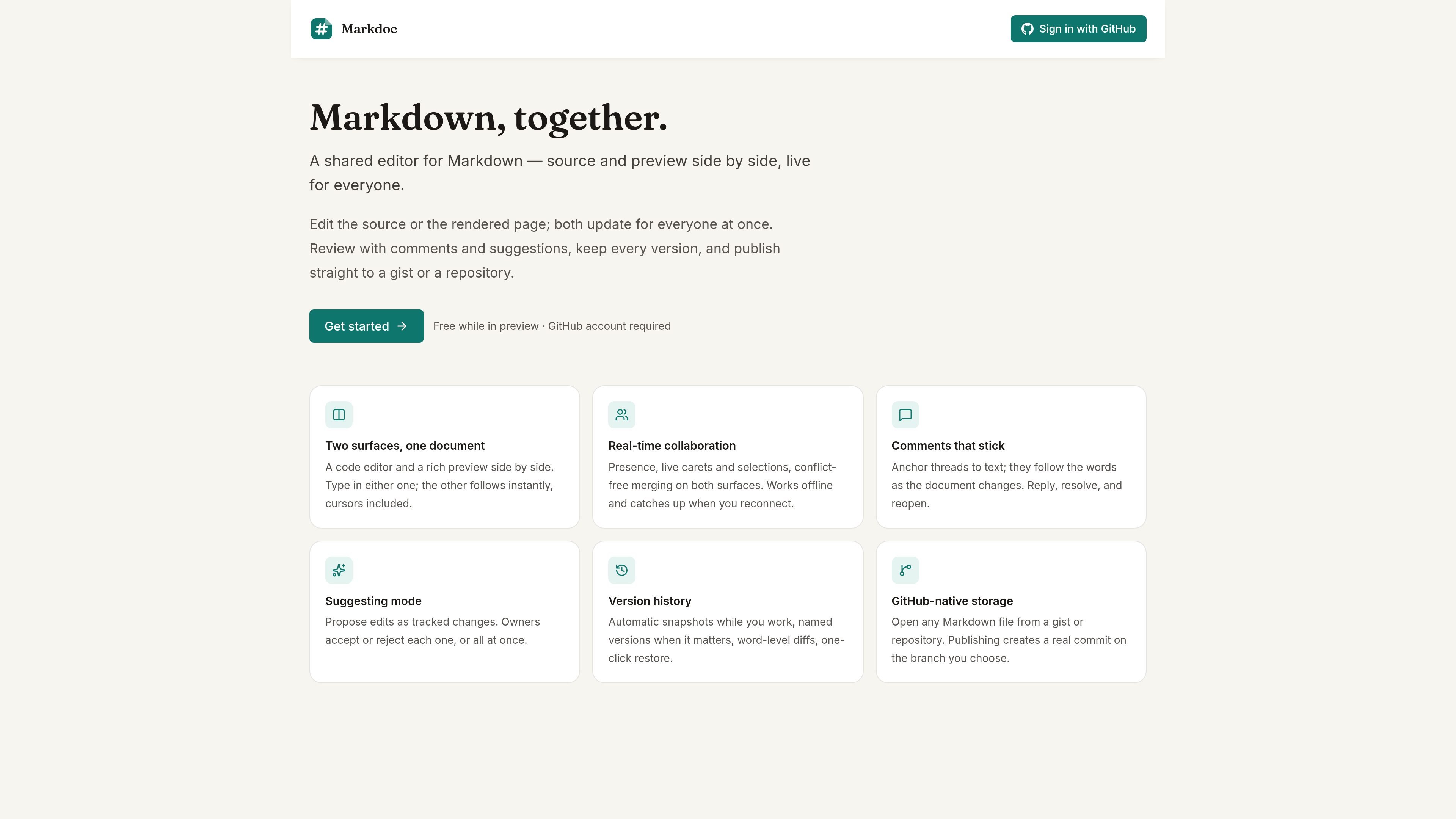
Markdoc is a collaborative Markdown editor for teams or individuals who need to write, review and maintain Markdown documents together. It combines a code-oriented source editor with a rendered preview, keeping both views synchronized as people edit.
The product supports live collaboration, anchored review threads, tracked suggestions and version history. Markdown files can be opened from GitHub gists or repositories, then published as commits to a chosen branch. The homepage describes offline editing with synchronization after reconnection.
A code editor and rendered Markdown preview appear side by side. Editing either surface updates the other for all collaborators, with cursors included.
Presence indicators, live carets and selections support simultaneous editing, while conflict-free merging handles concurrent changes.
Threads can be anchored to text and continue to follow the relevant words as the document changes. Participants can reply, resolve and reopen threads.
Suggesting mode records proposed edits as tracked changes. Document owners can accept or reject suggestions individually or all at once.
Automatic snapshots, named versions, word-level diffs and one-click restore provide a record of document changes.
Markdown files can be opened from GitHub gists or repositories, and publishing creates a commit on a selected branch.
Draft and refine README files, documentation pages or other Markdown files while viewing source syntax and the rendered result together.
Work on the same document with collaborators who need to see presence, cursors and selections while changes are merged in real time.
Review proposed wording or structural changes without directly replacing the current text; owners can accept or reject tracked suggestions.
Discuss specific passages with threads that remain attached to the relevant words, even as the document evolves.
Recover or compare earlier states using snapshots, named versions, word-level diffs and one-click restore before publishing an update.
Markdoc is a shared Markdown editor with a code editor and rendered preview side by side. Changes made in either surface update for everyone in real time.
The source page says Markdoc works with GitHub authentication. It does not provide further setup or account requirements.
Users can open a Markdown file from a GitHub gist or repository. Publishing creates a real commit on a branch the user chooses.
Markdoc supports comments, replies, resolution and reopening, as well as suggesting mode where document owners can accept or reject tracked edits.
The homepage states that Markdoc works offline and catches up when the connection is restored. Other browser, device and platform limitations are not specified.

Biji is a versatile platform designed to enhance productivity through innovative tools and features.

hob is an independent workspace for coding agents, with local control over sessions, terminals, history, routing, and follow-up work.

Dcyde is a shared decision log for product teams to capture what was decided, why, and the source, with searchable records from Slack, Figma, or Dcyde.

runevr is a connected workspace for creative teams, bringing boards, media review, chat, recordings, drive, calls, and AI agents into one room-based environment.

Carbon Voice is an async voice messaging app for teams and individuals, with transcripts, AI catch-up, and cross-device access.

BotBoard is a task-management layer for AI agents to assign work, track progress, and review output via CLI, MCP, and HTTP.