
Telegraph-key style input
Practice Morse entry by tapping the on-screen knob or holding the space bar, with short press mapped to dot and long press mapped to dash.

Monkey Morse is a browser-based Morse code trainer for sending and reading practice with adjustable timing, difficulty, and performance tracking.
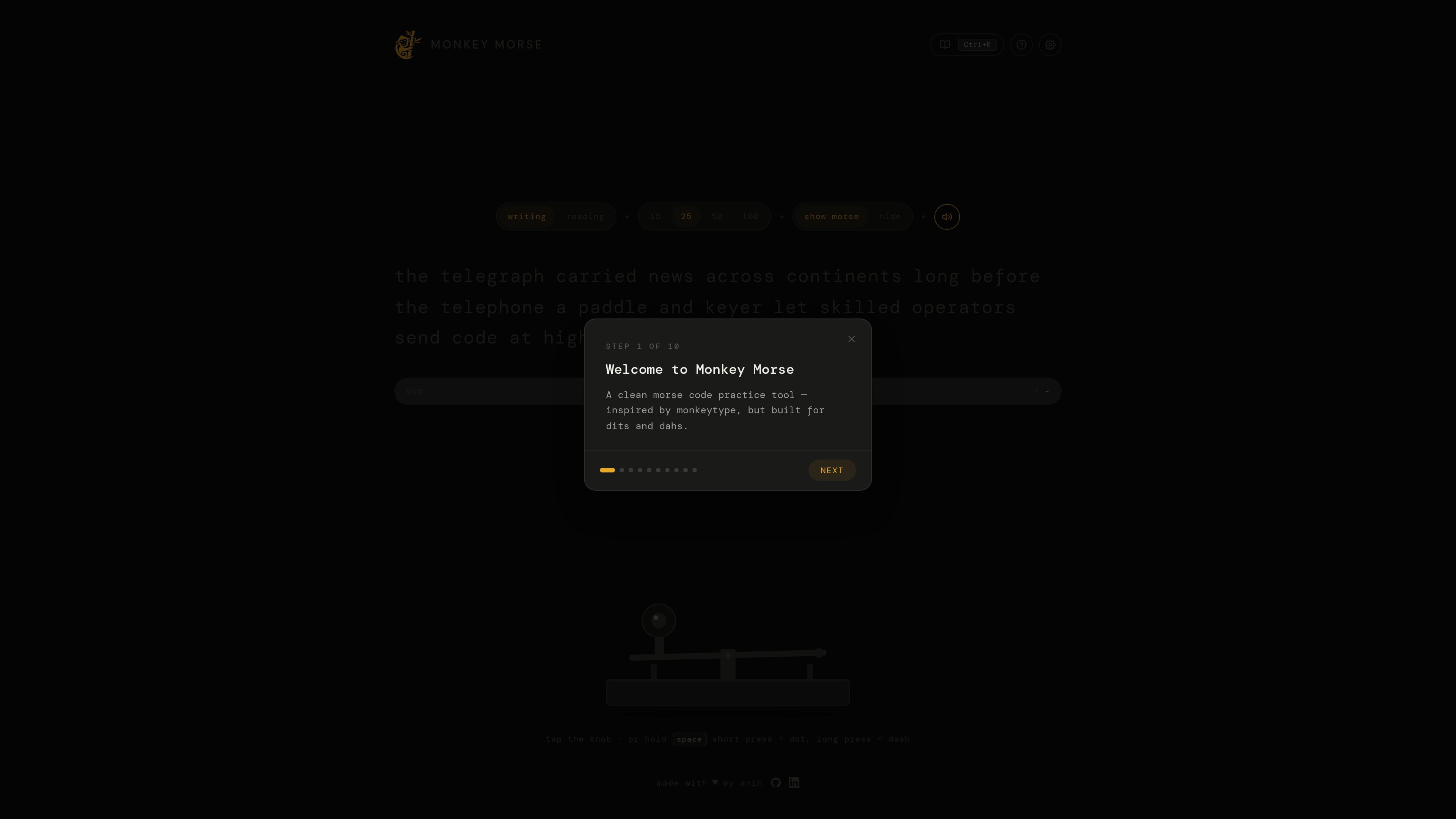
Monkey Morse is a browser-based Morse code practice tool focused on hands-on typing and reading practice. It presents itself as a clean trainer inspired by Monkeytype, but adapted for dits and dahs.
The product combines a telegraph-key input, adjustable timing settings, and guided practice steps so users can work on both sending and decoding Morse. It also tracks practice metrics such as WPM, accuracy, and consistency, which makes it useful for structured self-study rather than casual reference lookup.
Practice Morse entry by tapping the on-screen knob or holding the space bar, with short press mapped to dot and long press mapped to dash.
Switch between beginner, intermediate, and pro difficulty levels to control how challenging the practice session is.
Adjust time-based practice parameters including word timer, tap length, pause between letters, and pause between words.
Work through a step-based lesson sequence and practice with the built-in Morse alphabet list.
Track performance signals including WPM, accuracy, and consistency while you practice.
Use the show/hide Morse control to switch between reading Morse and viewing the underlying text during practice.
A learner can practice entering dots and dashes with the on-screen key or space bar while adjusting timing to match their current skill level.
A user can practice reading Morse by watching the visual wave-style presentation and switching between hidden and shown Morse text for self-checking.
Someone following a structured study routine can move through the step-based sequence and use the alphabet list to reinforce letters.
A more experienced operator can use the pro setting and timing controls to keep practice closer to real transmission speed.
Monkey Morse is a browser-based Morse code practice tool. It lets you type with a telegraph-key style input, practice decoding Morse, and review performance measures such as WPM, accuracy, and consistency.
The source does not show a download or native app. The product is presented as something you use in the browser at monkeymorse.com.
The homepage shows a practice flow with difficulty options, a word timer, Morse timing settings, and a step-based lesson sequence. It also includes a Morse alphabet practice section and a link to Google's Hello Morse for learning from scratch.
The pricing page is present, but the provided source text does not disclose actual prices, tiers, or plan details.

LangPanda is a browser extension for learning languages from streaming video with instant subtitle lookup, flashcards, vocabulary tracking, and SRS for 36 languages.

Talkpal is an AI language learning app for web and mobile with speaking, listening, writing, pronunciation practice, guided courses, roleplays, and 130+ languages.

TubeKit turns public YouTube videos and playlists into AI-powered tools creators can customize and share. Free to try, no signup needed.

BeFreed is a personalized audio learning app that turns books and knowledge sources into narrated listening experiences with interactive audio and learning tools.

ChessWoodie is a chess tactics training app based on the Woodpecker Method. Build pattern recognition, track speed and accuracy, and review missed tactics from your own games.

AGINE Academy — a gamified online academy for learning Claude in work, creative tasks, and automation. Start with a free lesson and real missions, no dev experience needed.