
Video and playlist input
Paste a public YouTube video or playlist URL and TubeKit uses the source content as the input for tool generation.

TubeKit turns public YouTube videos and playlists into AI-powered tools creators can customize and share. Free to try, no signup needed.
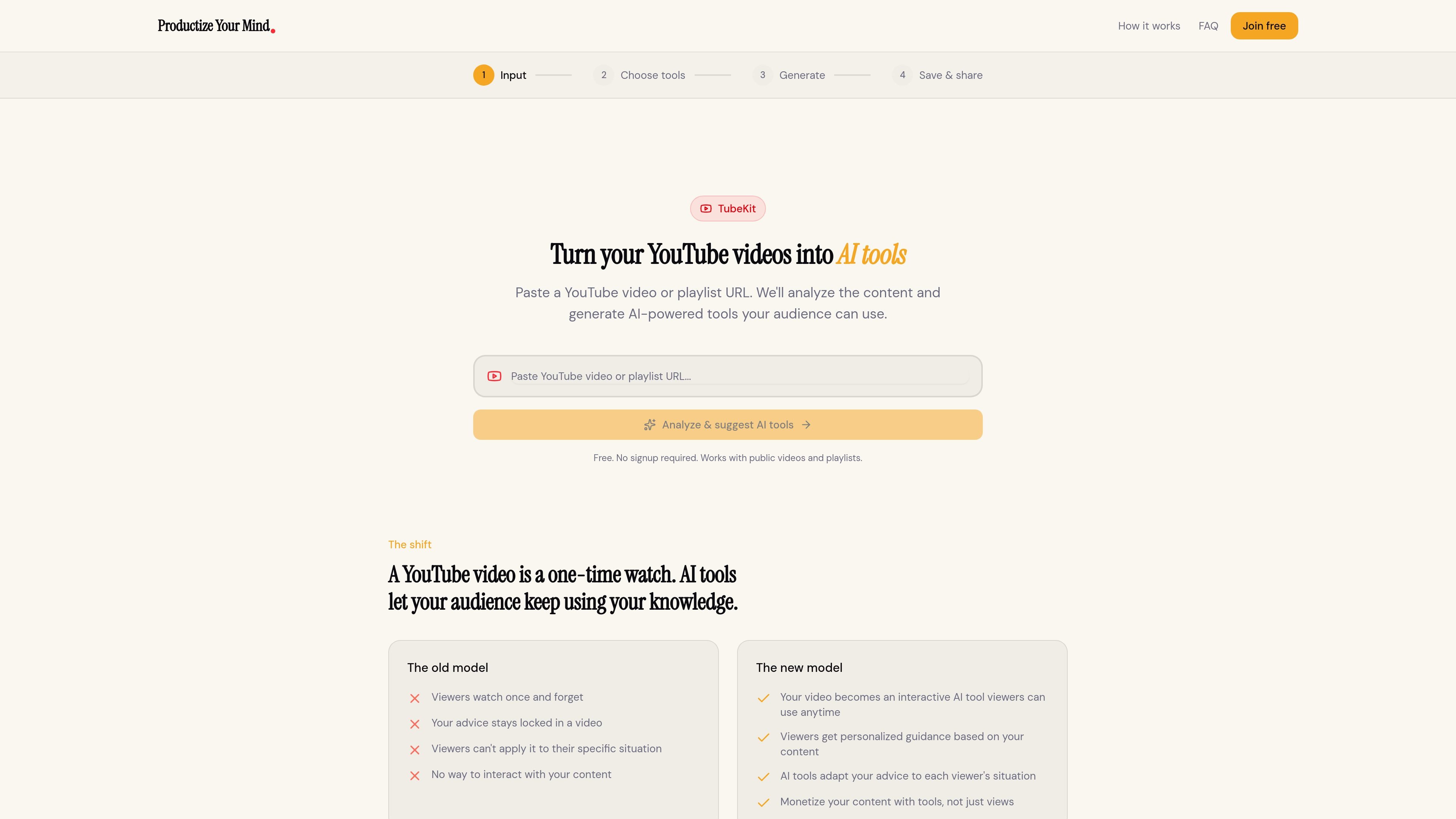
TubeKit turns public YouTube videos and playlists into AI-powered tools. Instead of asking viewers to watch a video once and leave, it analyzes the content and generates an interactive tool that people can keep using around the same topic.
The workflow is simple: paste a YouTube URL, let TubeKit analyze the content with Gemini AI, choose from suggested tool ideas, customize the one that fits your audience, and share it through a link, embed code, or community post. The product is positioned as a free-to-try way for creators to productize their expertise from existing video content.
Paste a public YouTube video or playlist URL and TubeKit uses the source content as the input for tool generation.
TubeKit uses Gemini AI to watch and understand the content instead of relying on transcript scraping.
After analysis, the product suggests three AI tools based on the video, giving you a few options to choose from.
You can pick the suggested tool that best fits your audience and customize it before generating the final version.
TubeKit provides a shareable link, embed code, or community-sharing option so the tool can be published beyond the original video.
The homepage states the product is free to try and does not require signup for the initial workflow.
Turn an educational video into a conversational tool that helps viewers apply the lesson to their own situation after they finish watching.
Convert a playlist into a more interactive audience experience when you want people to do more than passively watch episodes.
Create a tool around advice or expertise so followers can ask for guidance based on the ideas in your video content.
Package a video into an embeddable experience that can live on a website or inside a community space instead of only on YouTube.
Test a product idea quickly by starting from a public video and seeing which AI tool suggestion best fits your audience.
It analyzes a public YouTube video or playlist URL, then uses Gemini AI to understand the content and suggest tools based on that material.
Yes. The homepage says it works with public videos and playlists, and the workflow includes playlist URLs as an input.
TubeKit generates AI tools from your video content and then lets you customize the suggested tool before sharing it.
Yes. The homepage says you can customize the suggested tool before generating and sharing it.
The homepage says it is free to try and requires no signup. It does not provide paid pricing details on the pages provided.

AGINE Academy — a gamified online academy for learning Claude in work, creative tasks, and automation. Start with a free lesson and real missions, no dev experience needed.

Framework First Academy is an online learning platform with 30 courses on choosing and applying frameworks, plus a free decision map and flexible plans.

Hype is a web tool for finding trending YouTube topics by category, time range, and scoring mode. Spot emerging ideas and review source videos.

Spotit is a macOS app that reads your screen and highlights exactly where to click, using voice questions and on-screen guidance.

VForms lets you place questionnaires inside YouTube videos, capturing feedback in context with timestamped, embeddable video forms.

BeFreed is a personalized audio learning app that turns books and knowledge sources into narrated listening experiences with interactive audio and learning tools.