
Single-tenant Cloudflare deployment
Deploys into a single Cloudflare account and provisions the platform on Cloudflare primitives instead of a separate hosted backend.

nodrix is an open-source IoT platform that deploys to your own Cloudflare account. It supports device telemetry over HTTPS or WebSocket, realtime dashboards, automations, and a read API.
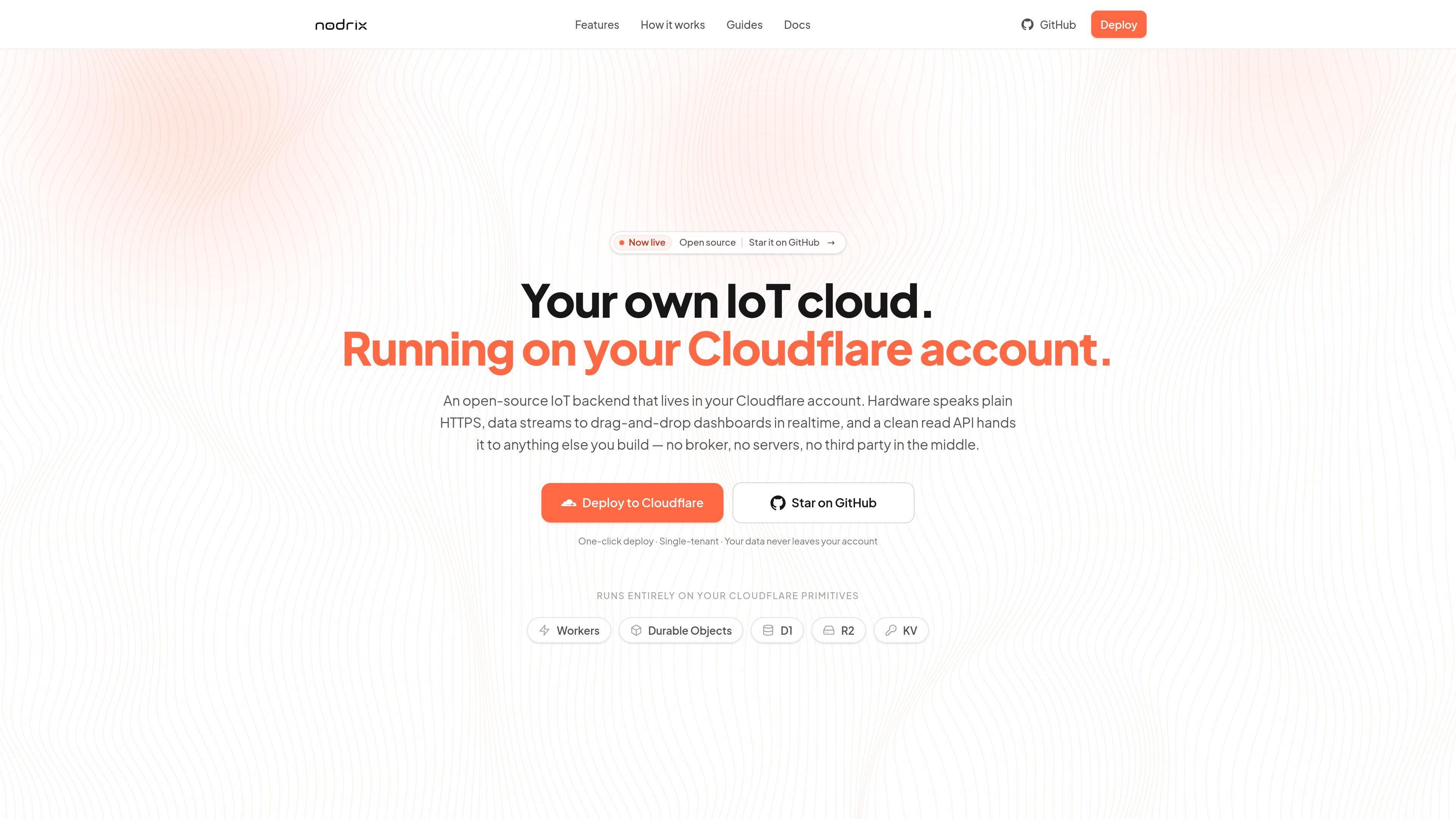
nodrix is an open-source, single-tenant IoT platform that deploys to your own Cloudflare account. It is designed for people who want to run an IoT backend without hosting servers themselves or placing device data in a third-party cloud.
The platform handles telemetry ingestion, variable storage, live dashboards, control writes, automations, and a read API. The source describes hardware connecting over HTTPS or WebSocket, with devices posting metrics directly to a worker URL and dashboards updating in realtime through hibernating WebSockets.
Deploys into a single Cloudflare account and provisions the platform on Cloudflare primitives instead of a separate hosted backend.
Devices can POST telemetry over HTTPS or maintain a WebSocket connection, with variables created automatically when new metric keys arrive.
A drag-and-drop dashboard lets you bind widgets to variables, show live values, and send control writes back to hardware.
Visual automations can trigger from thresholds, schedules, sunrise/sunset, events, or manual runs, then set variables or call integrations.
A read API exposes the latest state, variable listings, and recent time-series behind bearer-token authentication for external apps.
An optional MCP server lets AI clients inspect projects and, with explicit opt-in, drive management actions with audit logging.
Connect an ESP32, ESP8266, Raspberry Pi Pico W, or similar board to a cloud backend over HTTPS, then read back commands or control writes when needed.
Build a live operations or maker dashboard that shows current readings, charts history, and lets an operator toggle or adjust a variable from the page.
Create threshold, schedule, or event-driven flows that set values, emit events, or call HTTP, email, or chat integrations from the edge.
Expose the latest state and time-series data to Grafana, a custom app, or a Pi display through the bearer-token read API.
Enable AI clients to inspect projects and, if you choose, manage automations through the MCP server with explicit owner-gated access.
It deploys into your own Cloudflare account, where the button provisions Workers, Durable Objects, D1, R2, and KV for the instance.
Hardware can send telemetry over HTTPS or WebSocket, and the docs also describe reading state through a bearer-token API for external apps.
The source shows dashboards, automations, a read API, device protocol docs, guides for ESP32, ESP8266, Raspberry Pi Pico W, and MCP support for AI clients.
The pricing URL returns a not-found page, so no plan or cost details are available from the provided sources.

ByteAsk is a terminal-first AI coding agent for C and C++ that edits repos and verifies changes with compilers, debuggers, sanitizers, and tests.

PromptScout tracks how ChatGPT, Gemini, Google AI Overviews, and Perplexity mention your brand or competitors, with source analysis and website audits.

CreateOS Sandbox is an isolated compute environment for running code and agent workloads in Firecracker micro-VMs with private networking and SDK, CLI, or MCP control.

Sleek Analytics is a privacy-friendly web analytics tool with real-time visitor tracking, Core Web Vitals, and revenue attribution.

hob is an independent workspace for coding agents, with local control over sessions, terminals, history, routing, and follow-up work.

Ably Chat is a chat API platform for custom realtime chat apps, with rooms, typing indicators, presence, reactions, message updates and usage-based pricing.