
Value-based secret detection
Reads values from untracked root `.env` and `.env.*` files and checks whether those exact values appear in staged changes, tracked files, or repository history.

Omerta is an offline CLI and Git hook that detects environment-value leaks in staged, tracked, or repository-history files without exposing secrets.
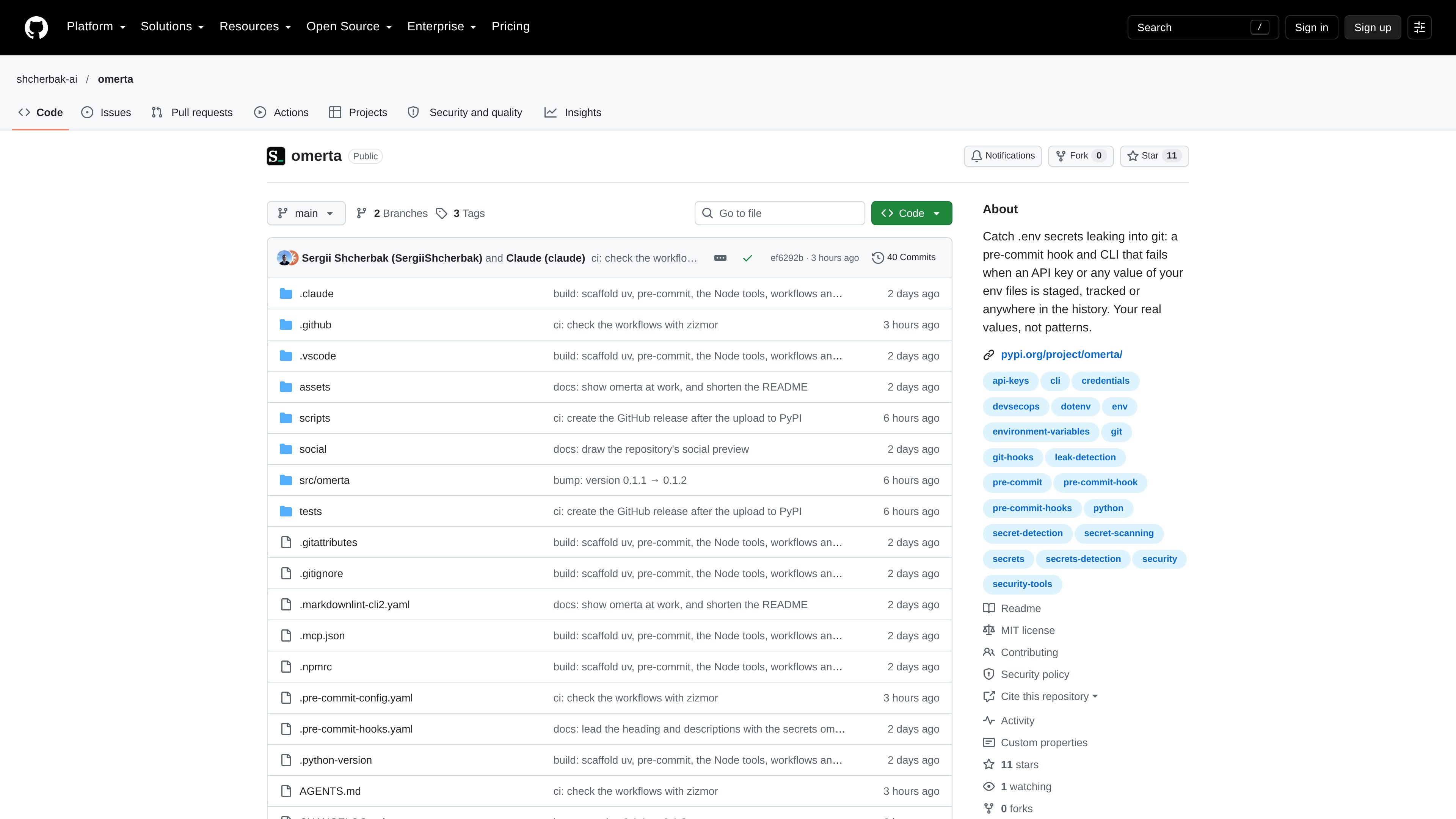
Omerta is an offline Git secret-detection CLI and hook for finding the actual values loaded from environment files in source control. Instead of matching generic key patterns, it reads values from untracked `.env` and `.env.*` files and checks whether those values have been staged, tracked, or committed in repository history.
It is designed to catch leaks before commits and to investigate existing repositories. Results identify the variable name and the env-file source without printing the value; scans return distinct exit codes for no findings, findings, and errors. The project documents use with pre-commit, other Git-hook managers, and CI.
Reads values from untracked root `.env` and `.env.*` files and checks whether those exact values appear in staged changes, tracked files, or repository history.
Searches values as written and in URL percent-encoded, JSON-escaped, and base64-encoded forms, including text, binary files, and file names.
Provides separate commands for staged changes, a path, all tracked files, or every reachable file version and commit or tag message.
Runs locally without network access and reports variable names and source env files rather than the matched secret values.
Supports pre-commit and examples for Husky, Lefthook, plain Git hooks, and CI workflows. Its exit codes distinguish clean results, findings, and errors.
Supports `.omerta.toml` or `pyproject.toml` configuration for env-file patterns, ignored variables, minimum value length, encoded searching, JSON Lines output, quiet mode, and repository paths.
Add the documented Omerta hook to a repository's pre-commit configuration so staged changes are checked before a commit is created. Husky, Lefthook, plain Git hooks, and Python-local hook setups are also documented.
Run `omerta check --all` against a checkout to identify environment values already present in tracked files, including values embedded in paths or encoded content.
Run `omerta history` after a full checkout to locate the commit where an environment value enters a file, tag, or commit message. This supports investigation of past exposure.
Add the CLI to a CI job on pushes or pull requests. The documented workflow uses a full Git history checkout, checks tracked files, and then scans history without requiring the developer's local untracked `.env` files.
Install it with `uvx omerta check --all` for tracked files or `uvx omerta history` for reachable commits, tags, and messages. It can also be installed with `pip install omerta`.
Yes. The documented pre-commit configuration uses Omerta as a hook. The project also shows examples for Husky, Lefthook, plain Git hooks, and a local hook in a Python project.
In CI, Omerta scans committed environment files because the untracked local `.env` files are not available. The documented GitHub Actions example checks all tracked files and scans history after a full checkout.
Omerta reads values from root-level `.env` and `.env.*` files that Git does not track, then searches for those values as written and in percent-encoded, JSON-escaped, or base64-encoded forms. It reports the variable name and source file without printing the value.
The documented requirements are Git 2.31 or later and Python 3.11 or later. On Windows on ARM, the project specifies using an x64 Python because its hyperscan dependency has no Windows ARM wheels.

ByteAsk is a terminal-first AI coding agent for C and C++ that edits repos and verifies changes with compilers, debuggers, sanitizers, and tests.

Epherem scans web apps built with Lovable, Bolt, v0, Replit, Cursor, and Claude Code for security flaws in source code and dependencies, without running the app.

CreateOS Sandbox is an isolated compute environment for running code and agent workloads in Firecracker micro-VMs with private networking and SDK, CLI, or MCP control.

GitBot is a local browser workspace for reusable coding bots powered by Claude Code, Codex, or OpenCode, with persistent threads and configurable permissions.

hob is an independent workspace for coding agents, with local control over sessions, terminals, history, routing, and follow-up work.

Ably Chat is a chat API platform for custom realtime chat apps, with rooms, typing indicators, presence, reactions, message updates and usage-based pricing.