
Assistant-native publishing
Publia works inside Claude and Codex through a one-time skill install, then lets you publish with a simple 'publish this' prompt.

Publia turns pages made in Claude or Codex into a live web page at a publia.sh address. Free to start, with CLI upload and browser drag-and-drop.
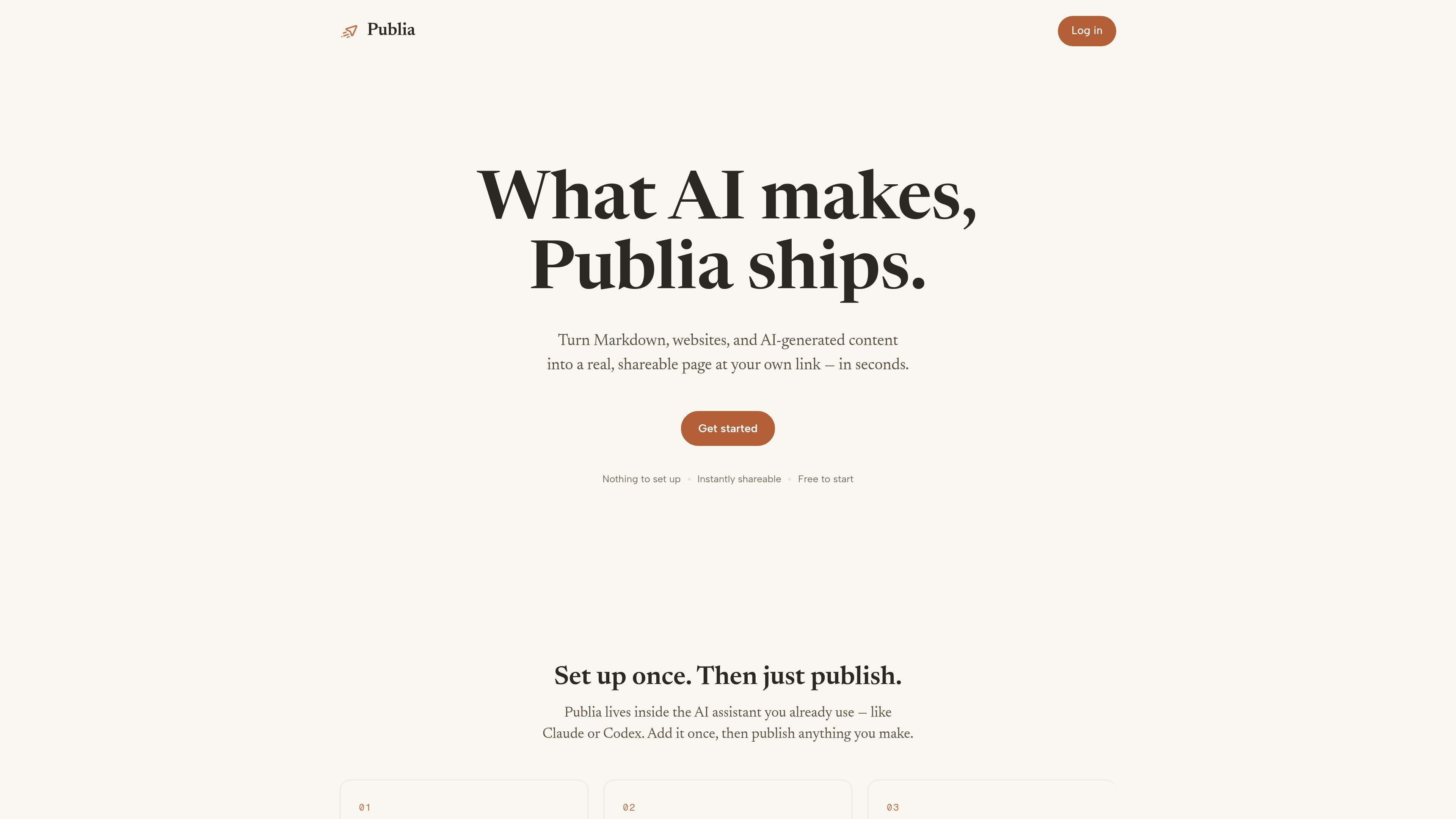
Publia is a publishing layer for AI-generated pages and other simple web content. It turns what you make in Claude or Codex into a live page at a real URL, and it also supports direct uploads from the terminal or browser drag-and-drop.
The product is built around a one-time setup: install the Publia skill, sign in, and then ask your assistant to publish. Free publishing includes a publia.sh address, while Pro adds custom domains, footer removal, password protection, a personal home page, and more storage.
Publia works inside Claude and Codex through a one-time skill install, then lets you publish with a simple 'publish this' prompt.
A page can be pushed live from the terminal with `npx publia-cli upload ./site`, which is useful when you already have a folder of files ready to go.
You can drop a file into the browser at publia.ai and put it online without setting up an assistant or command line workflow.
Published pages get a `publia.sh` address on the free plan, with automatic HTTPS and an always-on shareable link.
Pro adds custom domains, footer removal, password protection for any page, a personal home page, and increased storage.
Use Publia when you want an AI assistant to turn a draft, landing page, or announcement into a live web page without switching to a separate site builder.
Use the CLI when your content already exists as files in a local folder and you want to upload the whole site in one command.
Use browser drag-and-drop when you have a simple file or page and want to get it online with minimal setup.
Use Pro when you need a branded site on your own domain, with the option to remove the Publia footer and password-protect pages.
No. The setup guides say you can describe what you want and let Claude or Codex make the page, then publish it through Publia.
Published pages live at a publia.sh address by default. Upgrading to Pro lets you connect your own custom domain.
The free plan is free forever and does not require a card. Pro adds custom domains, footer removal, more storage, password protection, and a personal home page.
The site says pages can be exported anytime as plain files, so you can keep your work outside the service.

Make Real is a Next.js app that turns hand-drawn wireframes into HTML prototypes with the tldraw SDK and AI models, with canvas sketching and embedded preview.

ByteAsk is a terminal-first AI coding agent for C and C++ that edits repos and verifies changes with compilers, debuggers, sanitizers, and tests.

CreateOS Sandbox is an isolated compute environment for running code and agent workloads in Firecracker micro-VMs with private networking and SDK, CLI, or MCP control.

hob is an independent workspace for coding agents, with local control over sessions, terminals, history, routing, and follow-up work.

Ably Chat is a chat API platform for custom realtime chat apps, with rooms, typing indicators, presence, reactions, message updates and usage-based pricing.

Prompty Town turns a link into a building in a small internet city. Buy a tile, add a prompt, and publish it alongside other buildings.