

Relume
Relume is an AI-powered website builder that enables users to effortlessly generate sitemaps, wireframes, and design systems for marketing websites in minutes.
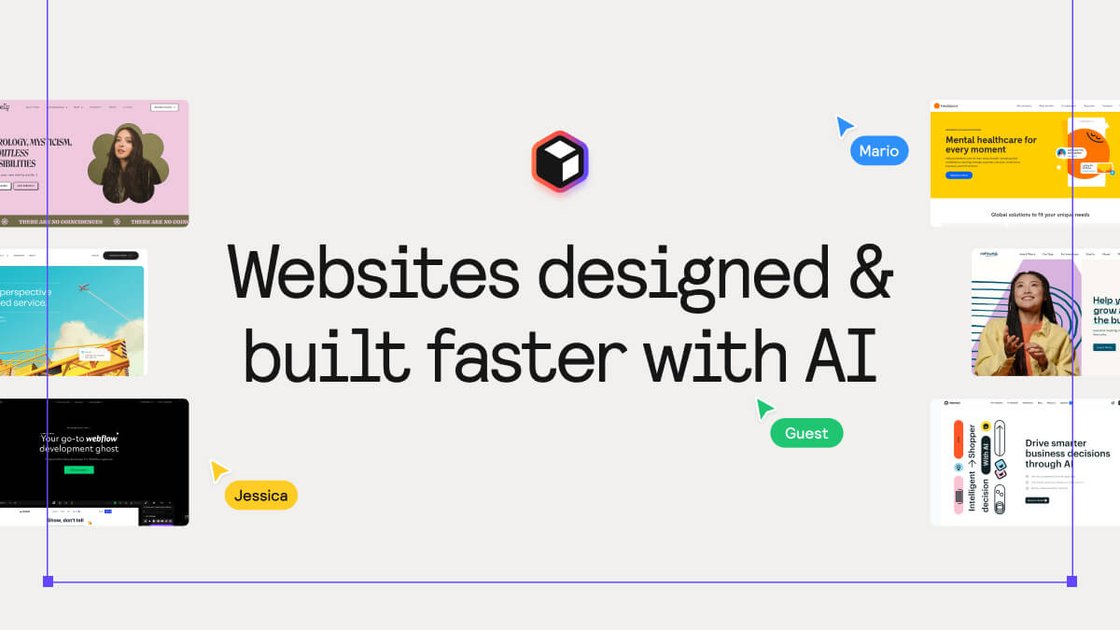
What is Relume?
Relume is an innovative AI website builder designed to streamline the web design process. By harnessing the power of artificial intelligence, Relume allows users to quickly generate sitemaps and wireframes, transforming ideas into structured designs in a matter of minutes. This tool is perfect for designers and developers looking to enhance their workflow, reduce project timelines, and improve collaboration with clients.
With Relume, users can kick off their projects with a clear sitemap, avoiding scope creep and ensuring that all key pages are accounted for from the start. The platform's AI capabilities extend beyond just mapping; it also includes a vast library of components that can be easily integrated into popular design tools like Figma, Webflow, and React.
Key Features
- AI-Generated Sitemaps: Quickly create comprehensive sitemaps by providing just a few sentences about your project.
- Instant Wireframe Creation: Transform your sitemap into wireframes with a single click, generating real components ready for editing.
- Extensive Component Library: Access over 1000+ components designed for Figma, Webflow, and React, complete with mobile variants.
- Style Guide Builder: Streamline the design process by creating visual concepts and locking in a design system effortlessly.
- Cross-Team Collaboration: Share projects, leave comments, and collaborate with team members and clients to enhance communication and approval processes.
- Export Options: Easily export designs to Figma, Webflow, or React, ensuring compatibility with your existing workflow.
How to Use Relume
- Sign Up: Start by creating an account on the Relume website to access the platform.
- Generate a Sitemap: Use the AI tool to input a brief description of your project, and let Relume generate a sitemap for you.
- Create Wireframes: Once your sitemap is ready, click a button to convert it into wireframes, allowing you to visualize the layout.
- Customize Components: Browse the component library to find elements you want to include in your design, and customize them as needed.
- Collaborate and Export: Share your designs with team members for feedback, and export your final designs to your preferred platform.
Use Cases
- Freelancers: Freelance web designers can use Relume to quickly produce client proposals and wireframes, significantly reducing the time spent on initial drafts.
- Agencies: Marketing agencies can streamline their project workflows by using Relume to create sitemaps and wireframes for multiple clients simultaneously.
- Startups: New businesses can leverage Relume to build their online presence quickly, utilizing AI to generate professional designs without extensive design experience.
- E-commerce: Online retailers can create tailored marketing websites that effectively showcase their products and services, enhancing customer engagement.
- Educational Institutions: Schools and universities can design informative websites that provide essential information to students and parents, ensuring a user-friendly experience.
FAQ
Q: What is the pricing structure for Relume?
A: Relume offers various pricing plans, starting with a free trial for new users. Paid plans are designed to be cost-effective, typically costing less than 1% of the average project value.
Q: Can I use Relume with existing design tools?
A: Yes, Relume is compatible with popular design tools such as Figma, Webflow, and React, allowing for seamless integration into your current workflow.
Q: How does Relume ensure the quality of its components?
A: Relume's component library is regularly updated and built with best practices in mind, ensuring high-quality, responsive designs.
Q: Is there support available for users?
A: Yes, Relume offers customer support to assist users with any questions or issues they may encounter while using the platform.
Q: How does the AI work in Relume?
A: The AI in Relume analyzes user inputs to generate structured sitemaps and wireframes, making the design process faster and more efficient.
Alternatives

Make Real
Draw a UI and make it real using the tldraw SDK.

Refero
Refero: UI/UX design inspiration & references for web/iOS. Find tens of thousands of screenshots with advanced search for designers.

Pixso
Pixso is a next-generation AI-native UI design tool that allows users to generate design drafts and code with a single click, serving as a domestic alternative to Figma.

Runner AI
Runner AI: AI-powered e-commerce store builder. Create, test, and optimize online stores automatically. No coding or design skills needed. Launch fast!

Prompty Town
Prompty Town is a tiny internet city of links—buy a tile, attach your link, prompt it with text/content, and let others browse.

beehiiv
beehiiv is an all-in-one newsletter and website platform with publishing, growth, analytics, and monetization tools for creators and brands.