RunInfra icon

RunInfra

RunInfra benchmarks GPUs, tunes runtime paths, and turns open-source models into production inference stacks with managed API or export for self-hosting.

RunInfra

Overview

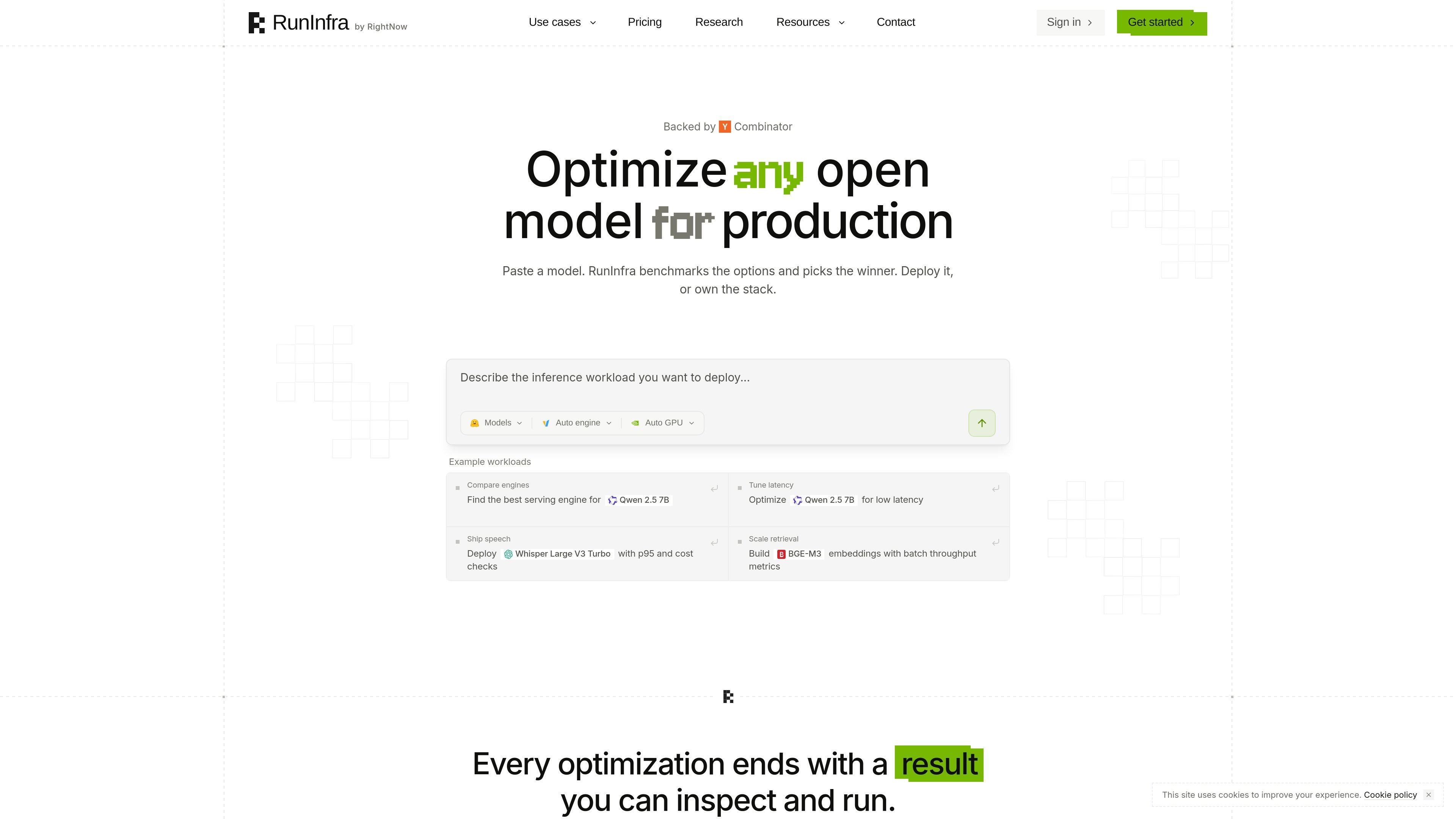
RunInfra is a platform for turning an open-source model into a production inference stack. You describe the workload, and the service benchmarks GPUs, compares compatible serving engines, tunes supported runtime paths, and produces either a managed API or an exportable stack your team can inspect and own.

The site shows the product being used for model serving, latency and cost checks, GPU selection, and deployment planning across workloads such as chat, speech, embeddings, and retrieval. Pricing is credit-based: Core is a self-serve monthly plan, while Enterprise adds dedicated infrastructure, compliance, custom volume, and support for self-hosted or custom-GPU deployments.

Core capabilities

Benchmarks GPU and engine options

RunInfra compares serving engines and GPU targets for a described workload, then benchmarks the candidates before selecting a path. The site shows comparisons across engines, GPU classes, p95 latency, throughput, VRAM, and cost.

Tunes runtime paths for the model

The product applies optimization steps where supported, including quantization, kernel tuning, KV cache reuse, speculative decoding, prefix caching, FlashAttention v2, and batching-related serving settings. The homepage presents these as part of the tuning workflow rather than manual configuration the user has to write by hand.

Produces an inspectable result

A run ends with a benchmark receipt and a deployment kit that can be inspected. The site says the stack is not hidden and can be reproduced or changed before deployment.

Supports managed deploy and export

RunInfra can deploy a production API endpoint or export the stack for self-hosting. The homepage shows managed endpoints, exportable Docker and deployment files, and examples of deployment on RunInfra, RunPod, and Modal.

Covers the full optimization workflow

The pricing page lists OpenAI-compatible API endpoints, agent chat, plans, benchmarking, unlimited pipelines, and versioning in Core. This suggests the workflow covers planning, testing, and serving in one system.

Adds enterprise controls and private infrastructure

Enterprise adds self-hosted and custom-GPU deployment, audit logs, RBAC, dedicated support, and access to B200/H200 GPUs. The security page adds documented controls such as encryption, logging, and incident response.

Common ways to use RunInfra

  • Selecting a serving setup for a new model

    Use RunInfra to choose a model, compare GPU candidates, and validate latency, throughput, VRAM, and cost before you deploy. This fits teams that want an evidence-based serving choice rather than a default GPU pick.

  • Optimizing a workload for latency or cost

    Describe a chat, speech, embedding, or retrieval workload and let the platform generate an optimized serving path. The homepage shows examples for Qwen, Whisper, and BGE-style workloads.

  • Moving from hosted inference to self-hosted deployment

    Start with a managed endpoint when you want the service to host the stack, then export the same runtime kit if you later need to run it in your own environment. The site shows deployment on RunInfra, RunPod, and Modal, plus downloadable stack files.

  • Meeting enterprise procurement and security requirements

    Enterprise teams that need private infrastructure, audit logs, RBAC, and a documented security posture can use the Enterprise plan instead of Core. The security page and pricing page describe these controls and support arrangements.

  • Tracking and reviewing optimization runs

    Teams that want a reproducible record of benchmark results can use the receipt and versioned pipeline workflow. The pricing page mentions unlimited pipelines and versioning, and the homepage shows benchmark receipts with before-and-after metrics.

Pros and Cons

Pros

  • Combines benchmarking, tuning, and deployment in one workflow.
  • Shows the chosen stack with measurable output such as latency, throughput, VRAM, and cost.
  • Supports both managed endpoints and exportable deployment artifacts.
  • Uses a credit model without per-seat fees on the Core plan.
  • Provides enterprise options for private infrastructure, compliance, and support.

Cons

  • The public site gives only partial detail on integrations, supported clouds, and some workflow limits.
  • Advanced controls such as self-hosted deployment, custom GPUs, RBAC, and audit logs are tied to Enterprise rather than the Core plan.
  • The homepage and pricing page do not publish a comprehensive limit table or full list of supported deployment targets.

FAQ

What does RunInfra do?

RunInfra takes a described inference workload, matches it to compatible open models, benchmarks GPU options, and produces a deployment path or exportable stack. The output can be used as a managed endpoint or taken elsewhere for self-hosting.

How is RunInfra priced?

The pricing page shows Core as a self-serve monthly credit plan and Enterprise for dedicated infrastructure, compliance, custom credit volume, and contract terms. Core includes a shared credit balance for optimization, deploys, and the agent.

Which models and engines are supported?

The homepage and pricing page show support for open-source models and common serving engines such as vLLM and SGLang, along with OpenAI-compatible API endpoints. The site also shows model families such as Llama, Qwen, Mistral, Whisper, Gemma, DeepSeek, and others.

Can I export or self-host the stack?

The product can deploy a managed endpoint on RunInfra or export a runnable stack, including files such as Dockerfile, compose.yaml, k8s/deployment.yaml, serve.py, benchmark.md, and runinfra.yaml. The site also shows options to deploy on your own RunPod account or Modal workspace.

Is RunInfra positioned for security-conscious teams?

RunInfra’s security page states that the service is SOC 2 Type II attested, uses TLS in transit, AES-256 encryption at rest for the primary database and object storage, and role-based access control. Enterprise includes audit logs and RBAC on the pricing page.

Quick Facts

Category
AI Infrastructure
Primary use
Optimize and deploy open-source model inference stacks
Pricing model
Credit-based Core plan plus Enterprise contract pricing
Deployment
Managed API endpoints or exportable stack
Public site
runinfra.ai
Security
SOC 2 Type II attested; encryption and RBAC documented